
On this page
- 01Key takeaways
- 02Should you have a pricing page at all?
- 03Mistake 1: too many options
- 04Mistake 2: hidden or surprise costs
- 05Mistake 3: unclear inclusions
- 06Mistake 4: unreadable comparison tables
- 07Mistake 5: no next step
- 08Mistake 6: no reassurance
- 09What does this look like in practice?
- 10Pricing page checklist
- 11Next step
- 12Sources and further reading
- 13Frequently asked questions
Key takeaways
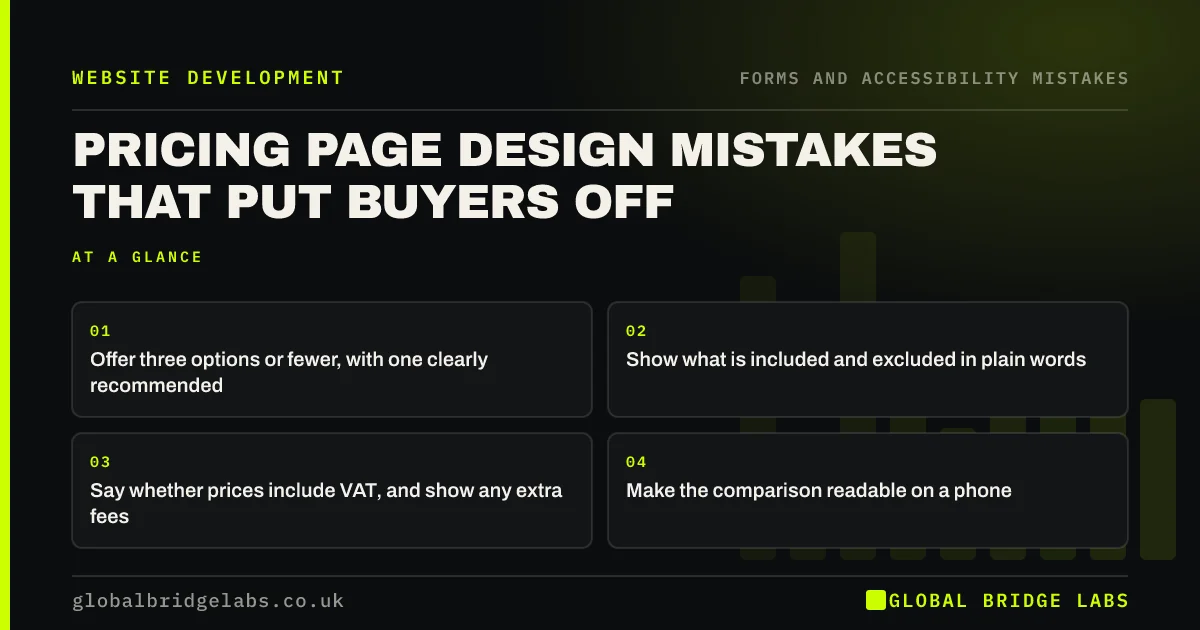
A pricing page should help a buyer choose quickly and confidently. The design mistakes that put buyers off are too many options, hidden or surprise costs, unclear inclusions, prices without VAT status, comparison tables nobody can read on a phone and no clear next step. Three options or fewer, plain inclusions and a total price usually work best.
- Offer three options or fewer, with one clearly recommended.
- Show what is included and excluded in plain words.
- Say whether prices include VAT, and show any extra fees.
- Make the comparison readable on a phone.
Want your pricing page reviewed? Message us on WhatsApp.
Chat on WhatsApp →Should you have a pricing page at all?
Whether to show prices is a business decision covered in our guide on showing prices. This article is about design: once you have decided to show prices, packages or ranges, how to present them so buyers can choose rather than leave confused.
Mistake 1: too many options
Five or six packages with small differences force buyers to compare every line. Hick's Law says more choices mean slower decisions. Offer three options or fewer, make the differences obvious and highlight the one most customers choose.
Mistake 2: hidden or surprise costs
Prices that grow at checkout or on the quote, through set-up fees, call-out charges or VAT, damage trust. UK consumer law requires prices to be clear, and the Digital Markets, Competition and Consumers Act 2024 targets drip pricing, where unavoidable fees are revealed late. Show the total, or show every mandatory fee upfront.
Mistake 3: unclear inclusions
Feature lists full of jargon ('Tier 2 support', '5 revisions') leave buyers guessing. List what the buyer gets in their terms, and say clearly what is not included, so there are no surprises later.
Mistake 4: unreadable comparison tables
Wide comparison tables with many columns shrink to illegibility on phones. On mobile, show each plan as a card with its key inclusions, or let visitors compare two at a time. Use ticks with text, not colour alone, to show what is included.
Want a pricing layout that works on phones? Message us on WhatsApp and we will discuss your requirements.
Chat on WhatsApp →Mistake 5: no next step
Some pricing pages list packages and stop. Each option needs a clear button ('Book this', 'Get a quote for this package'), and the page should offer a route for buyers whose needs do not fit a package, such as 'Not sure? Talk to us'.
Mistake 6: no reassurance
Price is where buyers feel most risk. Put reassurance next to it: reviews, guarantees, cancellation terms or a short FAQ about payment. These answer the objections that arise at the moment of choosing.
What does this look like in practice?
A pattern we see: a pricing page offers five packages in a wide table with prices excluding VAT in small print. Cutting to three packages shown as cards, with VAT status clear and one recommended, makes the choice quicker and avoids surprise at the quote stage.
Pricing page checklist
- Offer three options or fewer.
- Recommend one option.
- List inclusions and exclusions plainly.
- Show VAT status and all mandatory fees.
- Use cards on mobile.
- Give each option a clear button.
- Add reassurance beside prices.
Next step
Ask someone outside the business to pick a package from your pricing page and explain why. Note where they hesitate.
Message us on WhatsApp for a pricing page review, or book a 30-minute consultation.
Chat on WhatsApp →Sources and further reading
- Hick's Law: designing long menu lists · Nielsen Norman Group
- Digital Markets, Competition and Consumers Act 2024 · legislation.gov.uk
- Unfair commercial practices guidance (CMA207) · Competition and Markets Authority
- Understanding SC 1.4.1: Use of Color · W3C
Frequently asked questions
How many pricing options should a website show?
Three or fewer works for most businesses, with one highlighted as the most popular or recommended. More options slow decisions and make differences harder to see.
Should website prices include VAT?
Prices shown to consumers should generally include VAT. Business-to-business prices are often shown excluding VAT, but say so clearly. Either way, buyers should see the total they will pay, including mandatory fees.
What should a pricing page include?
Up to three clear options, what each includes and excludes in plain words, the total price and VAT status, a button for each option, a route for custom needs, and reassurance such as reviews, guarantees or payment FAQs.
Written by

Global Bridge Labs (GBL) is a UK–Sri Lanka partner for social media, websites and BPO. Everything here comes from client delivery, not theory.


