
On this page
Key takeaways
Moving from HTTP to HTTPS is a migration, because every URL changes protocol. Install a certificate, redirect every HTTP URL to its HTTPS version with a permanent redirect, fix mixed content, update canonicals, internal links and the sitemap, and add the HTTPS version in Search Console. Done properly, it is one of the lowest-risk migrations, and Google treats HTTPS as a ranking signal.
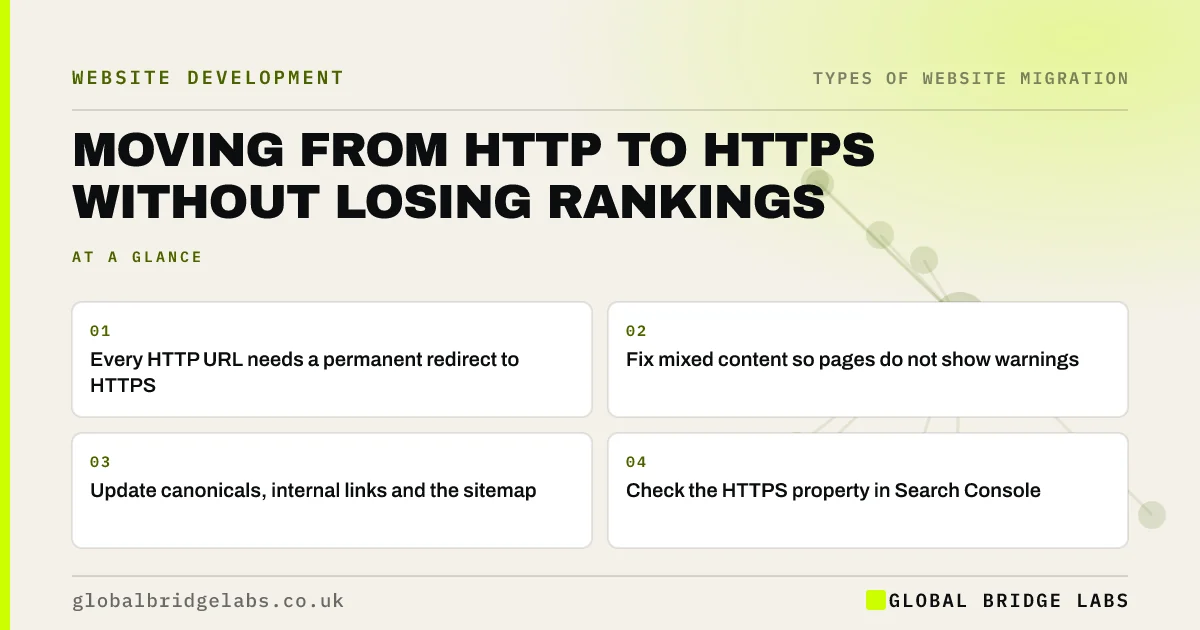
- Every HTTP URL needs a permanent redirect to HTTPS.
- Fix mixed content so pages do not show warnings.
- Update canonicals, internal links and the sitemap.
- Check the HTTPS property in Search Console.
Still on HTTP? Message us on WhatsApp and we will check your site.
Chat on WhatsApp →Why does HTTPS count as a migration?
Search engines treat http://example.co.uk/page and https://example.co.uk/page as different URLs. Switching protocol therefore changes every address on the site, even though the paths stay the same. Because the paths match, the redirect map is simple: one rule sends every HTTP request to the same path on HTTPS. The risk comes from loose ends such as mixed content and internal links.
Google announced HTTPS as a ranking signal in 2014, and browsers now warn visitors on pages that are not secure.
What are the steps?
Most hosts now provide certificates at no extra cost, so the work is mainly configuration and checking.
- Install a certificate covering every version of the domain.
- Redirect all HTTP URLs to HTTPS in one hop.
- Fix mixed content: images, scripts and fonts on HTTP.
- Update canonical tags and internal links to HTTPS.
- Submit an HTTPS sitemap in Search Console.
- Keep redirects in place permanently.
What goes wrong?
The common problems are chains, where HTTP redirects to HTTP with www and then to HTTPS, and pages that load on both versions without redirecting. Mixed content triggers browser warnings and can break forms. Some sites forget non-page files, such as PDFs and images, which still load over HTTP. Crawl the site after the switch to catch all of these.
- Redirect chains and loops: how to find and fix them
- One homepage address: www, non-www and redirects
- Crawl the new site in week one: what to look for
Want us to crawl your site after the switch? Message us on WhatsApp.
Chat on WhatsApp →What does this look like in practice?
A pattern we see: a site switches to HTTPS but keeps a redirect from the non-www HTTP address to the www HTTP address, then on to HTTPS. Every visitor and crawler goes through two hops. Collapsing the rules into one redirect per version is a small server change that removes the chain.
HTTPS migration checklist
- Install a certificate for every domain version.
- Redirect HTTP to HTTPS in one hop.
- Fix mixed content.
- Update canonicals, links and sitemap.
- Check the HTTPS property in Search Console.
Next step
Type your domain into a browser with http:// in front, with and without www. If any version loads without redirecting to one HTTPS address, that is your first fix.
Message us on WhatsApp about moving to HTTPS, or book a 30-minute consultation.
Chat on WhatsApp →Sources and further reading
- HTTPS as a ranking signal · Google Search Central Blog
- Redirects and Google Search · Google Search Central
- Site moves with URL changes · Google Search Central
Frequently asked questions
Does moving to HTTPS affect SEO?
It should help slightly over time, because Google uses HTTPS as a lightweight ranking signal, and visitors trust secure pages more. There may be brief fluctuation while URLs are reprocessed. Use one-hop permanent redirects, fix mixed content and update internal links so the switch goes smoothly.
Do I need the Change of Address tool for HTTPS?
No. The Change of Address tool is for moves between domains. For a protocol change, permanent redirects from HTTP to HTTPS, updated canonicals and internal links, and an HTTPS sitemap are enough. Make sure the HTTPS version is verified in Search Console so you can watch the move.
What is mixed content?
Mixed content is when a secure HTTPS page loads images, scripts, fonts or other files over insecure HTTP. Browsers may block them or show a warning, which can break features and reduce trust. Update those file links to HTTPS, or host the files on your own secure domain.
Written by

Global Bridge Labs (GBL) is a UK–Sri Lanka partner for social media, websites and BPO. Everything here comes from client delivery, not theory.


