
On this page
Key takeaways
A redirect chain is when one old URL redirects to another, which redirects again before reaching the final page. A loop is when redirects send visitors round in a circle and the page never loads. Chains slow pages and waste crawling; loops break pages completely. Migrations often create chains on top of old redirects, so collapse every rule to point straight at the final URL.
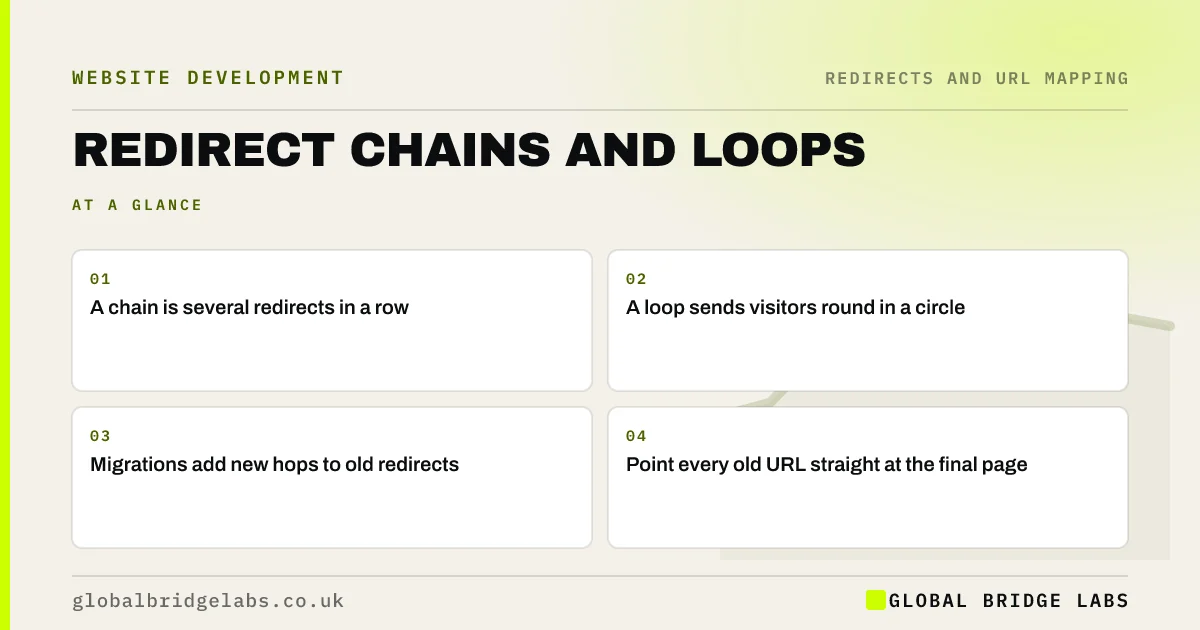
- A chain is several redirects in a row.
- A loop sends visitors round in a circle.
- Migrations add new hops to old redirects.
- Point every old URL straight at the final page.
Think your site has redirect chains? Message us on WhatsApp.
Chat on WhatsApp →How do chains happen?
Chains build up over years. A page moved in a past redesign redirects to a second URL. The second URL is changed in this migration and redirects to a third. Add a protocol change and a www change, and a visitor from an old link might pass through four hops. Google follows a limited number of hops and each one adds delay, so long chains risk the final page not being reached.
How do you find chains and loops?
A crawler set to follow redirects will show the full path of each old URL.
- Crawl the redirect map's old URLs in list mode.
- Export the chain report showing every hop.
- Look for more than one hop to the final page.
- Look for URLs that never resolve, which are loops.
- Check old redirect rules from previous migrations too.
How do you fix them?
Update each rule so the old URL points directly at the final destination. If URL A redirected to B, and B now moves to C, change A's rule to go straight to C, and keep B's rule pointing to C as well. Fix protocol and host redirects so http, https, www and non-www all reach the final version in one step. For loops, find the two rules that point at each other and remove one.
- Moving from HTTP to HTTPS without losing rankings
- One homepage address: www, non-www and redirects
- Trailing slashes, capitals and duplicate URL versions
Want us to collapse your redirect chains? Send us the crawl export on WhatsApp.
Chat on WhatsApp →What does this look like in practice?
A pattern we see on sites with a few redesigns behind them: old service URLs redirect through two previous structures before reaching the current page, adding seconds on slow phone connections. Rewriting the rules to point straight at the final URLs takes an afternoon and removes the chain for every old link.
Redirect chain checklist
- Crawl old URLs in list mode.
- Look for more than one hop.
- Point every rule at the final page.
- Collapse protocol and host redirects.
- Remove rules that form loops.
Next step
Crawl the old URLs from your redirect map with redirects followed, and filter for any with more than one hop. Fix those rules before launch.
Message us on WhatsApp about redirect chains, or book a 30-minute consultation.
Chat on WhatsApp →Sources and further reading
- Redirects and Google Search · Google Search Central
- How HTTP status codes and network errors affect Google Search · Google Search Central
- Large site owner's guide to managing your crawl budget · Google Search Central
Frequently asked questions
What is a redirect chain?
A redirect chain is when a URL redirects to another URL that also redirects, sometimes several times, before reaching the final page. Chains slow pages for visitors, waste search engine crawling and risk the final page not being reached. Each old URL should redirect once, straight to its final destination.
Are redirect chains bad for SEO?
Short chains usually still work, but they add delay and make it more likely that something breaks. Google follows a limited number of hops, so long chains risk the final page not being processed. Collapsing chains into single redirects is a simple, reliable improvement.
What is a redirect loop?
A redirect loop is when redirects point at each other in a circle, so the page never loads and browsers show an error. Loops often come from conflicting rules, such as one rule adding a trailing slash and another removing it. Find the conflicting rules and remove one.
Written by

Global Bridge Labs (GBL) is a UK–Sri Lanka partner for social media, websites and BPO. Everything here comes from client delivery, not theory.


