
On this page
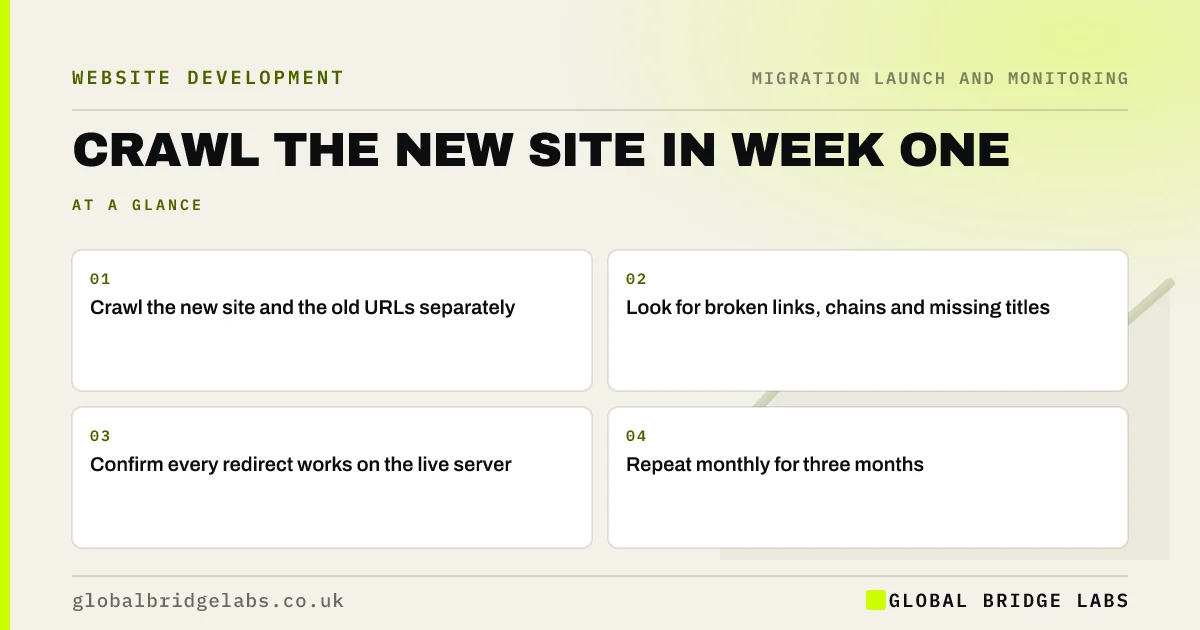
Key takeaways
In the first week after launch, run two crawls: one of the live new site, and one of every old URL from the redirect map. The site crawl finds broken internal links, redirect chains, missing titles, noindex tags and orphaned pages. The old-URL crawl confirms every redirect still works on the live server. Fix what you find, then repeat the crawls monthly for three months.
- Crawl the new site and the old URLs separately.
- Look for broken links, chains and missing titles.
- Confirm every redirect works on the live server.
- Repeat monthly for three months.
Want us to crawl your new site? Message us on WhatsApp.
Chat on WhatsApp →Why crawl again after launch?
Staging is never quite the same as live. Server settings, caching, security tools and last-minute content changes can all behave differently. A crawl of the live site shows what visitors and search engines actually get. It is also the fastest way to find problems Search Console will only report days or weeks later.
What should you look for in the site crawl?
Filter the crawl for each of these and fix the cause.
- Internal links returning 404 or redirects.
- Pages with missing, duplicate or template titles.
- Pages set to noindex by mistake.
- Canonicals pointing to the wrong URL.
- Orphaned pages with no internal links.
- Slow pages or very large images.
What about the old-URL crawl?
Load every old URL from the redirect map into a list-mode crawl against the live domain. Each should return one permanent redirect to its mapped page, which returns 200. Compare with the staging test; any differences usually point to live server settings. Fix failures, then add any extra old URLs found in Search Console or the 404 log since launch.
Want a second opinion on your crawl results? Send them to us on WhatsApp.
Chat on WhatsApp →What does this look like in practice?
A pattern we see: the week-one crawl finds the footer on every page linking to an old privacy policy URL, which redirects twice. It is one link in one template, but it appears on hundreds of pages. Fixing the template removes hundreds of internal redirect hops in one change.
Post-migration crawl checklist
- Crawl the live new site.
- Crawl every old URL in list mode.
- Fix broken links, chains and noindex.
- Check titles, canonicals and orphans.
- Repeat monthly for three months.
Next step
Schedule both crawls for the second or third day after launch, once caching has settled, and book time to fix the results the same week.
Message us on WhatsApp about post-launch crawls, or book a 30-minute consultation.
Chat on WhatsApp →Sources and further reading
- How HTTP status codes and network errors affect Google Search · Google Search Central
- SEO link best practices for Google · Google Search Central
- Site moves with URL changes · Google Search Central
Frequently asked questions
When should I crawl my site after a migration?
Within the first few days after launch, once the site and caching have settled, then monthly for three months. Crawl both the live site and the list of old URLs from your redirect map, so you catch broken links, chains and redirect failures early.
What is an orphaned page?
An orphaned page has no internal links pointing to it, so visitors and crawlers struggle to find it. Migrations often create orphans when menus change or links are not updated. Compare the crawl with your sitemap to find pages that exist but are not linked.
How is a post-launch crawl different from Search Console?
A crawl shows the site as it is right now, within minutes. Search Console shows what Google has found, which can lag by days or weeks. Use the crawl to find and fix problems quickly, and Search Console to confirm Google has seen the fixes.
Written by

Global Bridge Labs (GBL) is a UK–Sri Lanka partner for social media, websites and BPO. Everything here comes from client delivery, not theory.


