
On this page
Key takeaways
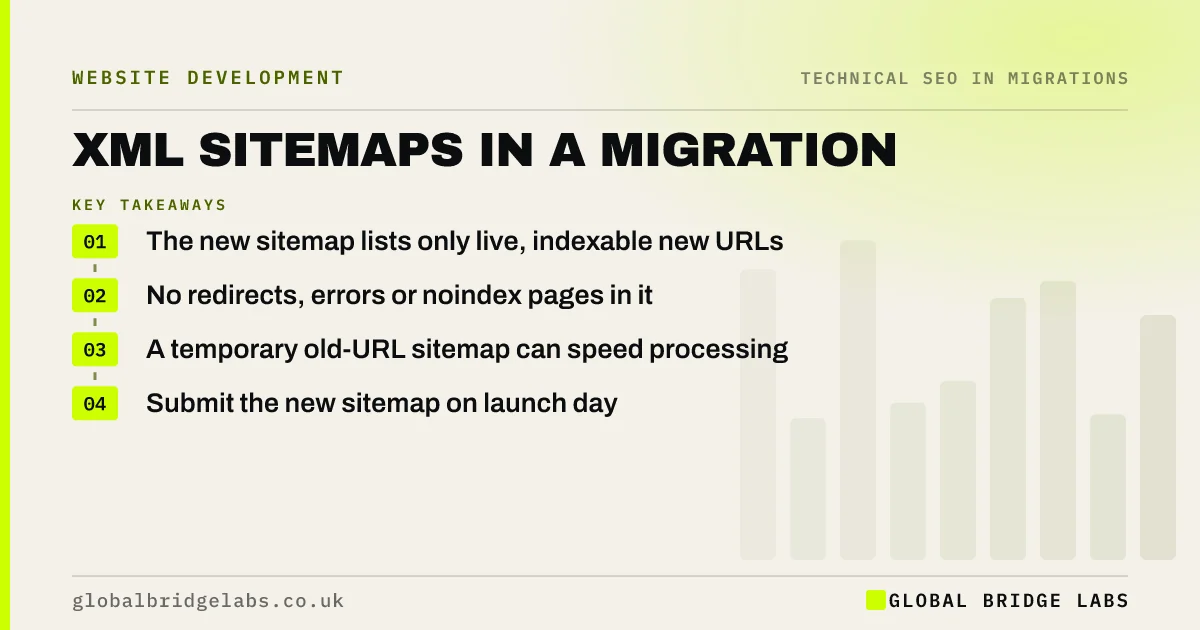
An XML sitemap lists the URLs you want search engines to crawl. After a migration, the main sitemap should list only new, live, indexable URLs. Some teams also keep a temporary sitemap of old URLs submitted for a few weeks, so search engines find and process the redirects sooner. Submit the new sitemap in Search Console on launch day and check it for errors.
- The new sitemap lists only live, indexable new URLs.
- No redirects, errors or noindex pages in it.
- A temporary old-URL sitemap can speed processing.
- Submit the new sitemap on launch day.
Want us to check your new sitemap? Message us on WhatsApp.
Chat on WhatsApp →What should the new sitemap contain?
Google's sitemap documentation describes a sitemap as a list of the URLs you consider important. Keep it clean, because errors in it waste attention.
- Only new URLs that return 200.
- No redirected, removed or noindex pages.
- The final protocol and host version.
- Images and other content types if relevant.
- Updated automatically by the platform where possible.
Should you keep the old sitemap?
A sitemap of old URLs, submitted for a few weeks after launch, can prompt search engines to recrawl them and discover the redirects sooner. It is optional and should be temporary. Label it clearly, remove it once most old URLs show as page with redirect in the Page indexing report, and never mix old and new URLs in the same file.
How do you submit and check it?
Add the sitemap address to robots.txt and submit it in the Sitemaps report in Search Console on launch day. Check the report a few days later: it should show the sitemap as successfully read, with a count of discovered URLs close to what you expect. Then compare indexed pages in the Page indexing report with the sitemap count over the following weeks.
- robots.txt at launch: the line that hides a whole site
- Setting up Search Console for a new domain
- The first hour after a migration: checks in order
Want help reading your sitemap report? Message us on WhatsApp.
Chat on WhatsApp →What does this look like in practice?
A pattern we see: a new site's sitemap is generated from a staging export, so it lists staging URLs and several draft pages. Search Console reports errors and the new URLs are discovered slowly. Regenerating the sitemap from the live site and resubmitting it fixes the problem within days.
Sitemap migration checklist
- Generate the sitemap from the live site.
- Include only live, indexable new URLs.
- Add it to robots.txt and Search Console.
- Consider a temporary old-URL sitemap.
- Check the report after a few days.
Next step
On staging, open the sitemap and spot check twenty URLs. Each should load, return 200 and use the final domain. Fix the generator before launch if not.
Message us on WhatsApp about sitemaps, or book a 30-minute consultation.
Chat on WhatsApp →Sources and further reading
- What is a sitemap · Google Search Central
- Site moves with URL changes · Google Search Central
- Page indexing report · Search Console Help
Frequently asked questions
Should I submit a new sitemap after a website migration?
Yes. Submit a sitemap listing only the new, live, indexable URLs in Search Console on launch day, and add it to robots.txt. It helps search engines discover the new pages. Check the Sitemaps report a few days later for errors and the number of URLs read.
Should I keep my old sitemap after migrating?
You can keep a separate sitemap of old URLs submitted for a few weeks, which may help search engines find the redirects sooner. Keep it separate from the new sitemap, and remove it once most old URLs show as redirecting in the Page indexing report.
What should not be in an XML sitemap?
Leave out redirected URLs, pages returning errors, noindex pages, duplicates that canonicalise elsewhere and staging addresses. Including them sends mixed signals and makes the sitemap reports harder to read. A sitemap should list only the pages you want indexed, in their final form.
Written by

Global Bridge Labs (GBL) is a UK–Sri Lanka partner for social media, websites and BPO. Everything here comes from client delivery, not theory.


