
On this page
Key takeaways
A canonical tag tells search engines which URL is the main version of a page. After a migration, each new page should usually have a canonical tag pointing to its own new URL. Common mistakes are canonicals still pointing to old URLs, the old domain or the staging site, which contradict your redirects. Check them on staging and again after launch.
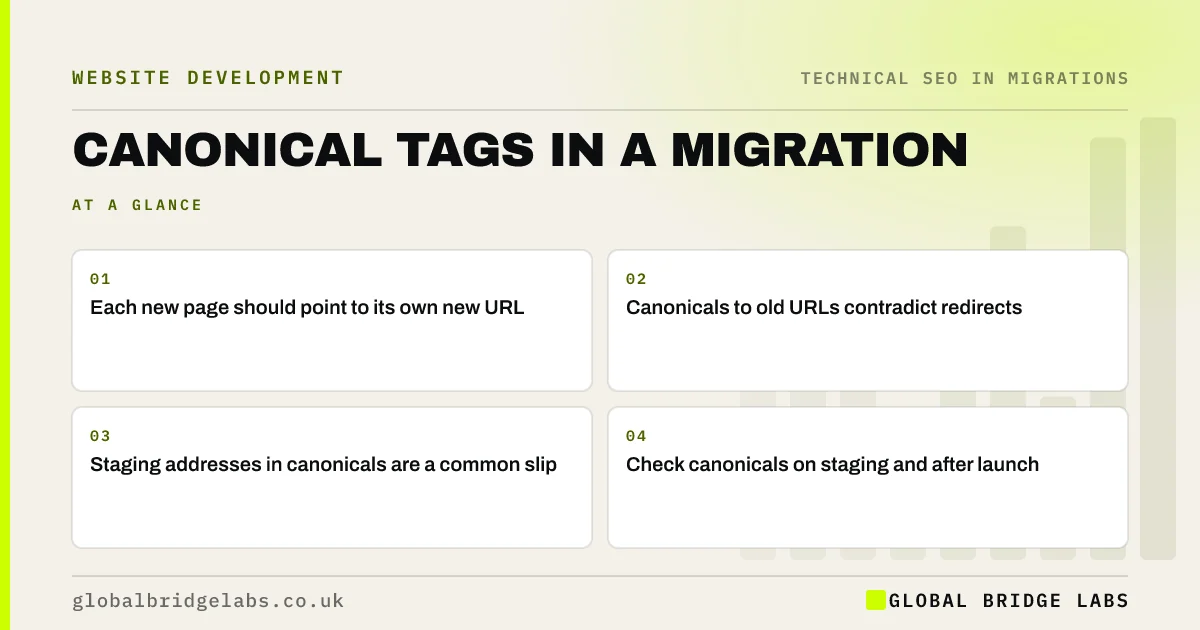
- Each new page should point to its own new URL.
- Canonicals to old URLs contradict redirects.
- Staging addresses in canonicals are a common slip.
- Check canonicals on staging and after launch.
Want us to check your canonical tags? Message us on WhatsApp.
Chat on WhatsApp →Why do canonicals matter in a migration?
Redirects tell search engines that old URLs have moved. Canonical tags tell them which URL to treat as the main one. If a new page's canonical points back to an old URL that redirects to the new page, the signals contradict each other, and Google may take longer to settle on the new URL. Google's documentation describes canonical tags as a strong hint, not a command.
What mistakes are common?
Most canonical problems come from content imports and copied settings.
- Canonicals copied from the old site, pointing to old URLs.
- Canonicals pointing to the staging domain.
- Every page canonicalised to the homepage by a template.
- HTTP or non-www versions in canonicals on an HTTPS site.
- Filtered or paginated pages canonicalised incorrectly.
How do you check them?
Crawl staging and export the canonical URL for every page. Each should match the page's own final URL, unless the page is deliberately a duplicate of another. Repeat the crawl on the live site after launch. For key pages, use URL Inspection in Search Console, which shows both the canonical you declared and the one Google selected; if they differ, investigate why.
Want a second opinion on your canonicals? Message us on WhatsApp.
Chat on WhatsApp →What does this look like in practice?
A pattern we see: a site moves domain, and the content import carries each page's old canonical tag across, all pointing at the old domain. Google keeps showing old URLs for weeks despite the redirects. Fixing the template to output self-referencing canonicals lets the new URLs take over.
Canonical tags checklist
- Crawl staging and export canonicals.
- Check each points to its own new URL.
- Remove staging and old domain addresses.
- Recheck on the live site.
- Compare declared and selected canonicals in Search Console.
Next step
After your staging crawl, filter for pages whose canonical is not their own URL. Each one should be a deliberate choice; fix the rest before launch.
Message us on WhatsApp about canonical tags, or book a 30-minute consultation.
Chat on WhatsApp →Sources and further reading
- How to specify a canonical URL with rel="canonical" and other methods · Google Search Central
- Site moves with URL changes · Google Search Central
- URL Inspection tool · Search Console Help
Frequently asked questions
What should canonical tags point to after a migration?
For most pages, the canonical tag should point to the page's own new URL, using the final protocol and host version. Only deliberate duplicates, such as some filtered views, should point elsewhere. Canonicals should never point to old URLs, the old domain or the staging site.
Can canonical tags replace redirects?
No. Canonical tags are a hint about which version of similar pages is the main one, while redirects move visitors and search engines from old URLs to new ones. In a migration, use redirects for moved pages and self-referencing canonicals on new pages.
Why does Google choose a different canonical?
Google treats canonical tags as a strong hint and also looks at redirects, internal links, sitemaps and content similarity. If those signals disagree, it may choose a different URL. Make all signals point the same way: redirects, canonicals, internal links and sitemap should all use the new URL.
Written by

Global Bridge Labs (GBL) is a UK–Sri Lanka partner for social media, websites and BPO. Everything here comes from client delivery, not theory.


