On this page
- 01Key takeaways
- 02What is a website migration?
- 03Why do migrations lose traffic?
- 04What do you do before launch?
- 05What do you check on launch day?
- 06What do you monitor after launch?
- 07When is a migration not worth the risk?
- 08What does this look like in practice?
- 09Migration checklist
- 10Next step
- 11Sources and further reading
- 12Frequently asked questions
Key takeaways
A website migration SEO checklist protects your rankings when URLs, platform or domain change. The essentials are a complete map of old URLs to new ones, a 301 redirect for every old URL, content and metadata carried across, testing before launch, and at least 90 days of monitoring in Search Console afterwards. Most traffic losses come from missing redirects.
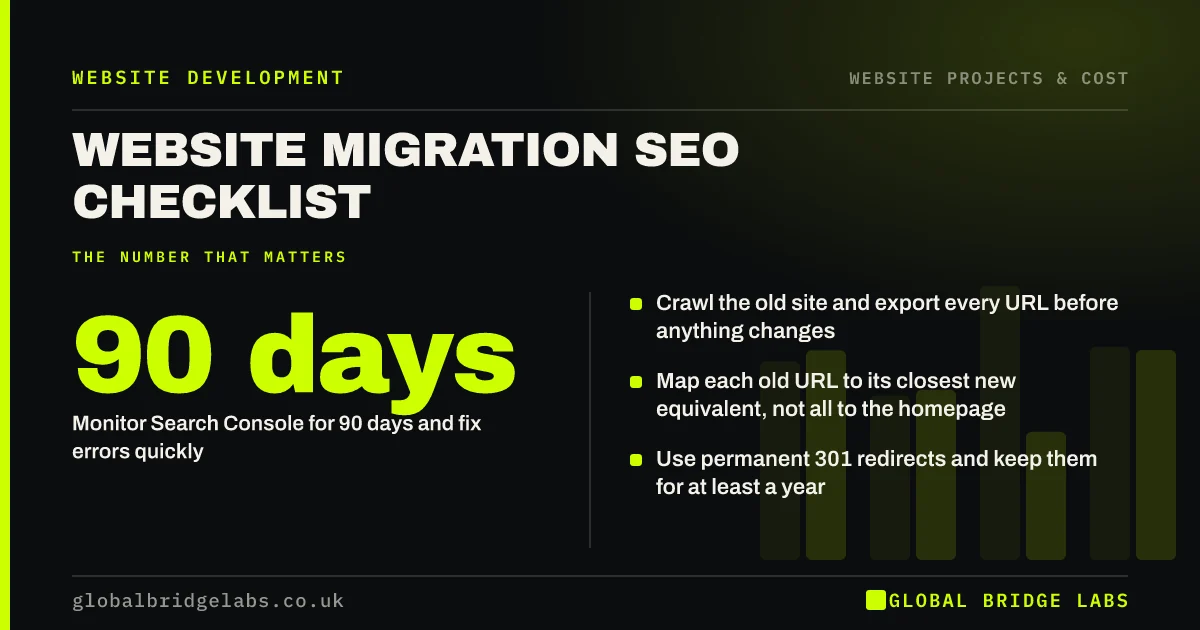
- Crawl the old site and export every URL before anything changes.
- Map each old URL to its closest new equivalent, not all to the homepage.
- Use permanent 301 redirects and keep them for at least a year.
- Carry across titles, headings, content and structured data that rank.
- Monitor Search Console for 90 days and fix errors quickly.
Planning a new site or domain? Message us on WhatsApp and we will check your migration plan.
Chat on WhatsApp →What is a website migration?
A website migration is any significant change to a website's URLs, platform, domain, structure or protocol that can affect how search engines crawl, index and rank it, such as moving to a new CMS, changing domain, or restructuring pages.
A redesign that keeps every URL and all content is low risk. A rebuild that changes URLs, removes pages or moves domain is high risk, and needs a plan.
Why do migrations lose traffic?
Traffic is lost when search engines cannot connect old pages to new ones. If a page that ranked for years returns a 404 error, its signals are not passed on, and visitors from old links and bookmarks hit a dead end.
Other causes include content removed or thinned during the redesign, titles and headings changed without thought, internal links broken, and development settings such as noindex left in place at launch.
- Missing or incorrect redirects.
- Everything redirected to the homepage.
- Content that ranked removed or rewritten away.
- Noindex or robots.txt blocks left from staging.
- Internal links still pointing at old URLs.
What do you do before launch?
Most of the work happens before launch. Google's documentation on site moves with URL changes sets out the core steps.
- 1. Crawl the old site and export every URL, including images and PDFs that get traffic.
- 2. Export top pages and queries from Search Console and analytics as a baseline.
- 3. Map every old URL to its most relevant new URL in a spreadsheet.
- 4. Carry across titles, meta descriptions, headings and content for ranking pages.
- 5. Implement 301 redirects on the new site, one-to-one where possible.
- 6. Update internal links to point directly at new URLs.
- 7. Prepare a new XML sitemap.
- 8. Test redirects and crawl the staging site before launch.
What do you check on launch day?
Launch early in the week, at a quiet time, with the team available to fix problems.
- Remove any noindex tags and robots.txt blocks from staging.
- Test a sample of old URLs to confirm they redirect correctly.
- Submit the new sitemap in Search Console.
- Use the Change of Address tool if the domain has changed.
- Test every form, phone link and WhatsApp button.
- Confirm analytics and key events are firing.
Want a second pair of eyes on launch day? Message us on WhatsApp.
Chat on WhatsApp →What do you monitor after launch?
Check Search Console daily for the first week and weekly for three months. Watch Page indexing for spikes in not found errors, the Performance report for drops in clicks on key pages, and crawl the new site to find broken links.
Some fluctuation is normal for a few weeks as Google processes the move. A sustained drop on specific pages usually points to a missing redirect or lost content, which you can fix page by page. Keep redirects in place for at least a year, and ideally permanently.
When is a migration not worth the risk?
If your current URLs are clean and descriptive, keep them. Changing URLs for cosmetic reasons adds risk with little gain. Similarly, avoid changing domain unless there is a strong business reason, such as a rebrand.
The trade-off is structure against continuity. Sometimes a new structure is worth it for the long term. When it is, do the migration properly rather than cutting corners.
What does this look like in practice?
A pattern after poorly planned rebuilds: organic traffic falls sharply after launch, and Search Console shows hundreds of not found errors for old service and blog URLs that were never redirected.
Building the redirect map retrospectively recovers much of the traffic over the following weeks, but the lost months are not recovered. A day spent mapping URLs before launch would have prevented it.
Migration checklist
Print this and tick it off.
- Crawl and export all old URLs.
- Save baseline Search Console and analytics data.
- Map every old URL to a new URL.
- Carry across ranking content and metadata.
- Implement and test 301 redirects.
- Update internal links.
- Remove staging blocks at launch.
- Submit the new sitemap.
- Monitor for 90 days.
- Keep redirects for at least a year.
Next step
If your new website will change URLs or domain, we will review your migration plan with you in 30 minutes before launch, when fixes are cheapest.
Message us on WhatsApp for a migration plan review, or book a 30-minute consultation.
Chat on WhatsApp →Sources and further reading
- Site moves with URL changes · Google Search Central
- Google Search Console · Google
- SEO Starter Guide · Google Search Central
Frequently asked questions
How do I migrate a website without losing SEO?
Crawl the old site, map every old URL to its most relevant new URL, implement 301 redirects, carry across ranking content and metadata, update internal links, remove staging blocks at launch, submit a new sitemap and monitor Search Console for at least 90 days, fixing errors as they appear.
How long should 301 redirects stay in place?
Keep them for at least a year, and ideally permanently. Google needs time to process the move and transfer signals, and old links from other websites, emails and bookmarks will continue to be used for years. Removing redirects early risks losing traffic and links.
Should I redirect all old pages to the homepage?
No. Redirect each old URL to the most relevant new page. Redirecting everything to the homepage confuses users and search engines, which may treat those redirects as errors. Only redirect to the homepage when there is genuinely no related page on the new site.
Will my rankings drop after a website migration?
Some fluctuation for a few weeks is normal while Google processes the changes. A well-planned migration with complete redirects and preserved content usually recovers quickly. Sustained drops typically point to missing redirects, lost content or leftover staging blocks, which can be fixed.
Written by

Global Bridge Labs (GBL) is a UK–Sri Lanka partner for social media, websites and BPO. Everything here comes from client delivery, not theory.