
On this page
Key takeaways
Moving a blog or shop from a subdomain, such as blog.example.co.uk, into a subfolder, such as example.co.uk/blog, is a URL change for every page in that section. It can simplify the site, tracking and internal linking. Redirect each subdomain URL to its matching subfolder URL, update internal links, merge the sitemaps and watch both Search Console properties until the move settles.
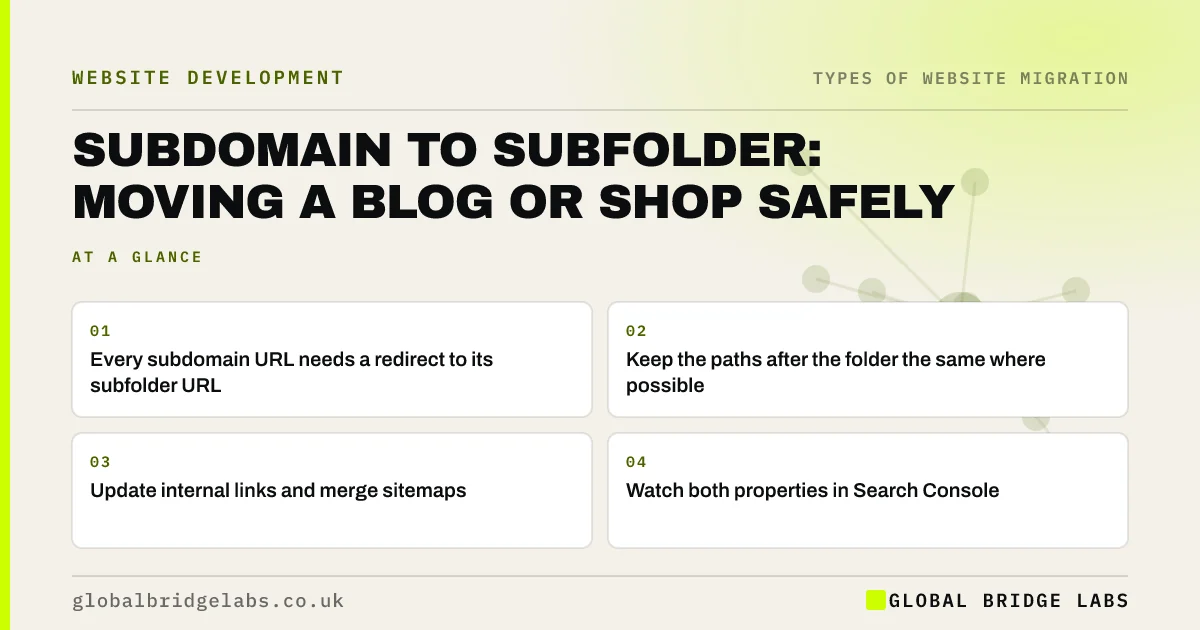
- Every subdomain URL needs a redirect to its subfolder URL.
- Keep the paths after the folder the same where possible.
- Update internal links and merge sitemaps.
- Watch both properties in Search Console.
Thinking of moving your blog into the main site? Message us on WhatsApp.
Chat on WhatsApp →Why move from a subdomain to a subfolder?
Usually for practical reasons. A blog or shop on a subdomain is often on a different platform, with separate menus, separate analytics and weak links into the main site. Bringing it into a subfolder can make the site easier to manage, keep visitors in one journey and simplify reporting. Google says it treats subdomains and subfolders similarly for ranking, so the reason should be practical, not a ranking shortcut.
What is the redirect plan?
Because the section moves as a block, the map is usually a pattern. If blog.example.co.uk/post-name becomes example.co.uk/blog/post-name, one rule can handle every post, provided the slugs stay the same.
- Export every URL on the subdomain.
- Decide the new folder and keep slugs the same.
- Write a pattern redirect and test it on sample URLs.
- Handle exceptions, such as tag and author pages, one by one.
- Keep the subdomain's DNS and redirects live.
What else needs updating?
Update internal links in both directions, so main site pages link to the new blog URLs and blog posts link to the right main pages. Merge the blog's sitemap into the main sitemap. Move tracking into the main analytics property. In Search Console, keep the subdomain property so you can watch old URLs move into the page with redirect status while the new URLs appear in the main property.
- Update internal links after a migration
- XML sitemaps in a migration: old, new or both?
- Keep analytics and tracking working through a migration
Want help with the redirect rule? Send us your URL pattern on WhatsApp.
Chat on WhatsApp →What does this look like in practice?
A pattern we see: a business has a shop on a hosted subdomain and a brochure site on the main domain, with two menus and two analytics accounts. Moving the shop into a subfolder with matching product slugs and one pattern redirect simplifies the journey, and the reporting finally shows which blog posts lead to sales.
Subdomain move checklist
- Export every subdomain URL.
- Keep slugs the same in the new folder.
- Write and test a pattern redirect.
- Update internal links and sitemaps.
- Watch both Search Console properties.
Next step
Export the URL list from the subdomain and check whether slugs can stay the same in the new folder. If they can, the redirect work is mostly one tested rule.
Message us on WhatsApp about your subdomain move, or book a 30-minute consultation.
Chat on WhatsApp →Sources and further reading
- Site moves with URL changes · Google Search Central
- Redirects and Google Search · Google Search Central
- URL structure best practices for Google Search · Google Search Central
Frequently asked questions
Is a subfolder better than a subdomain for SEO?
Google says it can work with either. The practical benefits of a subfolder are simpler management, one analytics view, stronger internal linking and a single journey for visitors. If your subdomain works well and is well linked, moving it may not be worth the migration risk.
Will moving my blog to a subfolder lose traffic?
There may be a short dip while Google processes the redirects. With every post redirected to its matching new URL, slugs kept the same and internal links updated, most blogs recover within a few weeks. Missing posts, changed slugs and broken internal links are the usual causes of lasting loss.
Do I need to keep the subdomain after the move?
Yes. Keep the subdomain's DNS record and redirects in place for at least a year, and ideally permanently. Old links, bookmarks and shared posts will keep using the subdomain addresses. If the subdomain stops resolving, those visitors and the value of the links are lost.
Written by

Global Bridge Labs (GBL) is a UK–Sri Lanka partner for social media, websites and BPO. Everything here comes from client delivery, not theory.


