
On this page
Key takeaways
The 'Not secure' warning appears when a page loads over HTTP rather than HTTPS, or when a certificate has expired or is misconfigured. Since July 2018, Chrome has marked every HTTP page this way. Visitors read it as 'this site is unsafe', so it damages credibility instantly. Most causes take minutes to fix with your host.
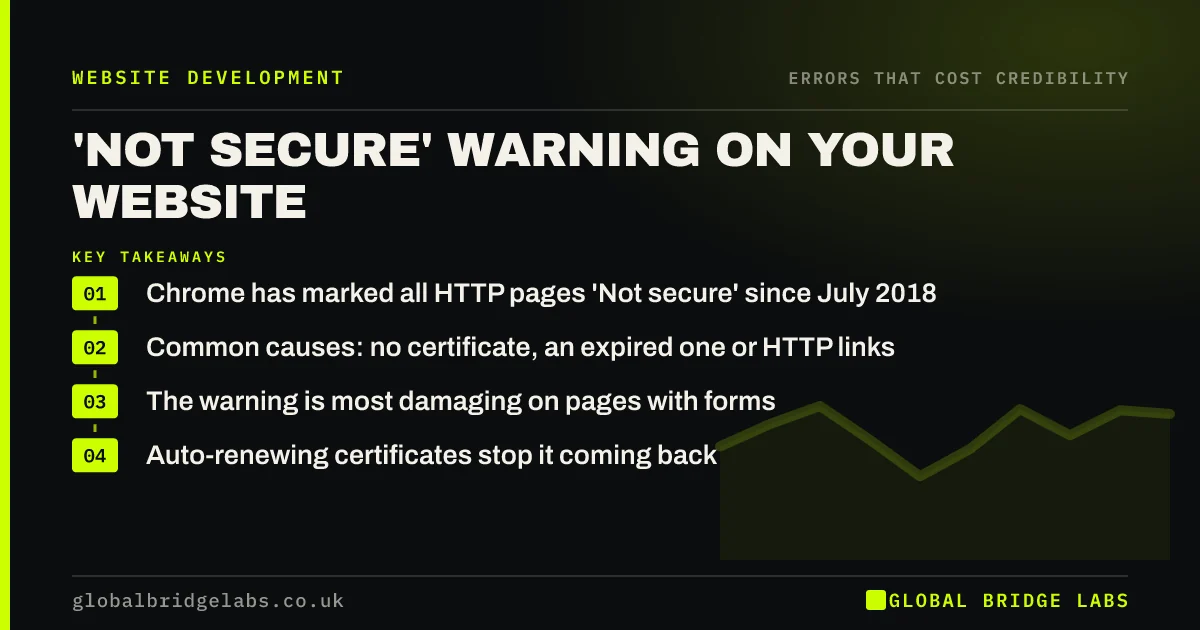
- Chrome has marked all HTTP pages 'Not secure' since July 2018.
- Common causes: no certificate, an expired one or HTTP links.
- The warning is most damaging on pages with forms.
- Auto-renewing certificates stop it coming back.
Want the 'Not secure' warning fixed for good? Message us on WhatsApp.
Chat on WhatsApp →Why does my website say 'Not secure'?
Your website says 'Not secure' because the browser is loading the page over HTTP, without encryption, or because the HTTPS certificate is missing, expired or does not match the domain. Google announced in 2018 that Chrome would mark all HTTP sites as not secure from Chrome 68, and other browsers show similar warnings.
What causes the warning?
Check these in order:
- No certificate installed on the domain.
- An expired certificate that did not renew.
- The certificate covers www but not the bare domain, or the reverse.
- HTTP pages not redirected to HTTPS.
- Forms or scripts loading over HTTP on an HTTPS page.
How do you fix it?
Ask your host to install a certificate, often free and auto-renewing, for both the www and bare domain. Redirect all HTTP addresses to HTTPS. Update internal links and any scripts or images still loading over HTTP. Then test every key page, especially contact and checkout, in a private browser window.
Want your certificate, redirects and mixed content sorted? Message us on WhatsApp and we will discuss your requirements.
Chat on WhatsApp →Why is the warning so damaging?
It is damaging because it is prominent, in the address bar, and easy to interpret: 'unsafe'. Visitors do not distinguish between an expired certificate and a hacked site. On a contact or payment page, many will simply leave. Few problems undo good design as quickly.
What does this look like in practice?
A pattern we see: a certificate set to renew manually expires over a bank holiday. For four days every visitor sees a full-page security warning. Switching to an auto-renewing certificate and adding uptime monitoring that checks certificate expiry prevents a repeat.
'Not secure' fix checklist
- Install a certificate for www and the bare domain.
- Set it to renew automatically.
- Redirect HTTP to HTTPS everywhere.
- Fix any HTTP scripts, images or forms.
- Monitor certificate expiry.
Next step
Visit your contact page in a private window on a phone. If you see 'Not secure', fix it today.
Message us on WhatsApp for a security and credibility check, or book a 30-minute consultation.
Chat on WhatsApp →Sources and further reading
- A secure web is here to stay · Chromium Blog
- Small Business Guide: cyber security · National Cyber Security Centre
- HTTPS as a ranking signal · Google Search Central Blog
Frequently asked questions
Is a 'Not secure' website dangerous?
It means data sent to the site is not encrypted, so it could be intercepted. It does not necessarily mean the site is malicious. For a business, the bigger issue is that visitors read it as unsafe and leave.
How do I make my website secure?
Install an HTTPS certificate, often free from your host, redirect all HTTP pages to HTTPS, fix any content loading over HTTP and set the certificate to renew automatically. Keep your platform and plugins updated too.
Why did my website suddenly say 'Not secure'?
The most common cause is a certificate that expired and did not renew, often because renewal was manual or a payment card lapsed. A change of host or domain settings can also break it. Check the certificate's expiry date first.
Written by

Global Bridge Labs (GBL) is a UK–Sri Lanka partner for social media, websites and BPO. Everything here comes from client delivery, not theory.


