
On this page
- 01Key takeaways
- 02What is an open graph image?
- 03What size should the image be?
- 04What should appear on it?
- 05How do you set it up?
- 06How do you test and refresh it?
- 07When does this matter less?
- 08What does this look like in practice?
- 09Homepage share image checklist
- 10Next step
- 11Sources and further reading
- 12Frequently asked questions
Key takeaways
A homepage open graph image is the picture shown when someone shares your link on LinkedIn, Facebook or WhatsApp. Set one yourself, at 1200 by 630 pixels, with your name and a short message. Without it, platforms may pick a random logo or nothing, and your shared link looks careless when people pass you on.
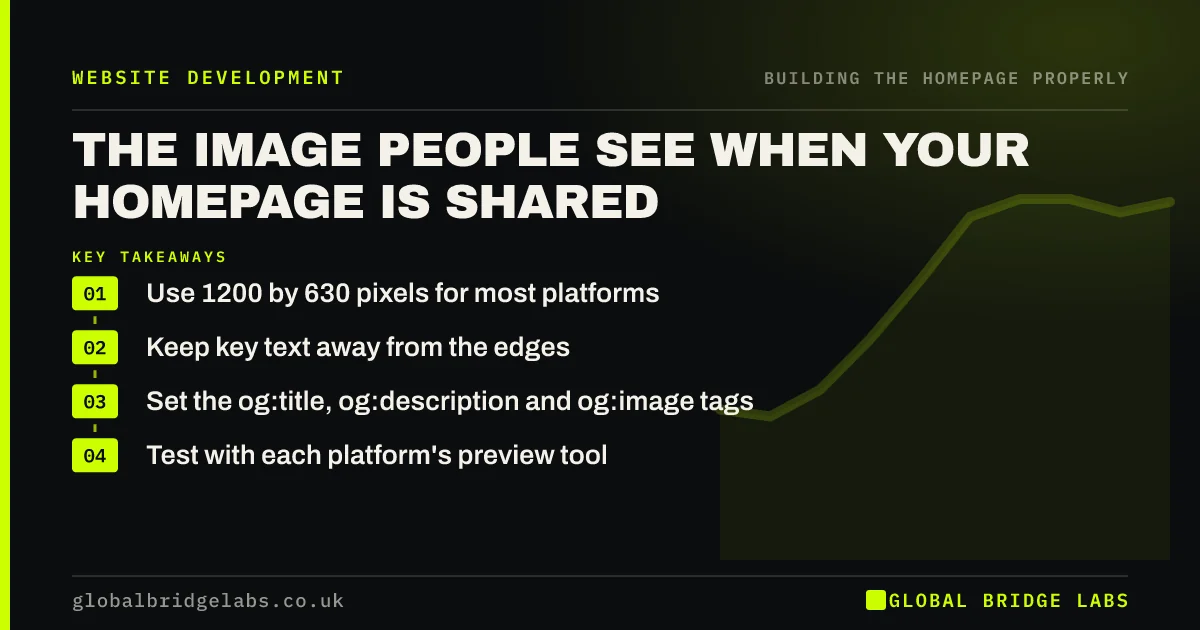
- Use 1200 by 630 pixels for most platforms.
- Keep key text away from the edges.
- Set the og:title, og:description and og:image tags.
- Test with each platform's preview tool.
Does your link preview look right? Message us on WhatsApp.
Chat on WhatsApp →What is an open graph image?
An open graph image is a picture that you nominate in your page's code for platforms to display when your link is shared. It is set by an og:image tag, part of the Open Graph protocol. Referrals often happen by forwarding a link, so this picture may be someone's first sight of your business.
What size should the image be?
Use 1200 by 630 pixels, a 1.91:1 ratio, which works on most major platforms. Keep the file small, ideally under about 300 KB, so that it loads in messaging apps. Keep the important content in the centre, because different apps crop the edges differently.
What should appear on it?
Show your logo or name, a short statement of what you do, and a real image or plain brand background. Keep the text large, because it will often display at thumbnail size. Avoid fine print. Many previews appear on phones, where the image may be only a few centimetres wide.
How do you set it up?
SEO plugins for WordPress let you upload an image without editing code, and Shopify, Wix and Squarespace have settings for a social sharing image. Developers add og:title, og:description, og:image and og:url tags in the page head. Set a default image, so that no page is left without one.
How do you test and refresh it?
Use LinkedIn's Post Inspector and Meta's Sharing Debugger to see what each platform shows. They also refresh cached versions, which matters because platforms store previews. WhatsApp may keep an old preview for some time, so test by sharing the link in a new chat after making any change.
When does this matter less?
It matters less if your links are rarely shared, for instance with an emergency local service found entirely through search. Even then, setting a simple default takes minutes, and it is a one-time job. For B2B firms and referral-led businesses, it deserves more care.
What does this look like in practice?
A pattern worth testing: paste your own URL into WhatsApp. Many small business sites show a cropped logo or the first stock photo the platform can find. A simple branded image takes less than an hour to make, and it improves how you appear every time a customer recommends you.
Homepage share image checklist
- Create a 1200 by 630 image.
- Keep key content central.
- Use large, readable text.
- Set Open Graph tags.
- Set a site-wide default.
- Test with Post Inspector.
- Share the link in WhatsApp to check it.
Next step
Paste your homepage URL into a WhatsApp chat with yourself. What you see is what your customers see when they recommend you.
Message us on WhatsApp for help with your link preview, with no pitch.
Chat on WhatsApp →Sources and further reading
- Control your snippets in search results · Google Search Central
- SEO Starter Guide · Google Search Central
- Responsive images · web.dev (Google)
Frequently asked questions
What size is an open graph image?
The common recommendation is 1200 by 630 pixels, at a 1.91:1 ratio. This displays well on Facebook and LinkedIn, and it works in messaging apps. Keep important content central, because platforms crop images differently.
Why is my website showing the wrong image when shared?
Either no og:image is set and the platform has picked one, or it is showing a cached version. Set the tag, then refresh the preview with LinkedIn's Post Inspector or Meta's Sharing Debugger.
Does an open graph image help SEO?
Not directly, because it does not affect rankings. It helps social sharing and referrals, since a clear preview earns more attention and clicks. That makes it worth doing, though it is not a ranking tactic.
Written by

Global Bridge Labs (GBL) is a UK–Sri Lanka partner for social media, websites and BPO. Everything here comes from client delivery, not theory.


