
On this page
- 01Key takeaways
- 02What should you track on a new homepage?
- 03How do you record a form submission reliably?
- 04What about consent and cookies?
- 05How do you test tracking before launch?
- 06What should you record before going live?
- 07When is this level of tracking too much?
- 08What does this look like in practice?
- 09Homepage tracking setup checklist
- 10Next step
- 11Sources and further reading
- 12Frequently asked questions
Key takeaways
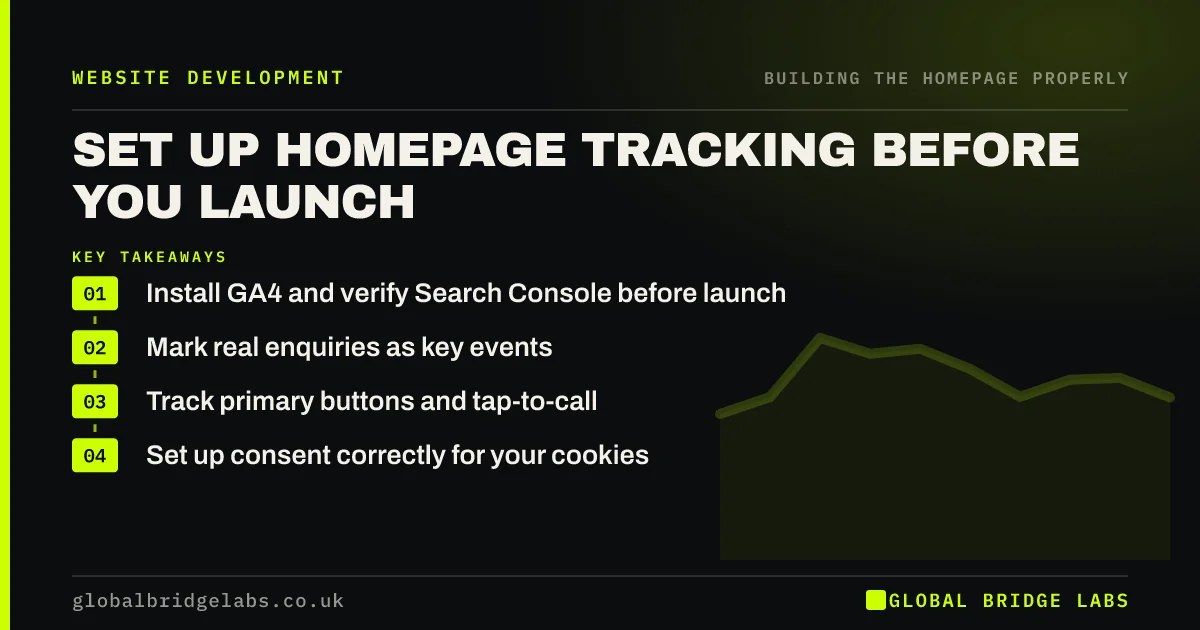
Homepage tracking setup should happen before launch, because you cannot measure backwards. Connect GA4 and Search Console, mark enquiries as key events, track your main buttons, and handle consent properly. Without this, a new homepage goes live with no way to tell whether it is any better than the page it replaced.
- Install GA4 and verify Search Console before launch.
- Mark real enquiries as key events.
- Track primary buttons and tap-to-call.
- Set up consent correctly for your cookies.
Want your tracking set up properly? Message us on WhatsApp.
Chat on WhatsApp →What should you track on a new homepage?
Track what shows progress towards an enquiry: main button clicks, form submissions, phone clicks, WhatsApp clicks and visits to key service pages. Mark true conversions as key events in GA4. A small set of useful events is better than dozens that nobody will read.
- Form submissions, as a key event.
- Click-to-call and WhatsApp clicks.
- Primary button clicks.
- Clicks through to service pages.
- Booking or checkout starts.
How do you record a form submission reliably?
Send people to a thank-you page after submitting, then count visits to it, or fire an event only after a confirmed success. Do not count button clicks as enquiries, as failed submissions would be included. Enhanced measurement can track some forms, but it is often inaccurate, so test yours.
What about consent and cookies?
Under PECR, non-essential cookies generally need consent, and that has included most analytics. The Data (Use and Access) Act 2025 introduced exceptions for some statistical purposes, so check current ICO guidance. Your banner must work properly: tracking should respect the choice, and rejecting should be as easy as accepting.
How do you test tracking before launch?
Use GA4's DebugView or Tag Assistant to confirm that each event fires once. Submit a test form and check that it appears. Exclude internal traffic, so that your own testing does not distort the first weeks. Test the live site too, because staging may use different settings.
What should you record before going live?
Record your current baseline for sessions, enquiries, phone calls and conversion rate over several weeks. Without a before figure, you cannot judge the new page. If your old tracking was unreliable, note this and count enquiries by hand for a few weeks instead.
When is this level of tracking too much?
It is too much if you have too little traffic to learn from it, or if nobody will look at it. A very small local business can count enquiries by asking 'how did you find us?'. Even then, tracking one key event takes little effort, and it pays off as you grow.
What does this look like in practice?
A pattern we see after launches: an agency hands over a new homepage, and the first report shows a large rise in conversions, which turns out to be button clicks counted as enquiries. Checking one thank-you page count against the inbox would have caught this in minutes.
Homepage tracking setup checklist
- Install GA4.
- Verify Search Console.
- Define your key events.
- Track phone and WhatsApp clicks.
- Test each event once.
- Exclude internal traffic.
- Record your baseline.
Next step
Compare last month's GA4 key events with the enquiries in your inbox. If the numbers do not match, fix that before you build anything new.
Message us on WhatsApp for a tracking check, or book a 30-minute consultation.
Chat on WhatsApp →Sources and further reading
- About key events · Google Analytics Help
- Cookies and similar technologies under PECR · Information Commissioner's Office
- Data (Use and Access) Act 2025 · legislation.gov.uk
- Enhanced measurement events · Google Analytics Help
Frequently asked questions
What tracking should a new website have?
GA4 with key events for enquiries, Search Console, and event tracking for main buttons, calls and WhatsApp clicks. Add a consent mechanism that works properly. Test everything before launch, because you cannot recover data you failed to collect.
Do I need a cookie banner for Google Analytics?
In most UK cases, analytics cookies have needed consent under PECR. The Data (Use and Access) Act 2025 created some exceptions for statistical purposes, subject to conditions. Check the ICO's current guidance, and consider taking advice for your setup.
What is a key event in GA4?
It is an event you have marked as especially important, such as a form submission or a purchase. Key events replaced the older 'conversions' label in GA4. Mark only the actions that represent real business value.
Written by

Global Bridge Labs (GBL) is a UK–Sri Lanka partner for social media, websites and BPO. Everything here comes from client delivery, not theory.


