
On this page
- 01Key takeaways
- 02Why do blurry images matter?
- 03Cause 1: the image is too small for its space
- 04Cause 2: high-resolution screens
- 05Cause 3: over-compression
- 06Cause 4: upscaling and screenshots
- 07Cause 5: the wrong format
- 08Will sharper images slow the site down?
- 09What does this look like in practice?
- 10Sharp images checklist
- 11Next step
- 12Sources and further reading
- 13Frequently asked questions
Key takeaways
Images look blurry on a website when the file is smaller than the space it fills, when it is compressed too hard, or when a high-resolution screen stretches a standard image. The fix is to upload images at about twice their display width, use responsive image sizes and modern formats such as WebP, and compress sensibly rather than heavily.
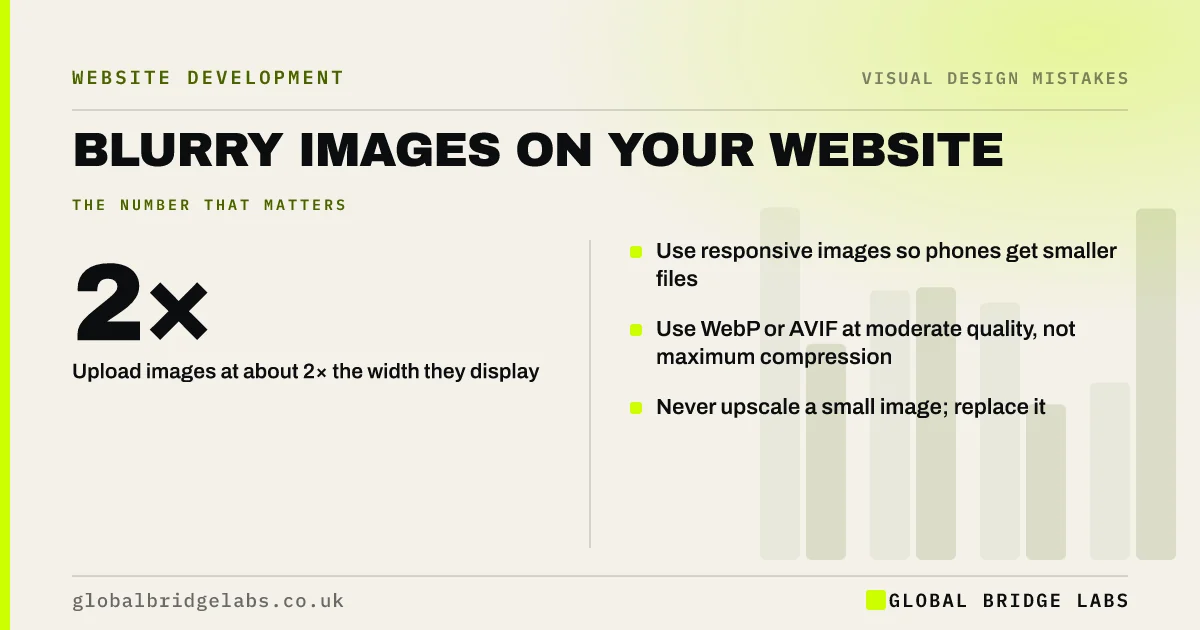
- Upload images at about 2× the width they display at.
- Use responsive images so phones get smaller files.
- Use WebP or AVIF at moderate quality, not maximum compression.
- Never upscale a small image; replace it.
Want your images fixed? Message us on WhatsApp.
Chat on WhatsApp →Why do blurry images matter?
Blurry or pixelated images make a business look careless, especially product photos, team photos and logos. Visitors judge quality partly by what they see. A sharp photo of your work builds trust; a soft, stretched one undermines it.
Cause 1: the image is too small for its space
If a 600px-wide photo is placed in a 1,200px-wide hero, the browser stretches it and it blurs. Check the display width of each image slot and upload an image at least that wide, ideally about twice as wide for high-resolution screens.
Cause 2: high-resolution screens
Most phones and many laptops have screens with two or three device pixels for every CSS pixel. An image that is exactly the display size looks soft on them. Responsive images, using srcset, let the browser pick a larger file for high-resolution screens and a smaller one for others.
Cause 3: over-compression
Compressing images is right for speed, but very low quality settings create blocky artefacts and smudged detail. For photos, moderate quality in WebP or AVIF usually gives small files that still look sharp. Check images at full size after compressing.
Cause 4: upscaling and screenshots
Enlarging a small image in an editor does not add detail; it adds blur. Screenshots of documents, low-resolution logos from emails and images saved from social media are common culprits. Replace them with original files.
Need sharp images that still load fast? Message us on WhatsApp and we will discuss your requirements.
Chat on WhatsApp →Cause 5: the wrong format
Logos and icons saved as JPEGs develop fuzzy edges and coloured specks. Use SVG for logos and icons, which stay sharp at any size. Use WebP or AVIF for photos, and PNG only where you need transparency and SVG will not work.
Will sharper images slow the site down?
Not if they are handled properly. Responsive images send phones smaller files, modern formats cut file sizes substantially, and lazy loading delays images further down the page. Avoid uploading huge originals straight from a camera; they are slow and add nothing at screen size.
What does this look like in practice?
A pattern we see: a site has heavy, slow images and blurry ones at the same time, because originals were uploaded in some places and social media downloads in others. Setting a standard size and format for each image slot fixes both problems together.
Sharp images checklist
- Measure the display width of each image slot.
- Upload at about 2× that width.
- Use responsive images with srcset.
- Use WebP or AVIF for photos at moderate quality.
- Use SVG for logos and icons.
- Replace upscaled and screenshot images.
Next step
Open your homepage on a phone, zoom into each image and list any that look soft or blocky.
Message us on WhatsApp for an image review, or book a 30-minute consultation.
Chat on WhatsApp →Sources and further reading
- Responsive images · web.dev (Google)
- Google Images SEO best practices · Google Search Central
- Browser-level image lazy loading for the web · web.dev (Google)
Frequently asked questions
Why do my images look blurry on my website?
Usually because the file is smaller than the space it fills, it has been compressed too heavily, or it is being shown on a high-resolution screen without a larger version available. Uploading images at about twice their display width and using responsive images fixes most cases.
What size should website images be?
Match each image to its slot: about twice the display width for sharpness on high-resolution screens, with smaller versions served to phones through responsive images. A full-width hero might need a 2,400px version; a thumbnail far less.
Does compressing images make them blurry?
Heavy compression can. Moderate compression in WebP or AVIF usually keeps photos sharp with much smaller files. Check images at full size after compressing and raise the quality if you see blocky patches.
Written by

Global Bridge Labs (GBL) is a UK–Sri Lanka partner for social media, websites and BPO. Everything here comes from client delivery, not theory.


