
On this page
- 01Key takeaways
- 02What is the right launch-day order?
- 03Who needs to be available?
- 04What should you check on the live site?
- 05What should you avoid on launch day?
- 06What happens in the first 48 hours?
- 07What does this look like in practice?
- 08Homepage launch day checklist
- 09Next step
- 10Sources and further reading
- 11Frequently asked questions
Key takeaways
On homepage launch day, work through a fixed order: take a backup, publish, remove any search blocks, test the form on a phone, confirm tracking, check speed and links, and only then announce it. Keep someone available for 48 hours. A calm launch is the result of a short run sheet, not of luck.
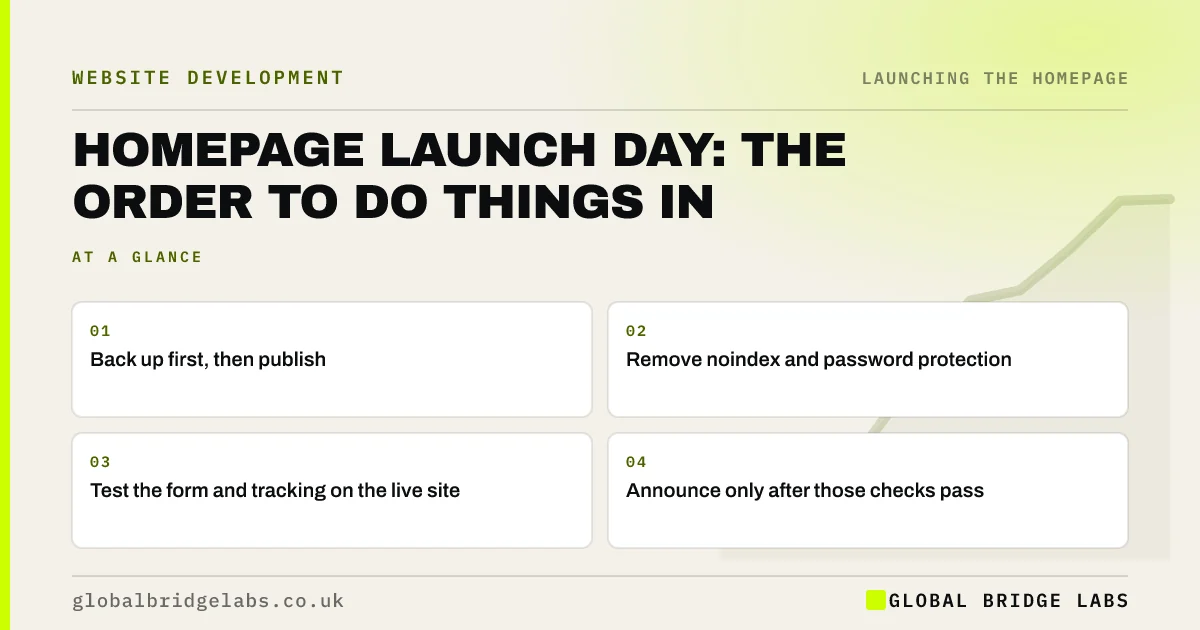
- Back up first, then publish.
- Remove noindex and password protection.
- Test the form and tracking on the live site.
- Announce only after those checks pass.
Launching soon? Message us on WhatsApp for a run sheet review.
Chat on WhatsApp →What is the right launch-day order?
The right order protects your enquiries first and your announcement last. Each step takes minutes, and it should be written down with a name beside it, because launches often happen under time pressure. Do not tell customers until the page has passed every check on the live site.
- 1. Take and confirm a full backup.
- 2. Publish the new page.
- 3. Remove noindex, passwords and staging links.
- 4. Submit the form from a phone.
- 5. Confirm tracking events are firing.
- 6. Check links, speed and display.
- 7. Inspect the URL in Search Console.
- 8. Tell your team, then your customers.
Who needs to be available?
You need the person publishing, someone who can fix forms and tracking, and whoever answers enquiries. Tell front-line staff what has changed, so that they can recognise new questions. Keep your developer available for 48 hours. Launching when your only technical contact is away is an avoidable risk.
What should you check on the live site?
Check the page on a phone and a laptop, click every button, test the menu, confirm that images load over https and look for mixed-content warnings. Run PageSpeed Insights on the live URL. Staging hides some problems, including those caused by caching and security settings that only apply in production.
What should you avoid on launch day?
Avoid making last-minute content edits, adding new plugins or changing the domain at the same time. Change one big thing at a time. Do not start a paid campaign in the same hour, because you need to confirm that the page works before paying to send people there.
What happens in the first 48 hours?
Check the enquiry inbox, compare form submissions with GA4, watch for errors and ask the team what customers are saying. Do not judge conversion yet, because the sample is too small. Your only goal for these two days is confirming that nothing is broken.
What does this look like in practice?
A pattern we see at launch: the page goes live, a message goes to the whole mailing list within the hour and the first replies say the form does not work. Holding the announcement until the live checks pass costs an hour, and it protects the one moment when people are paying attention.
Homepage launch day checklist
- Confirm the backup.
- Publish the page.
- Remove search blocks.
- Test the form on a phone.
- Confirm tracking.
- Check links and speed.
- Brief your team.
- Announce last.
Next step
Write your run sheet now, with a name beside each step. If you are launching this month, it will take ten minutes and save you a very long afternoon.
Message us on WhatsApp for a launch plan, or book a 30-minute consultation.
Chat on WhatsApp →Sources and further reading
- PageSpeed Insights · Google
- Google Search Console · Google
- About key events · Google Analytics Help
Frequently asked questions
What should I do when launching a new homepage?
Back up, publish, remove search blocks, test the form on a phone, confirm tracking, check speed and links, and then tell people. Keep someone available for two days afterwards, and watch the enquiry inbox closely.
How long does it take to launch a homepage?
The steps usually take a couple of hours if everything was tested on staging. Plan half a day to allow for surprises. A domain change takes longer, because DNS updates can take time to spread.
Should I announce my new website straight away?
Not until you have tested it on the live site. Wait a few hours, or a day, to confirm that forms, tracking and key pages work. Announcing a broken page wastes the attention you have worked to earn.
Written by

Global Bridge Labs (GBL) is a UK–Sri Lanka partner for social media, websites and BPO. Everything here comes from client delivery, not theory.


