
On this page
- 01Key takeaways
- 02What does an end-to-end enquiry test cover?
- 03How do you test the form itself?
- 04Why do enquiry emails go missing?
- 05What else should you test?
- 06How fast should the reply be?
- 07How often should you repeat the test?
- 08What does this look like in practice?
- 09Homepage enquiry test checklist
- 10Next step
- 11Sources and further reading
- 12Frequently asked questions
Key takeaways
To test a website enquiry form properly, submit it yourself on a phone, then follow that message all the way through: the confirmation, the email, who received it, when they replied and where it was recorded. A form can appear to work while enquiries sit in a spam folder or an old colleague's inbox.
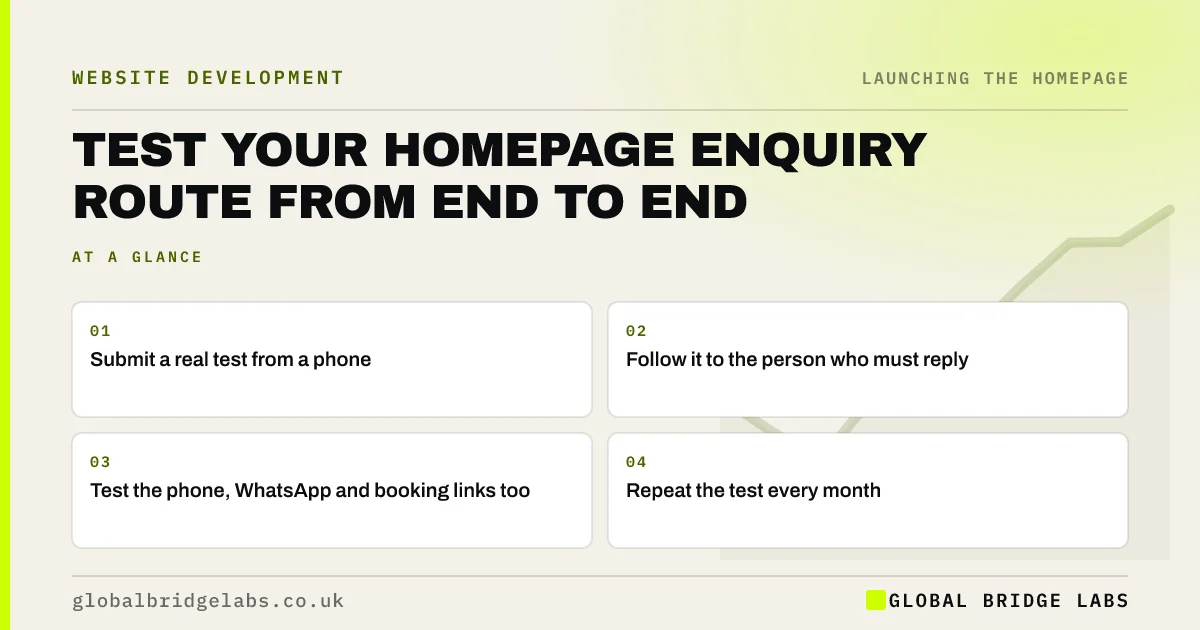
- Submit a real test from a phone.
- Follow it to the person who must reply.
- Test the phone, WhatsApp and booking links too.
- Repeat the test every month.
Want your enquiry route tested? Message us on WhatsApp.
Chat on WhatsApp →What does an end-to-end enquiry test cover?
An end-to-end enquiry test covers each step from the button to a human reply: the form works, the thank-you page appears, the email arrives, the right person sees it, a CRM records it if you use one and someone responds. Most forms pass the first step, and leaks happen after that.
How do you test the form itself?
Use a real phone on mobile data, as well as office wifi, and fill it in using autofill. Submit with a blank required field to see the error message. Try again with a real entry. Check that a person using a keyboard can complete it, and that any CAPTCHA does not block real visitors.
Why do enquiry emails go missing?
They go missing because form emails are often sent by the web server, not a real mailbox, so mail providers treat them with suspicion. Set up SMTP or a sending service, and configure SPF, DKIM and DMARC. Also check that the form's recipient is a shared address, not one person's inbox.
What else should you test?
Test each route to you. Tap the phone number on a mobile, send a message using the WhatsApp button, make a booking and check the auto-reply. Call from an unfamiliar number during a busy period. Then ask whether the person answering knows what the homepage has promised.
How fast should the reply be?
Fast enough to match your promise and beat your competitors. If your site says 2 working hours, measure that for real. Buyers contacting several firms often go with the first useful response. A quick human reply can win work that a better website alone would not.
How often should you repeat the test?
Repeat it at least monthly, and after any change to your site, email or staff. Enquiry routes break quietly: a plugin update, a new mail setting or a leaver's mailbox can stop them without warning. It takes five minutes, and it can catch a failure before it costs you a quarter of your leads.
What does this look like in practice?
A pattern worth checking today: a website form still sends enquiries to the address of someone who left the business, and the volume looked low only because nobody was reading them. A five-minute test once a month would have caught it the first time.
Homepage enquiry test checklist
- Submit the form on a phone.
- Check the confirmation message.
- Confirm that the email arrives.
- Check the spam folder.
- Test call and WhatsApp links.
- Time the human reply.
- Repeat monthly.
Next step
Send yourself an enquiry from your own homepage now. Note how long it takes for someone to reply, and whether they know what you asked.
Message us on WhatsApp if you want a second pair of eyes on your enquiry route.
Chat on WhatsApp →Sources and further reading
- Email sender guidelines · Google
- Error message component · GOV.UK Design System
- Learn forms: autofill · web.dev (Google)
Frequently asked questions
How do I check if my contact form is working?
Submit it yourself from a phone, then confirm that you see a success message, that the email arrives in the right inbox and that someone is expected to respond. Check the spam folder too, and repeat this test regularly.
Why am I not getting emails from my website form?
Common causes are emails landing in spam, poor sender settings, an out-of-date recipient address or a plugin update. Using SMTP or a transactional email service, and setting SPF, DKIM and DMARC, usually fixes delivery.
How quickly should I respond to a website enquiry?
As quickly as you can, and within whatever you have promised on the page. Buyers often contact several businesses at once, so an early, useful reply gives you a real advantage. Set a target and measure it.
Written by

Global Bridge Labs (GBL) is a UK–Sri Lanka partner for social media, websites and BPO. Everything here comes from client delivery, not theory.


