
On this page
- 01Key takeaways
- 02Should a homepage show the team?
- 03How many people should appear?
- 04What should each person's line say?
- 05What should you do about photos?
- 06What about privacy and staff turnover?
- 07When should you leave it out?
- 08What does this look like in practice?
- 09Homepage team section checklist
- 10Next step
- 11Sources and further reading
- 12Frequently asked questions
Key takeaways
A team section on a homepage is worth including when buyers deal directly with your people, such as in clinics, trades, law and accountancy. Show the few people a customer will meet, with real photos and one line on each. Where the people are not part of the decision, a link to your about page is enough.
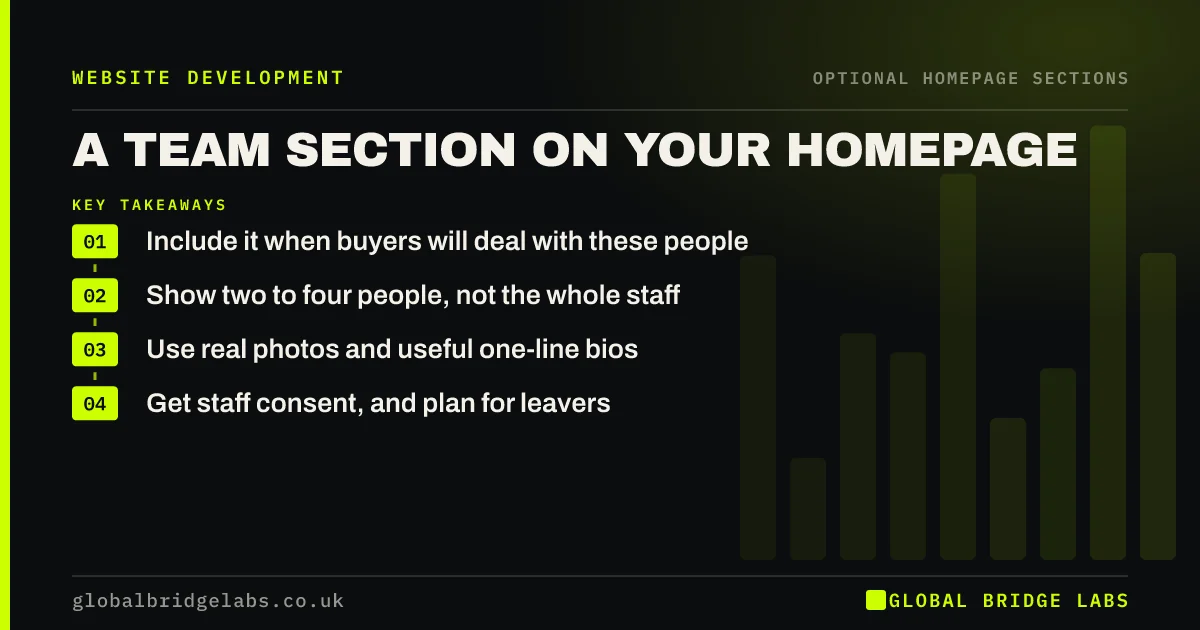
- Include it when buyers will deal with these people.
- Show two to four people, not the whole staff.
- Use real photos and useful one-line bios.
- Get staff consent, and plan for leavers.
Unsure about a team section? Message us on WhatsApp.
Chat on WhatsApp →Should a homepage show the team?
Show the team when the people are part of what is being bought. A patient choosing a dentist or a homeowner letting someone in cares who will arrive. For a product business, a team section adds little. Ask whether a buyer would feel more certain having seen these faces.
How many people should appear?
Show two to four people on the homepage, usually the leaders or the people customers meet first. A full staff grid belongs on a team page. A small, clear selection is easier to take in, and it avoids the page looking out of date each time someone leaves.
What should each person's line say?
Give the person's name, role and one fact that matters to a buyer, such as a qualification or years of relevant experience. 'Sarah, lead engineer, 14 years in commercial refrigeration' does more than a list of hobbies. A touch of personality is fine, if the useful fact comes first.
What should you do about photos?
Use real, recent photos taken in the same style, so that the group looks like one team. They do not need to be studio portraits; photos taken at work often feel more honest. Stock images of 'the team' are worse than none, because buyers will notice when they meet someone else.
What about privacy and staff turnover?
Get staff agreement before publishing a name and photo, and explain how they can ask for removal. A photograph of an identifiable person is personal data under UK GDPR. Plan for leavers too: agree who removes the profile promptly, because a former employee's face on your site looks careless.
When should you leave it out?
Leave it out if your staff change often, if you sell products rather than people, or if individuals have safety concerns about being named. It also adds little in a large firm, where buyers will not meet the people shown. A line on your experience, linked to the about page, does the job.
What does this look like in practice?
A pattern we see at small firms: a team grid that still features two people who left over a year ago, spotted first by a customer asking for them. Showing fewer people, and making one person responsible for changes, keeps this section credible with far less effort.
Homepage team section checklist
- Check that buyers will meet these people.
- Limit the homepage to two to four.
- Use a matching photo style.
- Write one useful fact per person.
- Get each person's agreement.
- Name who updates it when staff leave.
Next step
Ask a recent customer whether knowing the team influenced their choice. If they say yes, put those faces on your homepage. If not, a line and a link will do.
Message us on WhatsApp for a homepage review, or book a 30-minute consultation.
Chat on WhatsApp →Sources and further reading
- Photos as web content · Nielsen Norman Group
- Employment information · Information Commissioner's Office
- Lawful basis for processing personal data · Information Commissioner's Office
Frequently asked questions
Should I put my team on my homepage?
Yes, if customers will deal with them directly and their trust matters. Show a few key people with real photos. For product businesses, or firms where staff change often, a short about section and link usually work better.
Do I need staff permission to put photos on my website?
You should get their agreement, because an identifiable photo is personal data under UK GDPR. Explain how it will be used and how they can ask for it to be removed. Take particular care when someone leaves the business.
Are team photos good for conversions?
They can be, because real faces reassure buyers in trust-led services. They help most when they are genuine and relevant to the decision. Stock images of supposed staff have the opposite effect once people notice.
Written by

Global Bridge Labs (GBL) is a UK–Sri Lanka partner for social media, websites and BPO. Everything here comes from client delivery, not theory.


