
On this page
- 01Key takeaways
- 02Can you use images from Google on your website?
- 03How does UK copyright apply to images?
- 04Why do copyright claims arrive?
- 05What are safer sources of images?
- 06What does a Creative Commons licence allow?
- 07How do you keep a record?
- 08What does this look like in practice?
- 09Image rights checklist
- 10Next step
- 11Sources and further reading
- 12Frequently asked questions
Key takeaways
Do not use images found through Google search on your business website unless you have permission or a licence. In the UK, copyright applies automatically to photographs and illustrations, and photo agencies actively look for unlicensed use and send claims. Use your own photos, licensed stock with terms that cover business use, or properly attributed Creative Commons images.
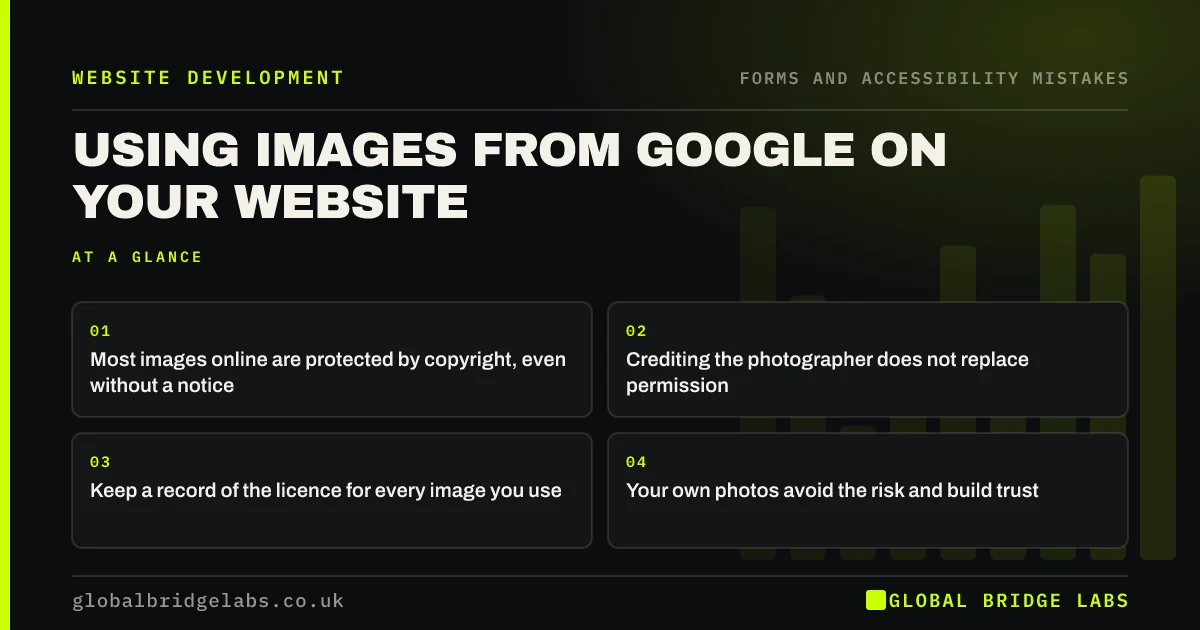
- Most images online are protected by copyright, even without a notice.
- Crediting the photographer does not replace permission.
- Keep a record of the licence for every image you use.
- Your own photos avoid the risk and build trust.
Want your site's images checked? Message us on WhatsApp.
Chat on WhatsApp →Can you use images from Google on your website?
Google search shows images from across the web; it does not license them. Most are owned by photographers, agencies or businesses. Using one on your website without permission can infringe copyright. Google Images has a filter for usage rights, but you still need to check and follow each licence.
How does UK copyright apply to images?
In the UK, copyright protects original photographs and artwork automatically from creation, with no need to register or display a symbol. The owner controls copying and publishing. The Intellectual Property Office's guidance explains how copyright protects work and what permission is needed.
This is general information, not legal advice. If you receive a claim, take advice before responding.
Why do copyright claims arrive?
Photo agencies and photographers use image-matching tools to find their images online, then write asking for a licence fee, often backdated. Claims can arrive years after an image was added, sometimes by a previous web designer. Saying you did not know, or that you credited the source, does not usually remove liability.
Inherited a site with unknown images? Message us on WhatsApp and we will discuss your requirements.
Chat on WhatsApp →What are safer sources of images?
There are safe options for every budget.
- Your own photos of your team, premises and work.
- A professional photographer, with rights agreed in writing.
- Paid stock libraries with a licence covering business use.
- Free stock libraries, after reading their licence terms.
- Creative Commons images, following the exact licence and attribution.
- Images supplied by manufacturers or partners, with permission.
What does a Creative Commons licence allow?
Creative Commons licences let creators allow reuse on set conditions. Some require attribution, some forbid commercial use, some forbid changes. A business website is usually commercial use, so check the licence allows it and give the credit in the form required.
How do you keep a record?
Keep a simple list of every image on your site: where it came from, the licence, the date and any attribution. Store licence receipts. If a claim arrives, you can answer quickly. When you take over a site from a previous designer, ask for this list or audit the images.
What does this look like in practice?
A pattern we see: a site built years ago by a freelancer uses images nobody can trace, and a licence claim arrives for one of them. Replacing untraceable images with the business's own photos removes the risk and usually makes the site more convincing.
Image rights checklist
- List every image on the site and its source.
- Remove any image you cannot trace.
- Keep licences and receipts.
- Check stock licences cover business use.
- Follow Creative Commons terms exactly.
- Agree photo rights with photographers in writing.
Next step
Pick five images on your homepage and write down where each came from. Replace any you cannot answer for.
Message us on WhatsApp for an image audit, or book a 30-minute consultation.
Chat on WhatsApp →Sources and further reading
- How copyright protects your work · GOV.UK
- Google Images SEO best practices · Google Search Central
- Photos as web content · Nielsen Norman Group
Frequently asked questions
Can I use images from Google on my business website?
Not without permission or a licence. Google shows images from across the web but does not license them. Most are protected by copyright, so use your own photos, licensed stock or Creative Commons images that allow commercial use.
Is it OK to use an image if I credit the photographer?
Not unless the licence allows it with credit. Attribution alone does not grant permission. Creative Commons licences that require attribution are the main case where credit is the condition.
What should I do if I get a copyright claim for an image?
Do not ignore it, and do not pay immediately. Check whether you have a licence, remove the image if you do not, and take legal advice on the claim. Keep records of all your image licences to avoid future problems.
Written by

Global Bridge Labs (GBL) is a UK–Sri Lanka partner for social media, websites and BPO. Everything here comes from client delivery, not theory.


