
On this page
- 01Key takeaways
- 02What is alt text?
- 03How do you write good alt text?
- 04What about decorative images?
- 05What about logos, icons and linked images?
- 06Does alt text help SEO?
- 07What about images with text, charts and infographics?
- 08What does this look like in practice?
- 09Alt text checklist
- 10Next step
- 11Sources and further reading
- 12Frequently asked questions
Key takeaways
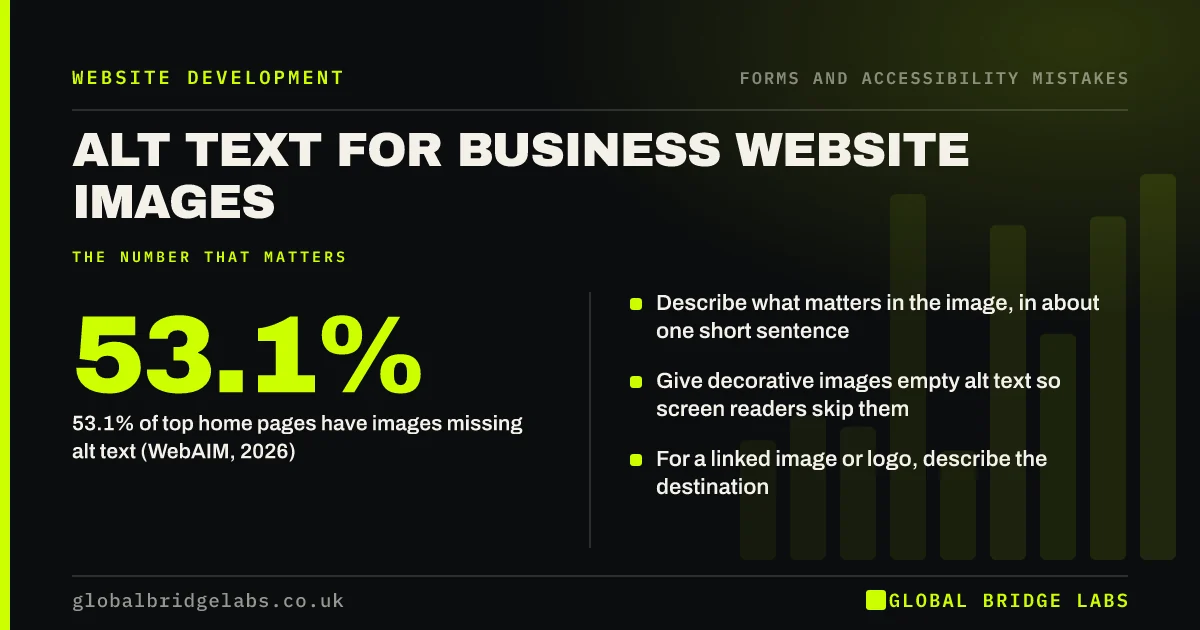
Alt text is a short written description of an image that screen readers read aloud and search engines use to understand it. WebAIM found missing alt text on 53.1% of top home pages in 2026. Write what the image shows that matters to the page, in one short sentence; leave decorative images empty; and for linked images, describe where the link goes.
- 53.1% of top home pages have images missing alt text (WebAIM, 2026).
- Describe what matters in the image, in about one short sentence.
- Give decorative images empty alt text so screen readers skip them.
- For a linked image or logo, describe the destination.
Want your images' alt text checked? Message us on WhatsApp.
Chat on WhatsApp →What is alt text?
Alt text, or alternative text, is a text attribute attached to an image in the page code. Screen readers read it to blind and partially sighted visitors, browsers show it if the image fails to load, and search engines use it to understand the image. WCAG's Non-text Content criterion requires a text alternative for meaningful images.
How do you write good alt text?
Ask what the image adds to the page, then write that. A photo of your team on a job might be 'Two Smith Electrical engineers fitting a consumer unit in a kitchen'. Skip 'image of' or 'photo of'; screen readers already announce it is an image.
- Describe the content and purpose, not every detail.
- Keep it short, usually one sentence.
- Include real names, products or places where relevant.
- Do not stuff keywords.
- Do not repeat a caption word for word.
What about decorative images?
Images that add nothing, such as background textures, divider graphics or a stock photo repeating the headline, should have empty alt text (alt="") so screen readers skip them. The W3C's alt decision tree helps decide which images need descriptions.
What about logos, icons and linked images?
When an image is a link or button, the alt text should describe what it does. A logo linking home might be 'Smith Electrical home'. A phone icon button might be 'Call us'. WebAIM found that 45% of images missing alt text in 2026 were linked images, leaving links with no description.
Want alt text written for your key pages? Message us on WhatsApp and we will discuss your requirements.
Chat on WhatsApp →Does alt text help SEO?
Yes, modestly. Google's image guidance says it uses alt text, along with page content, to understand images, and descriptive alt text helps images appear in image search. Write it for people first; a natural description usually includes the words that matter.
What about images with text, charts and infographics?
If an image contains text, the alt text should include that text, but better still, put the text on the page itself. For charts and infographics, give a short alt text and put the key figures in the page text nearby.
What does this look like in practice?
A pattern we see: every image on a site has alt text set to the file name, such as 'IMG_4021', or to the same keyword phrase. Rewriting it to describe each image takes an afternoon and helps screen reader users and image search together.
Alt text checklist
- Find images with missing alt text using WAVE.
- Describe meaningful images in one short sentence.
- Give decorative images empty alt text.
- Describe the destination of linked images.
- Replace file names and keyword stuffing.
- Put chart and infographic facts in page text.
Next step
Run a free accessibility checker on your homepage and list every image flagged for missing alt text.
Message us on WhatsApp for an accessibility review, or book a 30-minute consultation.
Chat on WhatsApp →Sources and further reading
- The WebAIM Million: accessibility of the top 1,000,000 home pages · WebAIM
- Understanding SC 1.1.1: Non-text Content · W3C
- An alt decision tree · W3C
- Google Images SEO best practices · Google Search Central
Frequently asked questions
How do you write alt text for a website?
Describe what the image shows that matters to the page, in one short sentence, without 'image of'. Include names, products or places where relevant. Give decorative images empty alt text and describe where linked images go.
Does alt text help SEO?
Yes. Google uses alt text with page content to understand images, which helps in image search. Write natural descriptions for people; keyword stuffing does not help and makes the site worse for screen reader users.
Do all images need alt text?
Every image needs an alt attribute, but decorative images should have it empty so screen readers skip them. Meaningful images, logos and linked images need a description.
Written by

Global Bridge Labs (GBL) is a UK–Sri Lanka partner for social media, websites and BPO. Everything here comes from client delivery, not theory.


