
On this page
- 01Key takeaways
- 02What is a case study teaser?
- 03Which projects should you feature?
- 04What should each teaser say?
- 05Where should the section sit?
- 06When should you skip case studies on the homepage?
- 07What does this look like in practice?
- 08Case study section checklist
- 09Next step
- 10Sources and further reading
- 11Frequently asked questions
Key takeaways
A case study section on a homepage works best as two or three short teasers, each with the customer type, the problem, one specific result and a real photo, linking to the full story. Teasers prove you have done work like the visitor's and move them to a page where they read more and often enquire.
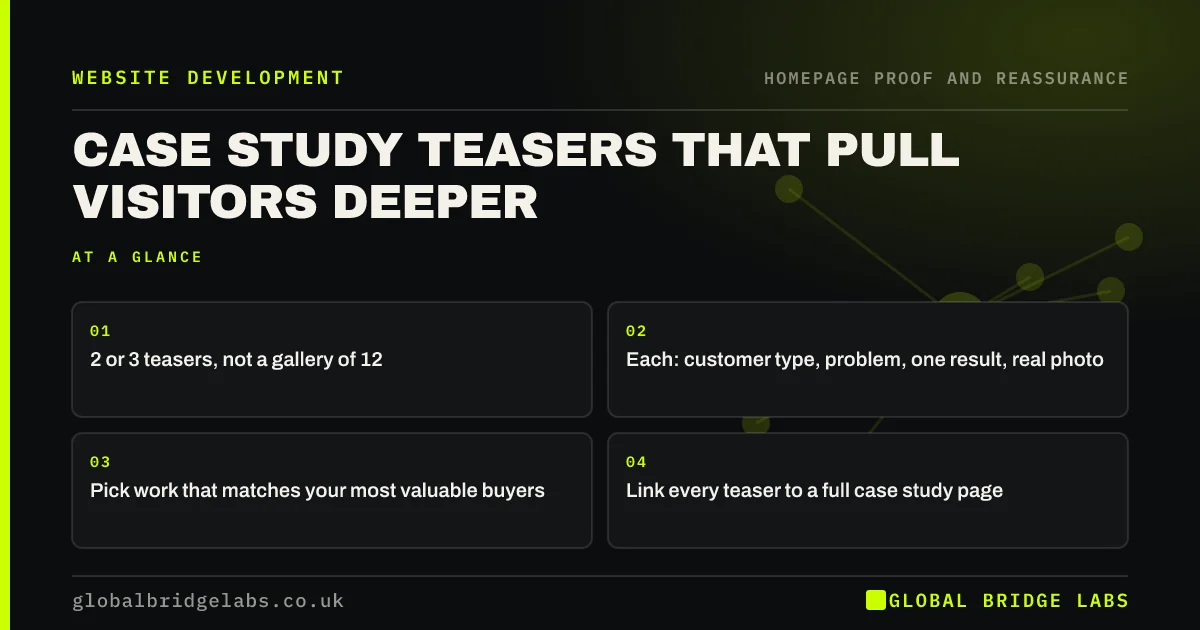
- 2 or 3 teasers, not a gallery of 12.
- Each: customer type, problem, one result, real photo.
- Pick work that matches your most valuable buyers.
- Link every teaser to a full case study page.
Want your best projects turned into homepage teasers? Message us on WhatsApp.
Chat on WhatsApp →What is a case study teaser?
A case study teaser is a short summary of a real project placed on the homepage: who the customer was, what they needed, what changed and a photo, with a link to the full story. Its job is not to tell the whole story but to show relevant experience and pull interested visitors to a page that does.
Which projects should you feature?
Feature the work you most want more of, not the most impressive. If most profit comes from kitchen refits, show three kitchens, not the one-off hotel. Match the customer types on your homepage to the visitors you want: a buyer who sees a project like theirs is far more likely to enquire.
What should each teaser say?
Keep each teaser to about 30 to 60 words: a heading with the customer type and result ('Café in Bath: 40 covers added without a rebuild'), one line on the problem, one line on what you did and a real photo. Use a number where you have one and permission to share it.
Where should the section sit?
Put it after the services summary, when visitors know what you do and want proof that you do it well. Put a call to action straight after it, because proof is the point at which interested visitors are most ready to act.
When should you skip case studies on the homepage?
Skip them if you cannot share details for confidentiality reasons and have no anonymised version, or if the work is so routine that one review says as much. Replace them with before-and-after photos or a short 'recent jobs' list instead.
What does this look like in practice?
A pattern we see: a portfolio grid of 20 small thumbnails with no words, linking to nothing. Replacing it with three captioned teasers that link to full stories usually increases clicks into the site and gives sales calls something specific to refer to.
Case study section checklist
- Choose 2 or 3 projects that match your best buyers.
- Write a heading with customer type and result.
- Add one line on the problem and one on the fix.
- Use real photos with captions.
- Link each to a full case study page.
- Follow the section with your main call to action.
Next step
Pick the three projects most like the work you want next year and write a 50-word teaser for each using the format above.
Message us on WhatsApp for feedback on your teasers, or book a 30-minute consultation.
Chat on WhatsApp →Sources and further reading
- Social proof in the user experience · Nielsen Norman Group
- Lawful basis for processing personal data · Information Commissioner's Office
Frequently asked questions
Should I put case studies on my homepage?
Yes, as two or three short teasers that link to full case study pages. They show you have done work like the visitor's and move interested people deeper into the site. Choose projects that match the customers you most want to win.
How long should a case study teaser be?
About 30 to 60 words: a heading with the customer type and result, a line on the problem, a line on what you did and a real photo. The full story belongs on its own page, linked from the teaser.
Do I need client permission to show a project?
You should get permission to name a client or share their results, and be careful with photos of identifiable people, which are personal data. Anonymised descriptions such as 'a dental practice in Kent' are fine if they do not identify the client.
Written by

Global Bridge Labs (GBL) is a UK–Sri Lanka partner for social media, websites and BPO. Everything here comes from client delivery, not theory.


