
On this page
Key takeaways
Contact form emails often go to spam because the website sends them in a way email providers do not trust, such as from your domain without authentication. The result is enquiries you never see and buyers who think you ignored them. Send form emails through an authenticated email service, set up SPF, DKIM and DMARC, and test monthly.
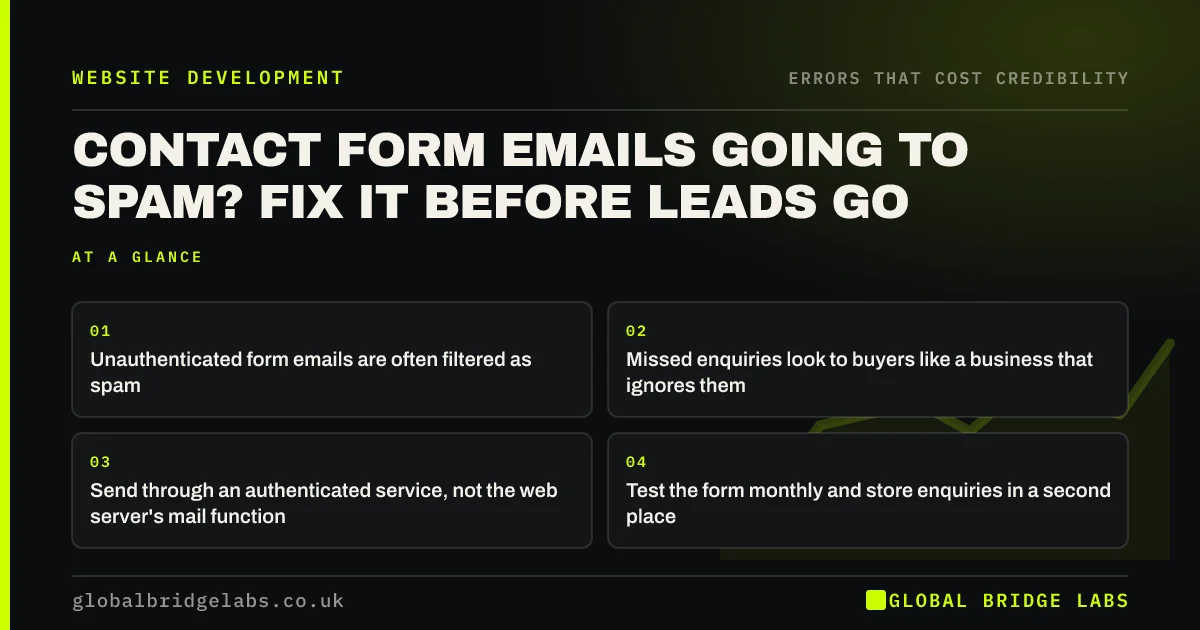
- Unauthenticated form emails are often filtered as spam.
- Missed enquiries look to buyers like a business that ignores them.
- Send through an authenticated service, not the web server's mail function.
- Test the form monthly and store enquiries in a second place.
Want your form emails checked end to end? Message us on WhatsApp.
Chat on WhatsApp →Why do contact form emails go to spam?
Most website forms send email using the web server's built-in mail function, which is not authorised to send for your domain. Gmail and Outlook check SPF, DKIM and DMARC records to decide whether mail is genuine. Since February 2024, Google has required authentication from senders, so unauthenticated form emails are increasingly filtered or rejected.
How does this damage credibility?
A buyer who submits a form and hears nothing assumes you are disorganised or not interested, and they often contact a competitor. They may also leave a review saying you never replied. The website looked credible; the silence undid it. You may never know it happened.
How do you fix it?
Fix the sending method and add a safety net.
- Send form emails through an authenticated service or your email provider via SMTP.
- Set SPF and DKIM for that service on your domain.
- Add a DMARC record and monitor reports.
- Send 'from' your domain, with the visitor's address as reply-to.
- Store every submission in the website or a CRM as backup.
Want your form delivery fixed and monitored? Message us on WhatsApp and we will discuss your requirements.
Chat on WhatsApp →How do you test it?
Submit a test enquiry from a different email address each month and check it arrives in the inbox, not spam, within a minute. Check the stored copy appears in the website or CRM. Test after every plugin, hosting or email change, because those often break delivery silently.
What does this look like in practice?
A pattern we see: an owner notices enquiries have fallen after a hosting move. The form still works for visitors, but every notification lands in a junk folder nobody checks. Routing form email through the business's email provider with proper authentication restores delivery the same day.
Form delivery checklist
- Send through an authenticated service.
- Set SPF, DKIM and DMARC.
- Use the visitor's address as reply-to.
- Store submissions as backup.
- Test monthly and after every change.
Next step
Send yourself a test enquiry now from a personal email. Check where it lands.
Message us on WhatsApp for a form delivery check, or book a 30-minute consultation.
Chat on WhatsApp →Sources and further reading
- Email sender guidelines · Google
- Email security and anti-spoofing · National Cyber Security Centre
- About key events · Google Analytics Help
Frequently asked questions
Why are my website form emails going to junk?
Usually because the website sends them without authentication for your domain, so email providers treat them as suspicious. Sending through an authenticated email service and setting up SPF, DKIM and DMARC records normally fixes it.
How do I know if I am missing enquiries?
Compare submissions stored in your website or form plugin with emails received, check spam folders, and send monthly test enquiries. A sudden drop in enquiries after a website or hosting change is a common warning sign.
What is SMTP for contact forms?
SMTP is the standard way to send email through an email server. Configuring your form to send via your email provider's SMTP, or an email delivery service, means messages are authenticated and far more likely to reach the inbox.
Written by

Global Bridge Labs (GBL) is a UK–Sri Lanka partner for social media, websites and BPO. Everything here comes from client delivery, not theory.


