
On this page
- 01Key takeaways
- 02What is a CAPTCHA?
- 03Why can CAPTCHA cost enquiries?
- 04What are the alternatives to visible CAPTCHA?
- 05What about accessibility?
- 06What are the privacy points?
- 07What does this look like in practice?
- 08Spam protection checklist
- 09Next step
- 10Sources and further reading
- 11Frequently asked questions
Key takeaways
Visible CAPTCHA puzzles, such as 'select all the traffic lights', stop spam but also stop some genuine buyers, particularly on phones and for people with disabilities. Start with invisible methods: honeypot fields, server-side filtering, time checks and invisible risk-scoring tools. Add a visible challenge only if spam is still unmanageable, and cover any third-party tool in your privacy notice.
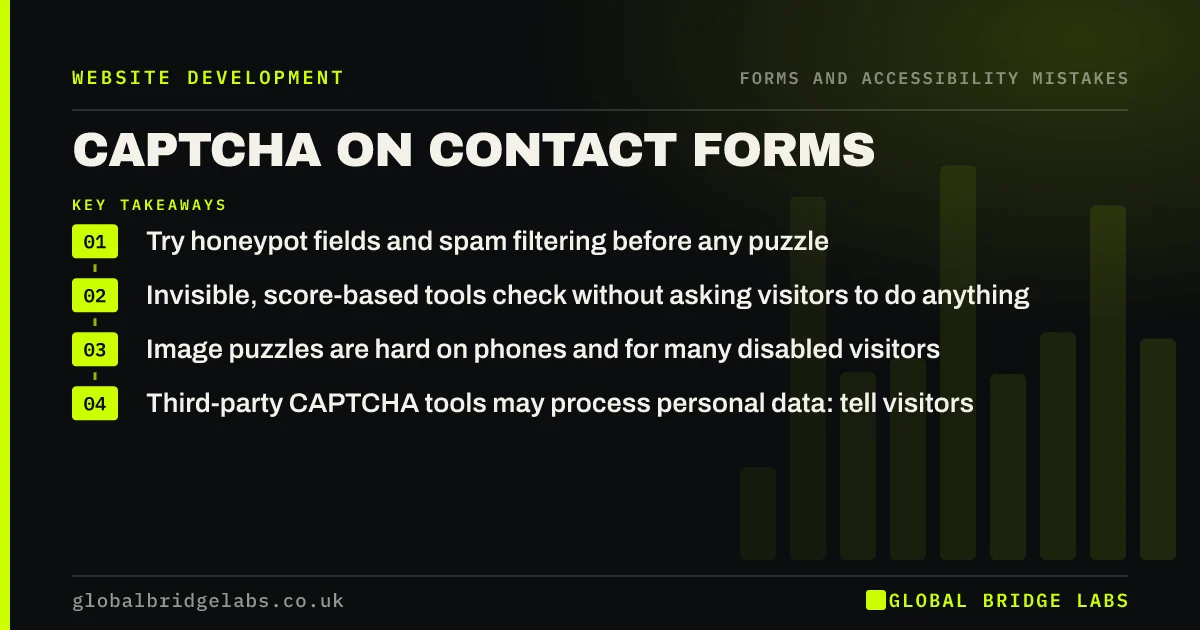
- Try honeypot fields and spam filtering before any puzzle.
- Invisible, score-based tools check without asking visitors to do anything.
- Image puzzles are hard on phones and for many disabled visitors.
- Third-party CAPTCHA tools may process personal data: tell visitors.
Drowning in form spam? Message us on WhatsApp.
Chat on WhatsApp →What is a CAPTCHA?
A CAPTCHA is a test designed to tell humans from automated bots, such as typing distorted letters, ticking a box or selecting images. Google's reCAPTCHA is the most widely used. Newer versions can assess risk in the background without showing a puzzle to most visitors.
Why can CAPTCHA cost enquiries?
Every extra step on a form loses some visitors, and puzzles are a frustrating step at the moment someone is trying to contact you. Image challenges are fiddly on small screens, can take several attempts and are difficult for people with visual or cognitive impairments. A buyer who fails twice may simply give up.
What are the alternatives to visible CAPTCHA?
Several methods stop most automated spam without asking genuine visitors to do anything.
- Honeypot field: a hidden field humans never see; bots fill it in and are rejected.
- Time check: reject forms submitted faster than a human could type.
- Server-side spam filtering of submissions by content and source.
- Invisible, score-based checks that flag only suspicious traffic.
- Rate limiting repeated submissions from one source.
Want spam protection that does not block buyers? Message us on WhatsApp and we will discuss your requirements.
Chat on WhatsApp →What about accessibility?
If you must use a visible challenge, offer an accessible alternative, such as an audio option, and make sure it works with a keyboard and screen reader. WCAG notes that CAPTCHA can be a barrier and expects alternative forms for different senses. Puzzles that rely only on vision or memory exclude people.
What are the privacy points?
Third-party CAPTCHA tools typically collect information about the visitor's device and behaviour and may set cookies or similar technologies. Explain this in your privacy notice and check with your adviser how it fits with your cookie consent approach under PECR and UK GDPR. Self-hosted honeypots avoid sharing data with a third party.
What does this look like in practice?
A pattern we see: a business adds an image CAPTCHA after a spam wave and enquiries from phones quietly fall. Replacing it with a honeypot and server-side filtering stops most of the spam without asking genuine visitors to do anything extra.
Spam protection checklist
- Add a honeypot field.
- Add a minimum submission time.
- Filter submissions on the server.
- Try invisible checks before visible puzzles.
- Offer accessible alternatives to any challenge.
- Cover third-party tools in your privacy notice.
Next step
Fill in your own form on a phone and count the seconds and steps any CAPTCHA adds.
Message us on WhatsApp for a form and spam review, or book a 30-minute consultation.
Chat on WhatsApp →Sources and further reading
- reCAPTCHA · Google for Developers
- Understanding SC 1.1.1: Non-text Content · W3C
- Cookies and similar technologies under PECR · Information Commissioner's Office
- Right to be informed (privacy information) · Information Commissioner's Office
Frequently asked questions
Should I put a CAPTCHA on my contact form?
Try invisible methods first, such as honeypot fields, time checks and spam filtering. They stop most automated spam without asking genuine visitors to do anything. Use a visible challenge only if spam remains unmanageable.
What is a honeypot field?
A form field hidden from humans with styling but visible to bots in the code. Bots tend to fill every field, so any submission with the honeypot filled in is rejected. Genuine visitors never see it.
Does reCAPTCHA need cookie consent?
Third-party CAPTCHA tools process data about visitors and may use cookies or similar technologies. Whether consent is needed depends on how it is used; take advice, and explain the tool in your privacy notice. This is general information, not legal advice.
Written by

Global Bridge Labs (GBL) is a UK–Sri Lanka partner for social media, websites and BPO. Everything here comes from client delivery, not theory.


