
On this page
Key takeaways
DMARC is an email security record that tells receiving servers what to do with messages that claim to come from your domain but fail authentication. It helps stop criminals sending fake invoices or phishing emails in your name, which can destroy customer trust. The National Cyber Security Centre recommends it, and Google requires it for bulk senders.
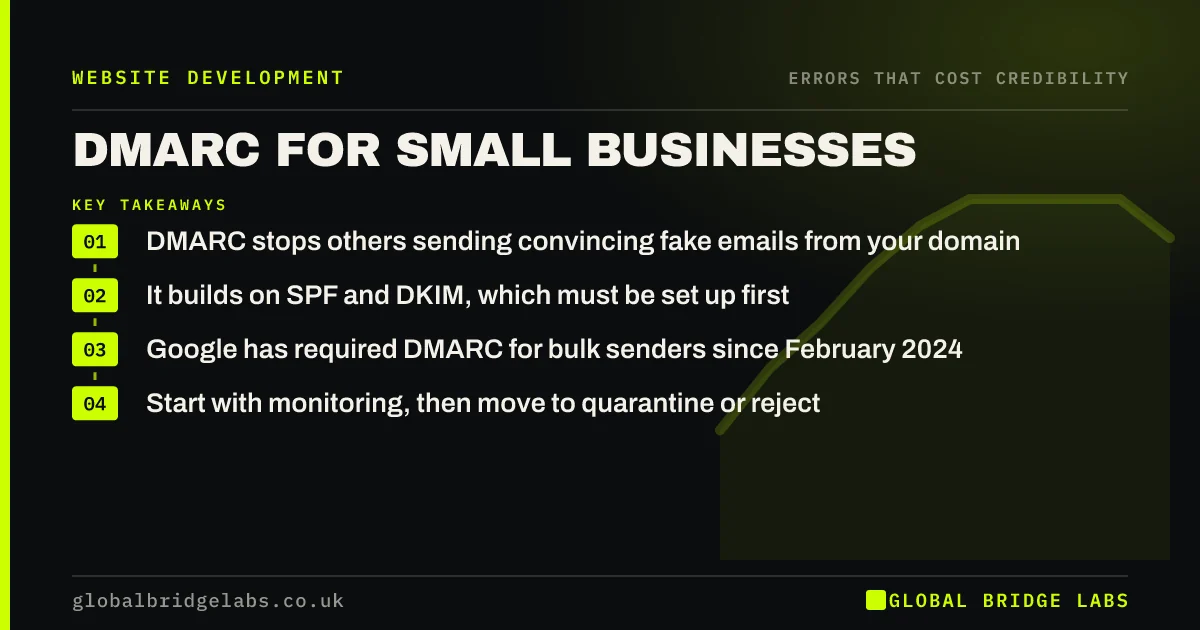
- DMARC stops others sending convincing fake emails from your domain.
- It builds on SPF and DKIM, which must be set up first.
- Google has required DMARC for bulk senders since February 2024.
- Start with monitoring, then move to quarantine or reject.
Want SPF, DKIM and DMARC set up for your domain? Message us on WhatsApp.
Chat on WhatsApp →What is DMARC?
DMARC, short for Domain-based Message Authentication, Reporting and Conformance, is a DNS record that tells email providers how to handle messages that use your domain but fail SPF and DKIM checks. It can tell them to deliver, quarantine or reject those messages, and to send you reports. The NCSC's email security guidance recommends it for all organisations.
Why does email spoofing damage credibility?
If criminals can send emails that appear to come from your domain, they can send fake invoices with changed bank details to your customers. Customers who lose money, or nearly do, may stop trusting any email from you. Your brand becomes the vehicle for the scam, even though you did nothing.
How do you set up DMARC?
Follow this order to avoid blocking your own email.
- List every service that sends email for your domain, including your website.
- Set up SPF to authorise those services.
- Turn on DKIM signing in each service.
- Publish a DMARC record with policy 'none' and a reporting address.
- Review reports for a few weeks, fix gaps, then move to quarantine and reject.
Want your email authentication set up safely? Message us on WhatsApp and we will discuss your requirements.
Chat on WhatsApp →What do Google and Yahoo require?
Since February 2024, Google's email sender guidelines require anyone sending more than 5,000 messages a day to Gmail accounts to have SPF, DKIM and DMARC. All senders need at least SPF or DKIM. Even small businesses benefit from meeting the full standard, because it improves deliverability of quotes and invoices.
What does this look like in practice?
A pattern we see: a customer receives an invoice email that looks like it came from a supplier's domain, with new bank details. The supplier has no DMARC record, so the fake passed. Publishing DMARC and moving to reject after monitoring stops further spoofed messages reaching inboxes.
DMARC checklist
- List every service sending email for your domain.
- Set up SPF and DKIM for each.
- Publish DMARC at p=none with reporting.
- Review reports and fix failures.
- Move to quarantine, then reject.
Next step
Check whether your domain has a DMARC record using a free online lookup. If not, start with monitoring this week.
Message us on WhatsApp for an email security and credibility check, or book a 30-minute consultation.
Chat on WhatsApp →Sources and further reading
- Email security and anti-spoofing · National Cyber Security Centre
- Email sender guidelines · Google
- Small Business Guide: cyber security · National Cyber Security Centre
Frequently asked questions
Does a small business need DMARC?
Yes. It helps stop criminals sending convincing fake emails from your domain to your customers, and it improves deliverability of your real emails. The NCSC recommends it for all organisations, and major email providers increasingly expect it.
What is the difference between SPF, DKIM and DMARC?
SPF lists which servers may send email for your domain. DKIM adds a digital signature to prove a message was not altered. DMARC tells receivers what to do when messages fail those checks and sends you reports.
Can DMARC block my own emails?
It can if you move to a strict policy before every sending service is authenticated. Start with a monitoring-only policy, review reports to find all your senders, fix them, then tighten the policy gradually.
Written by

Global Bridge Labs (GBL) is a UK–Sri Lanka partner for social media, websites and BPO. Everything here comes from client delivery, not theory.


