
On this page
- 01Key takeaways
- 02Why do error messages matter?
- 03What makes a good error message?
- 04Where should error messages appear?
- 05What error message mistakes should you avoid?
- 06When should validation happen?
- 07What about the confirmation message?
- 08What does this look like in practice?
- 09Error message checklist
- 10Next step
- 11Sources and further reading
- 12Frequently asked questions
Key takeaways
Good form error messages say what went wrong and how to fix it, in plain words, beside the field with the problem. Vague messages such as 'Invalid input', errors shown only in red, forms that clear everything on error and messages that appear only at the top lose enquiries from people who had already decided to contact you.
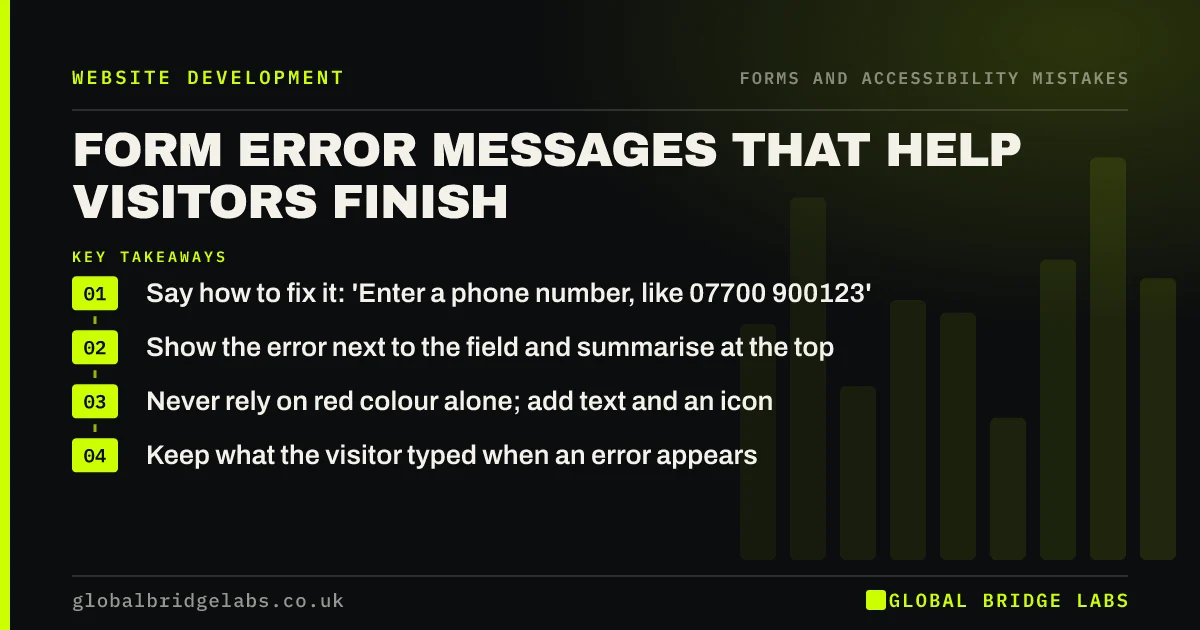
- Say how to fix it: 'Enter a phone number, like 07700 900123'.
- Show the error next to the field and summarise at the top.
- Never rely on red colour alone; add text and an icon.
- Keep what the visitor typed when an error appears.
Want your form errors rewritten? Message us on WhatsApp.
Chat on WhatsApp →Why do error messages matter?
A visitor who reaches an error has already decided to get in touch. A confusing message at that moment loses an almost-certain enquiry. Nielsen Norman Group's guidelines for reporting form errors stress making them visible, specific and constructive.
What makes a good error message?
The GOV.UK Design System's error message guidance is a good model: be clear and concise, say what happened and how to fix it, and use the same words as the field label.
- Bad: 'Invalid input'. Good: 'Enter your email address in the correct format, like name@example.com'.
- Bad: 'Error'. Good: 'Enter your postcode'.
- Bad: 'Phone number not valid'. Good: 'Enter a UK phone number, like 07700 900123'.
Where should error messages appear?
Show each message directly above or below its field, and on longer forms add a summary at the top with links to each problem field. WCAG's Error Identification criterion requires that errors are identified and described to the user in text.
What error message mistakes should you avoid?
Avoid the common faults below. Each is easy to fix and each loses enquiries.
- Showing errors only by turning the field border red.
- Clearing every field when one has an error.
- Rejecting valid formats, such as phone numbers with spaces.
- Showing errors while the visitor is still typing.
- Blaming the user: 'You entered an invalid value'.
- Technical messages from the server.
Want your forms tested on real phones? Message us on WhatsApp and we will discuss your requirements.
Chat on WhatsApp →When should validation happen?
Check a field when the visitor leaves it or when they submit, not on every keystroke. Accept common variations rather than forcing one format: spaces in phone numbers and postcodes, upper or lower case. The fewer rules, the fewer errors.
What about the confirmation message?
Success matters as much as errors. After sending, show a clear confirmation that the enquiry has been received and what happens next, ideally on a thank-you page. A form that simply clears with no message leaves visitors unsure and some send it twice or give up.
What does this look like in practice?
A pattern we see: a form rejects phone numbers with spaces and shows only a red border, so visitors cannot tell what is wrong. Accepting spaces and adding a short text message beside the field removes the problem entirely.
Error message checklist
- Write messages that say how to fix the problem.
- Show errors beside the field.
- Add a summary on longer forms.
- Use text and an icon, not just colour.
- Keep entered data on error.
- Accept common formats.
- Confirm success clearly.
Next step
Submit your contact form with a deliberate mistake on a phone and read the error message as a customer would.
Message us on WhatsApp for a form review, or book a 30-minute consultation.
Chat on WhatsApp →Sources and further reading
- 10 design guidelines for reporting errors in forms · Nielsen Norman Group
- Error message component · GOV.UK Design System
- Understanding SC 3.3.1: Error Identification · W3C
- Understanding SC 1.4.1: Use of Color · W3C
Frequently asked questions
How do you write a good form error message?
Say what is wrong and how to fix it, in plain words, using the same wording as the field label. For example, 'Enter your email address in the correct format, like name@example.com'. Show it beside the field.
Where should form error messages appear?
Next to the field with the problem, and on longer forms in a summary at the top that links to each field. Do not rely on a single message at the top or on a red border alone.
Should form validation be inline?
Validate when the visitor leaves a field or submits, not on every keystroke, which can show errors before they have finished typing. Keep rules minimal and accept common variations in format.
Written by

Global Bridge Labs (GBL) is a UK–Sri Lanka partner for social media, websites and BPO. Everything here comes from client delivery, not theory.


