On this page
- 01Key takeaways
- 02Do page builders slow websites down?
- 03How do you tell if the builder is the problem?
- 04What can you tune without rebuilding?
- 05When does the builder justify a rebuild?
- 06What do you give up by leaving a builder?
- 07When should you keep the builder?
- 08Can you rebuild only some templates?
- 09What does this look like in practice?
- 10Page builder checklist
- 11Next step
- 12Sources and further reading
- 13Frequently asked questions
Key takeaways
Page builders make editing easy but often load extra code on every page. Tune first: remove unused widgets, disable unused features, compress images and use good hosting. If key pages still fail Core Web Vitals on mobile after tuning, the builder is the bottleneck and a leaner rebuild is justified.
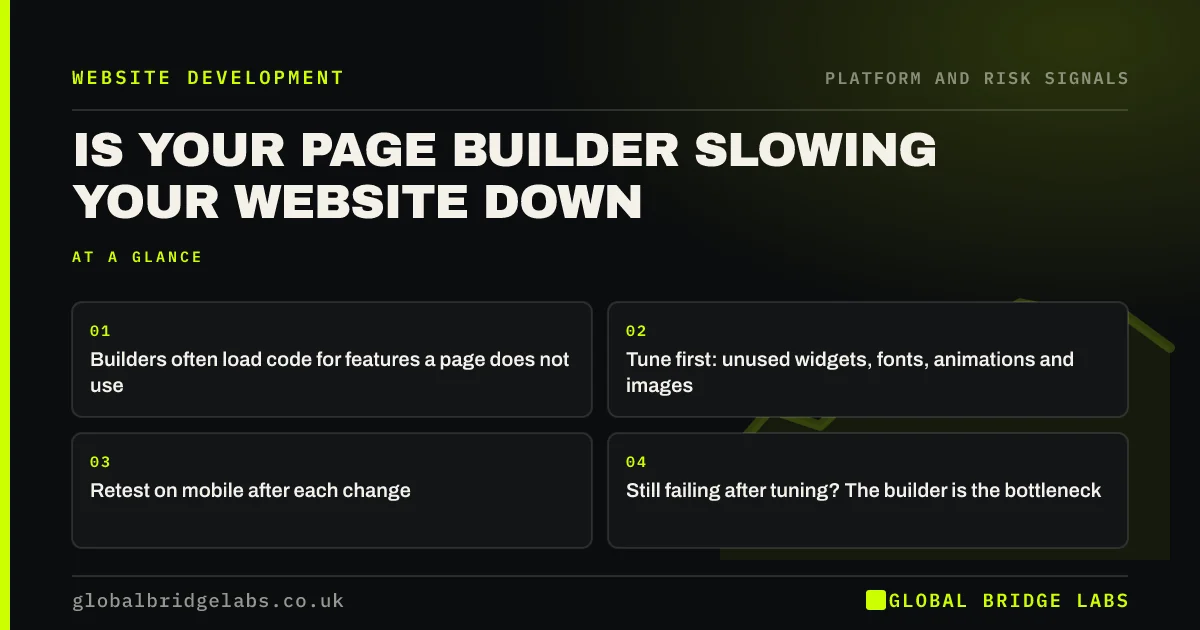
- Builders often load code for features a page does not use.
- Tune first: unused widgets, fonts, animations and images.
- Retest on mobile after each change.
- Still failing after tuning? The builder is the bottleneck.
Suspect your page builder? Send us the URL on WhatsApp.
Chat on WhatsApp →Do page builders slow websites down?
Often, yes, though not always enough to matter. Visual page builders generate extra markup and load scripts and styles for their features, sometimes on every page. On a well-tuned site with good hosting the effect can be small. On a site with many sections, animations and add-ons it can make Core Web Vitals hard to pass.
How do you tell if the builder is the problem?
Run PageSpeed Insights on mobile and look at the diagnostics. Signs that the builder is responsible include large amounts of unused JavaScript and CSS, deeply nested page structure, and a slow Interaction to Next Paint even on simple pages.
- Many 'reduce unused JavaScript/CSS' warnings from builder files.
- Excessive DOM size on pages with little content.
- INP above 200 ms on pages with no complex features.
- Simple pages as slow as complex ones.
Want the diagnostics read for you? Ask us on WhatsApp.
Chat on WhatsApp →What can you tune without rebuilding?
Quite a lot. Most builders have performance settings and many sites leave them off.
- Enable the builder's performance and asset-loading options.
- Remove unused widgets, add-on packs and animations.
- Limit fonts to one or two families and weights.
- Compress images and lazy-load below the fold.
- Use managed hosting with caching.
When does the builder justify a rebuild?
When key templates still fail Core Web Vitals on mobile after tuning and hosting are sorted, and speed matters to your enquiries. A rebuild on a lighter theme or block-based approach can keep easy editing while cutting the code that each page loads.
What do you give up by leaving a builder?
Some editing freedom. Builders let non-developers change layouts freely, which is valuable. A lighter rebuild should still let you edit text, images and pages yourself, using structured blocks rather than free layout. Make that a requirement in the brief.
When should you keep the builder?
When pages pass or nearly pass after tuning, enquiries are healthy, and your team relies on the editing freedom. A perfect score is not the goal; passing Core Web Vitals on the pages that bring enquiries is.
Can you rebuild only some templates?
Often, yes. If the homepage and main service pages carry most traffic and enquiries, rebuilding those templates in a lighter way can fix the pages that matter without replacing the whole site. Less important pages can stay on the builder until a wider redesign.
This works best when the header, footer and styles are shared, so rebuilt and builder pages still look consistent. Measure the rebuilt templates against the old ones for speed and enquiries before deciding whether to extend the approach to the rest of the site.
- Rebuild the highest-traffic templates first.
- Keep shared header, footer and styles.
- Compare speed and enquiries before and after.
- Extend only if the results justify it.
What does this look like in practice?
A pattern in UK professional services: a builder site with three add-on packs, entrance animations on every section and five font weights. Removing the add-ons and animations and trimming fonts moves most pages to passing. The two pages that still fail are rebuilt as lighter templates, rather than the whole site.
Page builder checklist
Work through these before deciding to rebuild.
- Test key pages on mobile in PageSpeed Insights.
- Enable the builder's performance options.
- Remove unused add-ons, widgets and animations.
- Trim fonts and compress images.
- Check hosting and caching.
- Rebuild only templates that still fail.
Next step
If you think your builder is slowing your site, we will test and tune it with you in 30 minutes, and tell you honestly whether a rebuild is needed.
Message us on WhatsApp for a page builder speed check, or book a 30-minute consultation.
Chat on WhatsApp →Sources and further reading
- Understanding Core Web Vitals and Google search results · Google Search Central
- Interaction to Next Paint (INP) · web.dev (Google)
- PageSpeed Insights · Google
Frequently asked questions
Are page builders bad for website speed?
They can be, because they often load extra code and create complex page structures. With performance settings enabled, few add-ons, compressed images and good hosting, many builder sites can pass Core Web Vitals. Heavily layered builder sites often cannot. Test key pages before deciding either way.
How can I speed up a page builder website?
Enable the builder's performance options, remove unused add-ons, widgets and animations, limit fonts, compress images, lazy-load content below the fold, and use managed hosting with caching. Retest on mobile after each change. Remove anything that does not help enquiries. Retest after every change.
Should I rebuild my website without a page builder?
Consider it if key pages still fail Core Web Vitals on mobile after tuning and hosting fixes, and speed matters to enquiries. Make sure the rebuild still lets you edit text, images and pages yourself. Rebuild only the templates that still fail.
Can I still edit my website without a page builder?
Yes. Modern block-based editors and well-built themes let you edit text, images and pages without code, using structured blocks rather than free layout. Make self-editing a requirement in any rebuild brief. Ask for a demonstration before you commit. Check this in a demonstration first.
Written by

Global Bridge Labs (GBL) is a UK–Sri Lanka partner for social media, websites and BPO. Everything here comes from client delivery, not theory.