
On this page
- 01Key takeaways
- 02Why do slow search and filters cost sales?
- 03What makes search and filters slow?
- 04How do you make finding things feel instant?
- 05Do small sites need better search at all?
- 06What does this look like in practice?
- 07Search and filter speed checklist
- 08Next step
- 09Sources and further reading
- 10Frequently asked questions
Key takeaways
Slow site search and filters lose the visitors most likely to buy: people who arrive knowing what they want. Someone who types a product name or ticks a size filter has told you their intent. If each attempt takes several seconds and reloads the page, they stop refining and leave. Search and filtering should respond in well under a second and never lose the visitor's place.
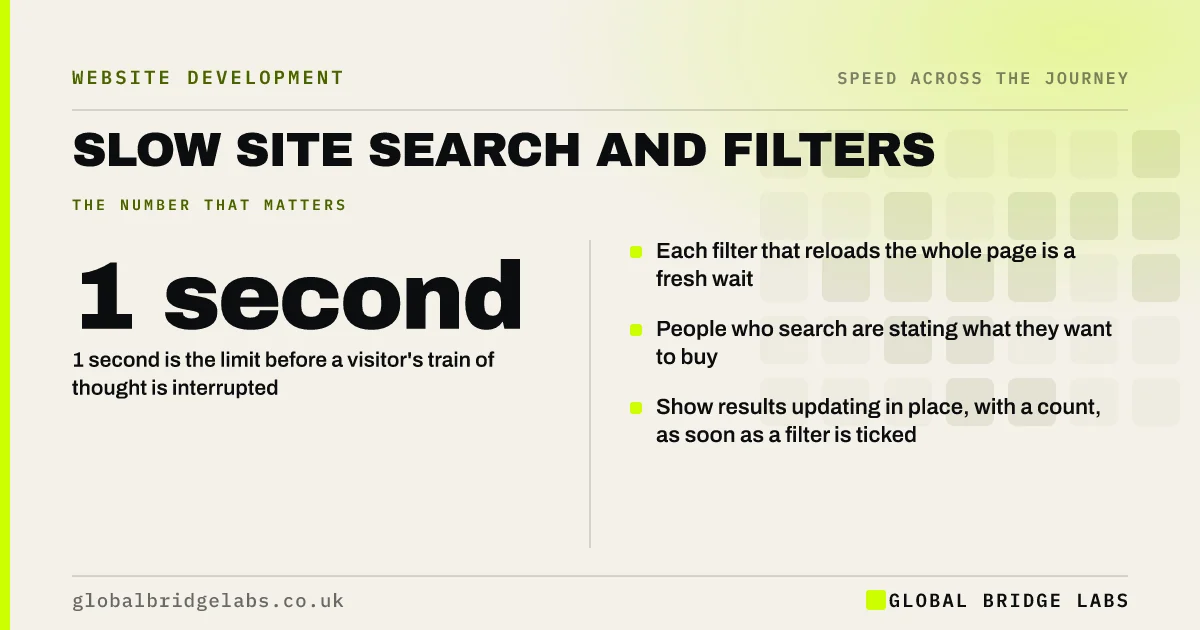
- 1 second is the limit before a visitor's train of thought is interrupted.
- Each filter that reloads the whole page is a fresh wait.
- People who search are stating what they want to buy.
- Show results updating in place, with a count, as soon as a filter is ticked.
Do your search and filters feel sluggish on a phone? Send us the page on WhatsApp.
Chat on WhatsApp →Why do slow search and filters cost sales?
Search and filtering are repeated actions. A shopper narrowing 200 products might tick four filters and try two searches. At three seconds each, that is nearly twenty seconds of waiting before they see a single suitable item. The Nielsen Norman Group puts 1 second as the limit for keeping a person's flow of thought. Past it, each step feels like starting again.
The cost is easy to miss, because these visitors do not bounce. They browse, struggle and leave from a category page, and the report shows a normal-looking session.
What makes search and filters slow?
The causes sit in how the page fetches and redraws results.
- Every filter change reloads the entire page, images and all.
- The site's built-in search scans the whole catalogue on each request.
- Results pages load every product image at once.
- Filter counts are recalculated for every option.
- A third-party search tool loads late, so the box is not ready.
How do you make finding things feel instant?
Respond to the action immediately, then deliver the results. The filter should show as selected at once, with a visible sign that results are updating. Results should change in place without a full page reload, and the visitor's scroll position and other selections should be kept.
- 1. Update results in place when a filter is changed.
- 2. Show the number of matching items straight away.
- 3. Load result images as they scroll into view.
- 4. Offer search suggestions after a short pause in typing.
- 5. Keep filters when the visitor returns from a product page.
Want to know why your category pages lag? Ask us on WhatsApp.
Chat on WhatsApp →Do small sites need better search at all?
Often not. A site with twenty services or forty products does not need search or filters. Clear navigation and well-named categories are faster than any search box, and removing an unused search tool takes a script off every page.
Dedicated search services are worth their cost for large catalogues, where built-in search is slow or returns poor results. For a small shop, they add weight and a monthly fee for a problem better solved by structure.
What does this look like in practice?
A pattern we see in trade and parts suppliers: customers know the part number, type it into the site search, wait, get a full page reload and a list in no useful order, then phone the order through. The website has become a catalogue for the telephone.
Making search return exact matches first and update without a reload shortens the journey for the customers who buy most often. Global Bridge Labs (GBL) tests search with real customer queries, not sample ones.
Search and filter speed checklist
- Search for your five best-selling items on a phone.
- Tick three filters in a row and time each response.
- Check whether the page reloads or updates in place.
- Go to a product and back: are the filters kept?
- Review the site's search terms report for failed searches.
- Remove search if navigation would serve better.
Next step
Visitors who search are the easiest to serve and the most costly to lose. We will run your real customer searches on a phone and show where the time goes.
Message us on WhatsApp for a search and filter speed review.
Chat on WhatsApp →Sources and further reading
- Response times: the 3 important limits · Nielsen Norman Group
- Optimise Interaction to Next Paint · web.dev (Google)
- Back/forward cache · web.dev (Google)
Frequently asked questions
Why is my website search slow?
Built-in search on many platforms scans the whole catalogue on each request and reloads the entire page to show results. Large catalogues, unoptimised databases and result pages that load every image at once make it worse. Updating results in place and loading images on scroll are the usual fixes.
How fast should product filters respond?
A filter should show as selected at once and results should update within about a second, without reloading the page. Longer than that and shoppers stop refining. If the result takes time, show that it is updating so the tap does not feel ignored.
Does a small business website need site search?
Usually not. With a small number of services or products, clear navigation is quicker for visitors and lighter for the site. Search earns its place when there are too many items to browse, such as a catalogue of several hundred products.
Why do filters reset when I go back to the results?
Because the selections are not stored in the page address or the browser's memory, so returning rebuilds the default list. It forces shoppers to repeat their work. Keeping filters in the address and allowing the browser to restore the page fixes it.
Written by

Global Bridge Labs (GBL) is a UK–Sri Lanka partner for social media, websites and BPO. Everything here comes from client delivery, not theory.


