
On this page
- 01Key takeaways
- 02What should a search results page show?
- 03Why does relevance matter more than design?
- 04Should results have filters?
- 05How do you handle spelling and synonyms?
- 06Does speed matter?
- 07What does this look like in practice?
- 08Search results checklist
- 09Next step
- 10Sources and further reading
- 11Frequently asked questions
Key takeaways
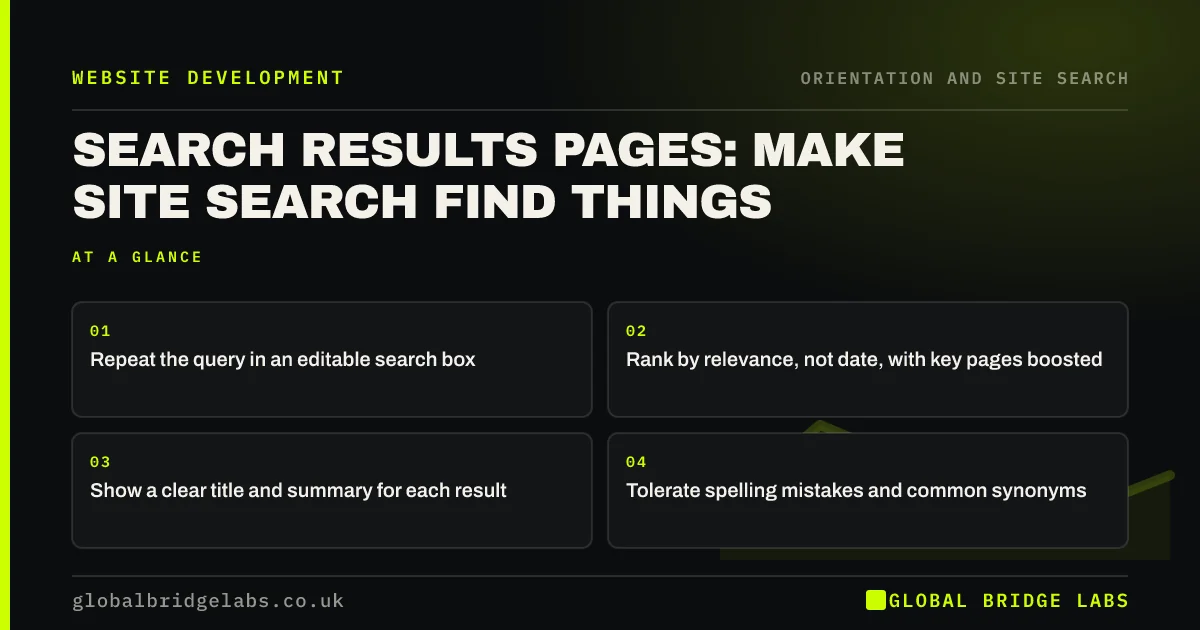
A good search results page repeats the query in an editable box, ranks the most useful match first, shows a clear title and short summary for each result, and offers filters only when there are many results. Most site search fails on relevance, not design: results ranked by date, or matching only exact words, send visitors back to the menu or away.
- Repeat the query in an editable search box.
- Rank by relevance, not date, with key pages boosted.
- Show a clear title and summary for each result.
- Tolerate spelling mistakes and common synonyms.
Want your site search tested with real queries? Message us on WhatsApp.
Chat on WhatsApp →What should a search results page show?
The results page should confirm what was searched, show how many results, and present each result so visitors can judge it without clicking. Nielsen Norman Group's guidance on search stresses that users scan result titles and snippets to decide, so those must be specific.
- The query in an editable search box.
- The number of results.
- Page title as the result heading.
- A short summary or matching extract.
- The type of page, such as service, guide or product.
Why does relevance matter more than design?
If the best page appears tenth, a well-designed results page still fails. Many default site search tools rank by date or by keyword count, so an old blog post beats the service page. Boost key pages, such as services and prices, for their main terms, and check the top results for your most common queries.
Want your search tuned so key pages come first? Message us on WhatsApp and we will discuss your requirements.
Chat on WhatsApp →Should results have filters?
Only when there are many results of different types, such as products, guides and services. A simple filter by type or category helps; a panel of options on a site with 30 pages does not. Show filters after visitors search, not before.
How do you handle spelling and synonyms?
Visitors misspell and use different words for the same thing. Good search tools correct common spelling mistakes and let you add synonyms, such as 'boiler service' for 'boiler maintenance'. Use your search data to find the words visitors use that your pages do not.
Does speed matter?
Yes. Results that take several seconds to appear make visitors think search is broken. Keep search fast, show a loading state if needed, and avoid reloading the whole page for every filter change.
What does this look like in practice?
A pattern we see: searching 'prices' on a service site returns 14 blog posts that mention prices, newest first, and the price page eleventh. Boosting the price page for that query and showing page types in the results puts the answer first.
Search results checklist
- Query repeated in an editable box.
- Relevance ranking with key pages boosted.
- Clear titles and summaries.
- Spelling tolerance and synonyms.
- Filters only when there are many results.
- Fast results.
Next step
Search your own site for your five most important terms and note where the right page appears.
Message us on WhatsApp for a site search review, or book a 30-minute consultation.
Chat on WhatsApp →Sources and further reading
- Search: visible and simple · Nielsen Norman Group
- Enhanced measurement events · Google Analytics Help
- Information scent: how users decide where to go next · Nielsen Norman Group
Frequently asked questions
How do I improve my website's search results?
Check the top results for your most common queries, boost key pages for their main terms, add synonyms for words visitors use, enable spelling correction and make result titles and summaries specific. Many tools allow these settings without development work.
Should site search show blog posts and pages together?
Yes, but label the type of each result and make sure service and price pages rank above blog posts for commercial terms. On larger sites, a filter by type helps visitors narrow down.
What site search tool should a small business use?
The built-in search on platforms such as WordPress and Shopify is often adequate once tuned, sometimes with a plugin that adds relevance controls and synonyms. Larger sites may need a dedicated search service.
Written by

Global Bridge Labs (GBL) is a UK–Sri Lanka partner for social media, websites and BPO. Everything here comes from client delivery, not theory.


