
On this page
- 01Key takeaways
- 02Why does the back button matter so much?
- 03What breaks the back button?
- 04How do you keep the back button working?
- 05Should you add your own back links?
- 06How do you test it?
- 07What does this look like in practice?
- 08Back button checklist
- 09Next step
- 10Sources and further reading
- 11Frequently asked questions
Key takeaways
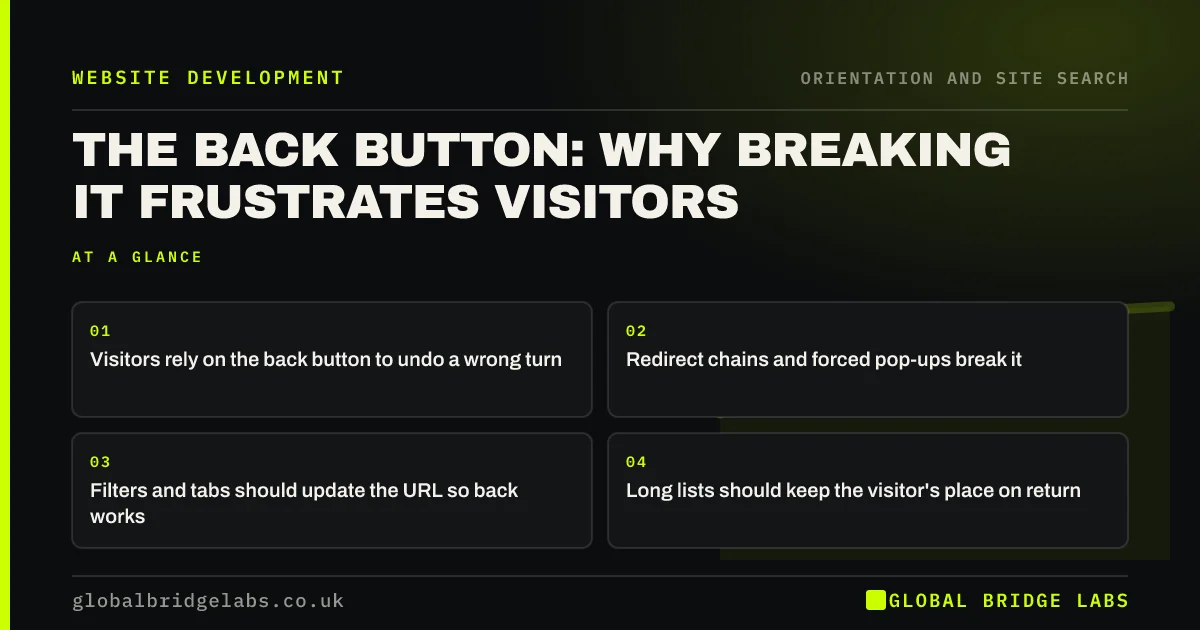
The back button is the most used navigation control on the web, and visitors expect it to take them to where they just were. Sites break it with redirects, filters that do not update the URL, pages that reload to the top and pop-ups that trap visitors. Make sure every meaningful view has its own URL and back always means back.
- Visitors rely on the back button to undo a wrong turn.
- Redirect chains and forced pop-ups break it.
- Filters and tabs should update the URL so back works.
- Long lists should keep the visitor's place on return.
Want the back button tested across your key journeys? Message us on WhatsApp.
Chat on WhatsApp →Why does the back button matter so much?
The back button is how visitors undo a mistake. It gives them confidence to explore, because they know they can return. Nielsen Norman Group's heuristic of user control and freedom says users need a clearly marked emergency exit. When back fails, visitors feel trapped and often leave the site altogether.
What breaks the back button?
Most breakages come from technical shortcuts. Each one turns a simple 'go back' into confusion.
- Redirects that send visitors forward again when they go back.
- Filters, tabs and search that change the page without changing the URL.
- Pages that reset to the top of a long list on return.
- Pop-ups or overlays that do not close with back on phones.
- Links that open new tabs, so back does nothing.
How do you keep the back button working?
Give each meaningful view its own URL, so filters, search results and tabs can be returned to. Use permanent redirects only for moved pages, not as a way to route visitors. Make sure product and article lists restore the visitor's scroll position. Close full-screen overlays when visitors press back on phones.
Want your filters and search made back-button friendly? Message us on WhatsApp and we will discuss your requirements.
Chat on WhatsApp →Should you add your own back links?
In multi-step flows, such as booking or checkout, a 'Back' link at the top helps visitors return a step without losing their answers. The GOV.UK Design System recommends a back link in transactional journeys but not on ordinary content pages, where the browser button and breadcrumbs do the job.
How do you test it?
Walk through your key journeys on a phone and a laptop, pressing back after every step: a filtered product list, a search, a booking form and a blog post opened from a list. Note any step where back does not return you to exactly where you were.
What does this look like in practice?
A pattern we see: a shop's category filters change the products without changing the URL. A shopper filters to their size, opens a product, presses back and finds the filters cleared. Writing filters into the URL brings them back to the filtered list.
Back button checklist
- Every filter, tab and search updates the URL.
- No redirect chains that bounce visitors forward.
- Lists keep the scroll position on return.
- Overlays close with back on phones.
- Back links in multi-step flows only.
Next step
Filter a list on your site, open an item and press back. Did you land where you left?
Message us on WhatsApp for a journey test, or book a 30-minute consultation.
Chat on WhatsApp →Sources and further reading
- 10 usability heuristics for user interface design · Nielsen Norman Group
- Back link component · GOV.UK Design System
- Opening links in new browser windows and tabs · Nielsen Norman Group
Frequently asked questions
Why does my website's back button not work?
Common causes are redirects that send visitors forward again, filters or tabs that change content without changing the URL, and overlays that do not respond to back. A developer can fix most of these by updating the URL for each view and removing unnecessary redirects.
Should my site have its own back button?
Only in multi-step flows such as booking or checkout, where a back link helps visitors return a step without losing their answers. On ordinary pages, the browser button and breadcrumbs are enough.
Does opening links in new tabs affect the back button?
Yes. A new tab has no history, so back does nothing, which confuses many visitors, especially on phones. Open internal links in the same tab and keep new tabs for exceptions such as documents visitors need beside a form.
Written by

Global Bridge Labs (GBL) is a UK–Sri Lanka partner for social media, websites and BPO. Everything here comes from client delivery, not theory.


