
On this page
- 01Key takeaways
- 02What are customer journey metrics?
- 03Which metrics fit each stage?
- 04How do you measure stages GA4 cannot see?
- 05How often should you review journey metrics?
- 06Which metrics mislead?
- 07When should you not chase a metric?
- 08What does this look like in practice?
- 09Journey metrics checklist
- 10Next step
- 11Sources and further reading
- 12Frequently asked questions
Key takeaways
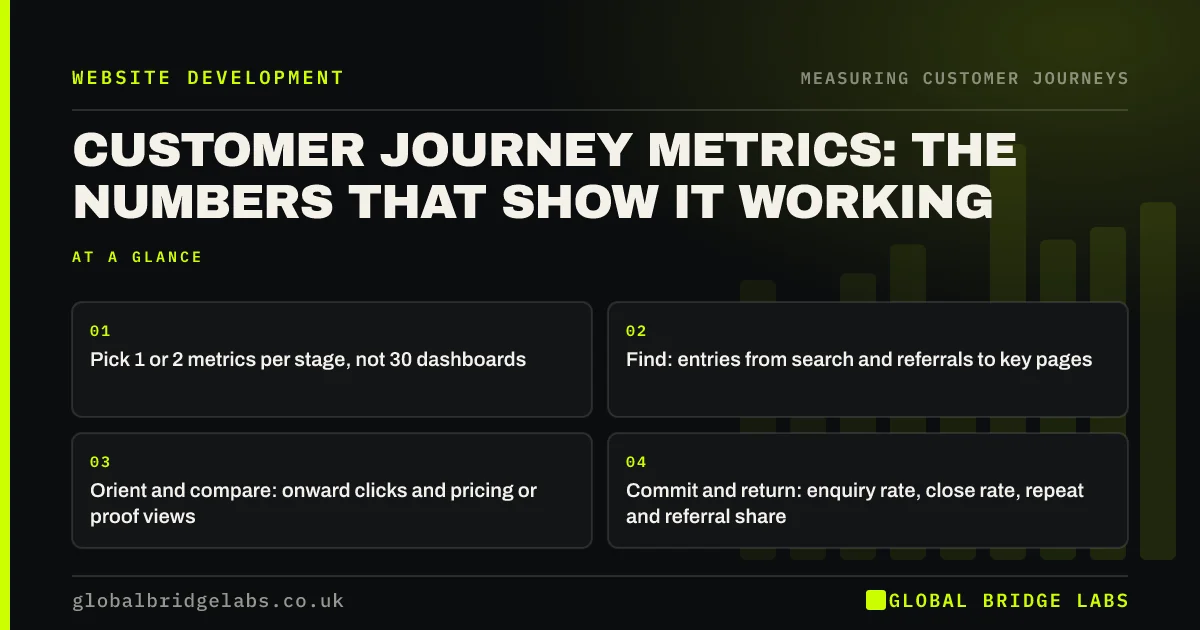
Customer journey metrics are a small set of numbers, one or two per stage, that show whether buyers are moving through the journey. For a small business website, track entry engagement, onward clicks to service pages, compare-page views, enquiry rate, enquiry-to-sale rate and repeat or referral share. Review them monthly by stage, and fix the stage that moved most in the wrong direction.
- Pick 1 or 2 metrics per stage, not 30 dashboards.
- Find: entries from search and referrals to key pages.
- Orient and compare: onward clicks and pricing or proof views.
- Commit and return: enquiry rate, close rate, repeat and referral share.
Want a one-page journey dashboard for your business? Message us on WhatsApp.
Chat on WhatsApp →What are customer journey metrics?
Customer journey metrics are measures that show how well each stage of the customer journey is working, rather than how the website performs overall. They connect a stage, such as compare, to a number, such as the share of service page visitors who view pricing or proof. Together they show where buyers flow and where they stall.
Which metrics fit each stage?
Choose metrics you can measure reliably and act on. The list below is a starting point for a service business; e-commerce swaps form metrics for basket and checkout steps.
- Find: sessions to service pages from organic search, referrals and maps.
- Orient: engaged session rate on top landing pages.
- Compare: share of service page visitors viewing pricing, proof or process.
- Commit: enquiry rate (forms, calls, chats per session) and form completion rate.
- After enquiry: reply time and enquiry-to-sale rate.
- Return: repeat customer share, referral share and review count.
How do you measure stages GA4 cannot see?
Some stages happen off the website. Reply time comes from your inbox or CRM. Enquiry-to-sale rate needs enquiries and sales in one place, even a spreadsheet. Repeat and referral share come from your customer records and the 'how did you hear about us?' question. These off-site numbers often explain website numbers.
How often should you review journey metrics?
Review journey metrics monthly, comparing each with the previous three months rather than one month, because small sites fluctuate. Look for the stage that moved most in the wrong direction, then investigate it with path explorations, recordings and customer questions. Every quarter, score the site on the Journey Fit Scorecard as a qualitative check.
- A monthly website conversion review in 30 minutes
- The customer journey scorecard: score your website in an hour
Want a monthly journey review template? Ask for it on WhatsApp.
Chat on WhatsApp →Which metrics mislead?
Some popular numbers mislead when read alone. Total traffic rises with irrelevant visitors. Bounce rate and time on page can be high on pages that answered the question. Single-session conversion rate undervalues pages that bring buyers back. Treat each metric as a question to investigate, and always connect website numbers to enquiries and sales.
When should you not chase a metric?
Do not chase a metric that can be improved without helping buyers, such as adding pop-ups to raise email sign-ups or splitting pages to raise page views. The journey metrics exist to show whether buyers get what they need; improving the number at the buyer's expense breaks the journey it was meant to measure.
What does this look like in practice?
A pattern we see in monthly reports: traffic rises and enquiries stay flat, and the conclusion is that the website has stopped working. Stage metrics show the extra traffic is landing on awareness articles, while the compare-stage metric, pricing and proof views from service pages, has not moved.
That points the next month's work to the service pages rather than more articles. Across our client work we have seen a 2.4x enquiry rate from conversion changes of this kind. Global Bridge Labs (GBL) reports by stage so the right page gets the work.
Journey metrics checklist
- Choose 1 or 2 metrics per stage.
- Set up the GA4 events they need.
- Record reply time and enquiry-to-sale rate.
- Track repeat and referral share.
- Review monthly against a 3-month average.
- Investigate the stage that moved most.
Next step
The right handful of numbers tells you which stage to fix this month. We will choose them with you and set up a one-page view.
Message us on WhatsApp to set up customer journey metrics, or book a 30-minute consultation.
Chat on WhatsApp →Sources and further reading
- About key events · Google Analytics Help
- Engagement rate and bounce rate · Google Analytics Help
- Funnel exploration · Google Analytics Help
Frequently asked questions
What metrics measure the customer journey?
One or two per stage: entries to key pages from search and referrals, engaged session rate on landing pages, pricing and proof views from service pages, enquiry rate and form completion, reply time and enquiry-to-sale rate, and repeat and referral share.
How do I measure customer journey success on my website?
Track stage metrics monthly against a three-month average, and connect website numbers to enquiries and sales. Investigate the stage that moved most in the wrong direction with path explorations, recordings and customer questions.
Is bounce rate a good customer journey metric?
Not on its own. A page can have a high bounce rate because it answered the question or the visitor phoned. Use onward clicks, key events and enquiries alongside it, and judge each page against its job in the journey.
Written by

Global Bridge Labs (GBL) is a UK–Sri Lanka partner for social media, websites and BPO. Everything here comes from client delivery, not theory.


