On this page
- 01Key takeaways
- 02Why review the website every month?
- 03Minutes 1 to 10: Which five numbers should you check?
- 04Minutes 11 to 20: How do you test the routes?
- 05Minutes 21 to 30: How do you choose one change?
- 06What should you do each quarter?
- 07When is a monthly review not enough?
- 08What does this look like in practice?
- 09Monthly review checklist
- 10Next step
- 11Sources and further reading
- 12Frequently asked questions
Key takeaways
A monthly website conversion review is a fixed 30-minute check of the numbers and routes that decide enquiries, ending with one change to make. It is the habit that keeps a high-converting website high-converting. Without it, forms break, prices go stale and small problems pile up until a redesign seems the only answer.
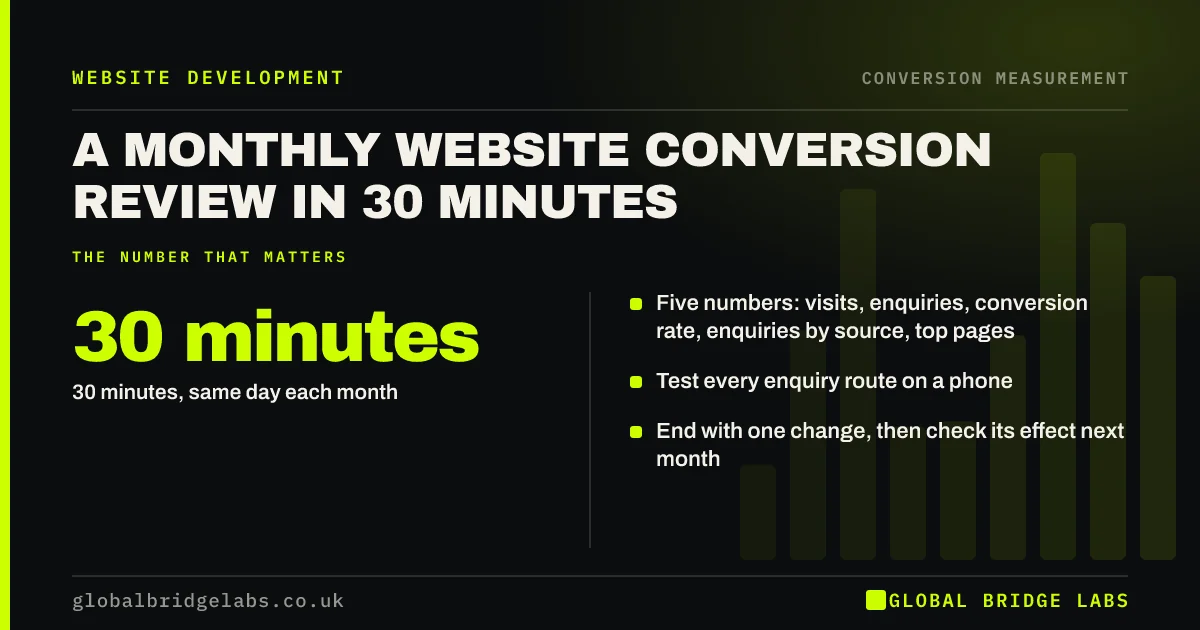
- 30 minutes, same day each month.
- Five numbers: visits, enquiries, conversion rate, enquiries by source, top pages.
- Test every enquiry route on a phone.
- End with one change, then check its effect next month.
Want a monthly review template set up for you? Message us on WhatsApp.
Chat on WhatsApp →Why review the website every month?
Websites decay quietly. Plugins update, forms stop sending, email addresses change, prices go out of date and competitors improve. A monthly review catches these before they cost a quarter of enquiries. It also builds a record of what changed and what happened, which is how a site steadily improves rather than lurching from redesign to redesign.
Minutes 1 to 10: Which five numbers should you check?
Pull the same five numbers from Google Analytics 4 each month and compare with last month and the same month last year.
- Visits (sessions).
- Enquiries (all key events: forms, calls, WhatsApp, bookings).
- Conversion rate (enquiries ÷ sessions).
- Enquiries by source (search, ads, social, referral, direct).
- Top five landing pages and their enquiries.
Minutes 11 to 20: How do you test the routes?
On a phone, submit the main form, tap the phone number, start a WhatsApp chat and complete a booking or test order if you have one. Check that notifications arrive. Glance at the top landing page for anything out of date: prices, dates, staff, offers.
Want someone to run the route test for you each month? Ask us on WhatsApp.
Chat on WhatsApp →Minutes 21 to 30: How do you choose one change?
Look at what moved and pick one change that addresses the biggest gap. It might be fixing a broken route, updating a price, rewriting a headline on a page that lost enquiries, or adding proof to a page with high traffic and few enquiries. Write it in a simple change log with the date, so next month you can see its effect.
What should you do each quarter?
Every third review, spend an extra hour: score the site on the GBL Conversion Gap Scorecard, check mobile speed in PageSpeed Insights, and review enquiry-to-sale rate by source. The quarterly check catches slower trends that monthly numbers hide.
When is a monthly review not enough?
Sites that depend heavily on the website for revenue, such as online shops or businesses spending significantly on ads, need weekly checks of sales and key routes. A monthly review also cannot fix deeper problems on its own; if the same issue appears three months running, it needs a proper project.
What does this look like in practice?
A UK veterinary practice started a 30-minute monthly review. In the second month, the route test found that online booking confirmations were going to a former employee's inbox. In the fourth, the numbers showed a new blog post attracting visitors but no bookings, so a booking link was added. Small, steady fixes lifted online bookings across the year.
Monthly review checklist
- Book 30 minutes on the same day each month.
- Record the five numbers against last month and last year.
- Test every enquiry route on a phone.
- Check the top landing page for out-of-date content.
- Choose one change and log it with the date.
- Add a scorecard and speed check every quarter.
Next step
A monthly review is the cheapest way to protect and improve a converting website. We can set up the template and the reporting so it genuinely takes 30 minutes.
Message us on WhatsApp to set up your monthly review, or book a 30-minute consultation.
Chat on WhatsApp →Sources and further reading
- About key events · Google Analytics Help
- PageSpeed Insights · Google
- Google Search Console · Google
Frequently asked questions
What should I check on my website every month?
Visits, enquiries, conversion rate, enquiries by source and top landing pages, then test every enquiry route on a phone and check key pages for out-of-date content. Finish by choosing one change to make. Log the change with its date so next month's numbers can show whether it helped.
How long should a monthly website review take?
About 30 minutes if reporting is set up well: 10 minutes on numbers, 10 on route testing and 10 on choosing and logging one change. Add an hour each quarter for a deeper check. Use the same day each month so the habit sticks.
Who should do the monthly website review?
A named person inside the business, usually whoever handles marketing or enquiries. They do not need technical skills, just the reports, a phone and the authority to request changes. Give them a standing monthly budget, even a small one, so that approved changes happen quickly rather than waiting weeks for sign-off.
What is a website change log?
A simple record of every change made to the website, with the date and reason. It lets you connect changes to movements in enquiries, and helps new suppliers understand the site's history. A shared spreadsheet with date, page, change and reason is enough for most small businesses.
Written by

Global Bridge Labs (GBL) is a UK–Sri Lanka partner for social media, websites and BPO. Everything here comes from client delivery, not theory.