
On this page
- 01Key takeaways
- 02What is customer journey analytics?
- 03Which GA4 events should you track?
- 04Which reports show the journey?
- 05How do you see the parts GA4 misses?
- 06What about privacy and consent?
- 07When is journey analytics overkill?
- 08What does this look like in practice?
- 09Journey analytics checklist
- 10Next step
- 11Sources and further reading
- 12Frequently asked questions
Key takeaways
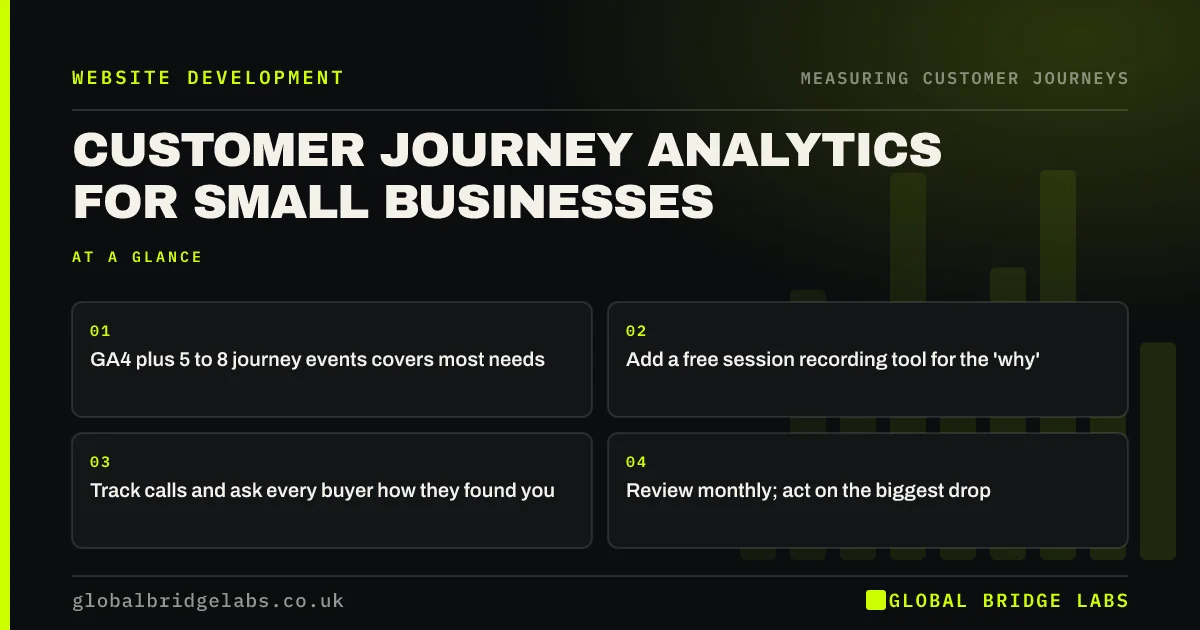
Customer journey analytics for a small business does not need expensive software. GA4 with a handful of well-chosen events, a free session recording tool, call tracking and a 'how did you hear about us?' question cover most of what you need. Set them up around your journey stages, review them monthly, and use them to find the one step that loses the most buyers.
- GA4 plus 5 to 8 journey events covers most needs.
- Add a free session recording tool for the 'why'.
- Track calls and ask every buyer how they found you.
- Review monthly; act on the biggest drop.
Want journey analytics set up on your site? Message us on WhatsApp.
Chat on WhatsApp →What is customer journey analytics?
Customer journey analytics is the practice of measuring how buyers move through the stages of their journey, across sessions and channels, to find where they stall and what leads to a sale. Large firms use dedicated platforms that join data from many systems. A small business can get most of the value from website analytics, recordings, call tracking and asking buyers directly.
Which GA4 events should you track?
Track events that mark progress through the journey stages, and mark the ones that matter most as key events. Most small business sites need only five to eight: views of key page types, clicks on phone and email, WhatsApp clicks, form starts, form submissions, booking completions and, for shops, the standard e-commerce events.
- Pricing and case study page views (compare).
- Phone, email and WhatsApp clicks (commit).
- Form start and form submit (commit).
- Booking or purchase complete (commit).
- Help or rebook page views (return).
Which reports show the journey?
Four views show most of the journey. The landing page report shows where journeys start. Path explorations show the routes. Funnel explorations show drop-off at defined steps. The traffic acquisition report shows which channels bring buyers who progress. Review them together, by device, once a month.
How do you see the parts GA4 misses?
GA4 misses the 'why', the offline steps and visitors who decline cookies. Session recordings and heatmaps, such as Microsoft Clarity, which is free, show what people did on a page. Call tracking counts phone enquiries. A 'how did you hear about us?' question on forms and calls captures referrals and offline influence. Customer conversations fill the rest.
- Session recordings: watch real journeys without guesswork
- Heatmaps for small business websites: what they reveal
- Call tracking for small businesses: which advert made it ring?
Not sure which tools you actually need? Ask us on WhatsApp.
Chat on WhatsApp →What about privacy and consent?
Analytics and recording tools that set non-essential cookies need consent under PECR, and the ICO's guidance on cookies applies. Configure your cookie banner so analytics only runs after consent, mask form fields and personal data in recordings, and mention the tools in your privacy notice. Expect some visitors to decline, so treat analytics as a sample, not a census.
When is journey analytics overkill?
It is overkill when the site has very little traffic, when nobody will look at the reports, or when the main problem is already clear. Set up the basic events and a monthly review first. Add tools only when a question needs them.
What does this look like in practice?
A pattern we see in small business analytics: GA4 is installed, but the only key event is a page view of 'thank-you', which several pages share. Phone clicks are not tracked, so the busiest enquiry route is invisible, and the reports suggest the website barely works.
Adding five journey events and call tracking gives a picture the owner recognises. Across our client work we have seen a 2.4x enquiry rate from conversion changes made once the journey was measurable. Global Bridge Labs (GBL) sets up measurement before recommending design changes.
Journey analytics checklist
- Set GA4 data retention to 14 months.
- Track 5 to 8 journey events; mark key events.
- Install a session recording tool with masking.
- Add call tracking on the website.
- Ask 'how did you hear about us?' on forms and calls.
- Review landing, path, funnel and acquisition reports monthly.
Next step
Good journey analytics is a few events and habits, not a big platform. We will set up what your site needs and show you how to read it in 30 minutes a month.
Message us on WhatsApp to set up customer journey analytics, or book a 30-minute consultation.
Chat on WhatsApp →Sources and further reading
- About key events · Google Analytics Help
- Path exploration · Google Analytics Help
- About Microsoft Clarity (heatmaps and session recordings) · Microsoft
- Cookies and similar technologies under PECR · Information Commissioner's Office
Frequently asked questions
How can a small business track the customer journey?
Use GA4 with five to eight journey events, path and funnel explorations, a free session recording tool, call tracking on the website and a 'how did you hear about us?' question on forms and calls. Review them monthly and act on the biggest drop.
What tools do I need for customer journey analytics?
Most small businesses need GA4, a session recording and heatmap tool such as Microsoft Clarity, call tracking and a CRM or spreadsheet that records enquiry sources. Dedicated journey analytics platforms are usually only worth it for larger firms with many systems.
Do I need cookie consent for journey analytics?
Yes, for tools that set non-essential cookies, such as GA4 and session recording, under PECR. Configure your cookie banner so they only run after consent, mask personal data in recordings and describe the tools in your privacy notice.
Written by

Global Bridge Labs (GBL) is a UK–Sri Lanka partner for social media, websites and BPO. Everything here comes from client delivery, not theory.


