
On this page
- 01Key takeaways
- 02What are session recordings?
- 03What should you look for in session recordings?
- 04How do you avoid wasting time on recordings?
- 05Are session recordings legal in the UK?
- 06How do recordings fit with other research?
- 07When are session recordings the wrong tool?
- 08What does this look like in practice?
- 09Session recording checklist
- 10Next step
- 11Sources and further reading
- 12Frequently asked questions
Key takeaways
Session recordings replay how real visitors moved, scrolled, tapped and typed on your website, showing why they dropped out where analytics only shows that they did. Use them with a question in mind: filter to the step with the biggest drop, watch ten to twenty sessions, and note repeated behaviour. Mask personal data, run them only after consent, and do not watch hours at random.
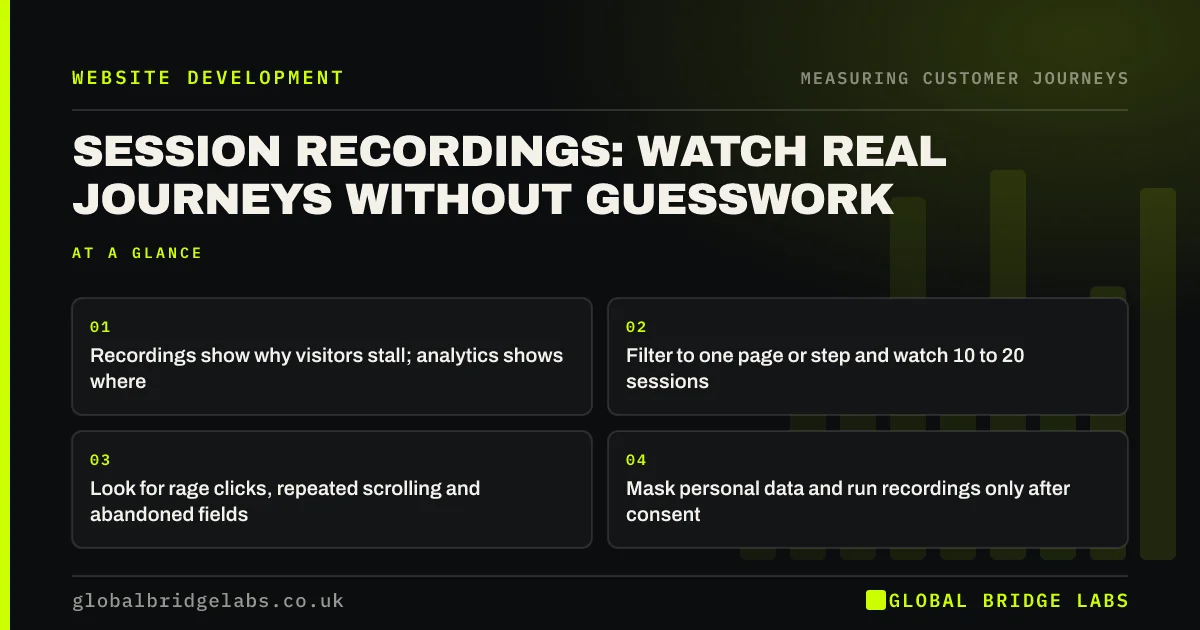
- Recordings show why visitors stall; analytics shows where.
- Filter to one page or step and watch 10 to 20 sessions.
- Look for rage clicks, repeated scrolling and abandoned fields.
- Mask personal data and run recordings only after consent.
Want recordings set up and reviewed for your key pages? Message us on WhatsApp.
Chat on WhatsApp →What are session recordings?
Session recordings, also called session replays, are reconstructions of individual visits to a website, showing mouse movements, taps, scrolls, clicks and page changes. Tools such as Microsoft Clarity, which is free, record anonymised sessions and let you filter them by page, device or behaviour. They show the customer journey on your site as it happened, one visitor at a time.
What should you look for in session recordings?
Look for repeated behaviour that signals confusion or friction. Rage clicks, where a visitor taps the same spot repeatedly, suggest something looks clickable but is not, or is broken. Scrolling up and down suggests a missing answer. Pausing at a form field and leaving suggests a hard question. Opening the menu several times suggests weak labels.
- Rage clicks on elements that do not respond.
- Scrolling up and down, searching for something.
- Hesitating at, or abandoning at, a form field.
- Repeated menu opening and closing.
- Errors: forms that fail, buttons that do nothing.
How do you avoid wasting time on recordings?
Avoid wasted time by starting with a question from your analytics. If the funnel shows a big drop between service page and form, filter recordings to sessions that viewed the service page and did not submit. Watch ten to twenty, noting each behaviour on a tally. Stop when the same pattern keeps appearing. Random viewing rarely leads to decisions.
- GA4 funnel exploration: find the step where buyers drop
- Finding customer journey pain points, on and off your website
Want the recordings at your biggest drop-off reviewed? Message us on WhatsApp.
Chat on WhatsApp →Are session recordings legal in the UK?
Session recordings can be used lawfully in the UK with care. Tools that set non-essential cookies or similar technologies need consent under PECR, so load them only after the visitor agrees. Recordings may capture personal data, so mask form inputs and sensitive text, which tools such as Clarity do by default for many fields. Mention recording in your privacy notice and keep retention short.
How do recordings fit with other research?
Recordings sit between analytics and talking to customers. Analytics tells you where to look; recordings show what happened; on-site surveys and interviews tell you what visitors were thinking. A pattern seen in recordings and confirmed by customers is strong evidence for a change.
When are session recordings the wrong tool?
They are the wrong tool when traffic is tiny, when the site handles sensitive information such as health or financial details that cannot be reliably masked, or when nobody has time to watch them. In sensitive sectors, use moderated user testing with consent instead.
What does this look like in practice?
A pattern we see in recordings of service pages: visitors tap the photos of past projects, expecting them to open larger or link to the case study. Nothing happens. Several tap again, then leave. The photos are decorative, but buyers treat them as the route to proof.
Making each photo open the matching case study turns a frustration into a journey step. Across our client work we have seen a 2.4x enquiry rate from conversion changes of this kind. Global Bridge Labs (GBL) watches recordings at the drop-off before redesigning a page.
Session recording checklist
- Load recording only after cookie consent.
- Mask form inputs and sensitive text.
- Start from the biggest drop in your funnel.
- Watch 10 to 20 filtered sessions.
- Tally repeated behaviours.
- Confirm patterns with customers before changing pages.
Next step
Recordings are most useful when someone watches them with a clear question. We will set them up properly and review the sessions at your biggest drop.
Message us on WhatsApp for a session recording review, or book a 30-minute consultation.
Chat on WhatsApp →Sources and further reading
- About Microsoft Clarity (heatmaps and session recordings) · Microsoft
- Cookies and similar technologies under PECR · Information Commissioner's Office
- Right to be informed (privacy information) · Information Commissioner's Office
Frequently asked questions
What is a session recording on a website?
A reconstruction of an individual visit showing mouse movements, taps, scrolls, clicks and page changes. Tools such as Microsoft Clarity record anonymised sessions so you can see how visitors actually used a page and where they struggled.
Are session recordings GDPR compliant?
They can be used lawfully with care. Get consent before loading tools that set non-essential cookies, under PECR; mask form inputs and sensitive text; describe recording in your privacy notice; and keep recordings only as long as needed. Avoid them where sensitive data cannot be masked.
How many session recordings should I watch?
Watch 10 to 20 sessions filtered to one page or step with a known problem, noting repeated behaviour. Stop when the same pattern keeps appearing. Watching recordings at random rarely leads to a clear decision.
Written by

Global Bridge Labs (GBL) is a UK–Sri Lanka partner for social media, websites and BPO. Everything here comes from client delivery, not theory.


