
On this page
Key takeaways
Blogs often bring more search traffic than the rest of a small business site, from posts written years ago. When the blog moves platform, keep the slugs the same, redirect every post, carry across images with their alt text, keep publish dates and authors, and rebuild internal links. Do not drop old posts without checking what traffic and links they bring first.
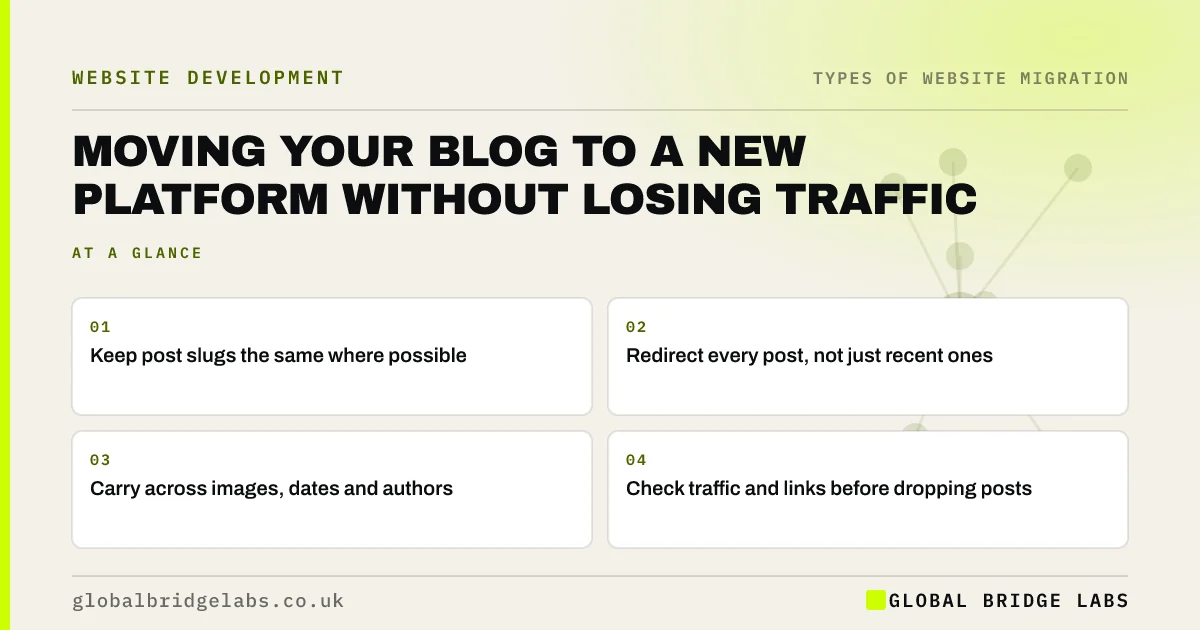
- Keep post slugs the same where possible.
- Redirect every post, not just recent ones.
- Carry across images, dates and authors.
- Check traffic and links before dropping posts.
Moving your blog? Message us on WhatsApp and we will check the plan.
Chat on WhatsApp →Why are blogs easy to lose in a migration?
Blog posts are rarely in the main menu, so they are often missed when the redirect map is built from the navigation. Platforms also use different URL patterns: one may use dates and categories, another a fixed blog folder. If slugs change and redirects are missing, years of posts can drop out of search in one launch.
How do you move a blog safely?
Export every post, including drafts you may want later, and plan the move as its own part of the migration.
- Export posts with titles, dates, authors and categories.
- Keep slugs the same; change only the folder if needed.
- Use a pattern redirect for the folder change, then test samples.
- Move images and keep file names and alt text.
- Decide what happens to tag, category and author pages.
- Rebuild internal links between posts and to service pages.
Should you delete old posts during the move?
Only after checking each one. Look at clicks in Search Console over the last year and at backlinks. Posts with traffic or links should move, and can be updated. Thin posts with no traffic and no links can be merged into a stronger post or retired with a 404 or 410. Never delete in bulk just because posts are old.
- Merging similar pages during a migration
- Removing pages: redirect, 404 or 410?
- An abandoned blog on your website: fix, freeze or delete?
Want a list of which posts to keep? Message us on WhatsApp.
Chat on WhatsApp →What does this look like in practice?
A pattern we see: a business moves its blog from a date-based URL pattern to a simple blog folder. A single pattern redirect handles most posts, but posts whose slugs were edited after publishing break the rule. Testing a sample of a hundred old URLs on staging finds those exceptions before launch, and they get individual redirects.
Blog migration checklist
- Export every post with its metadata.
- Keep slugs the same.
- Test pattern redirects on a large sample.
- Move images with file names and alt text.
- Check traffic and links before retiring posts.
Next step
Export clicks by page from Search Console for the last 12 months and filter to blog URLs. That list shows which posts you cannot afford to lose.
Message us on WhatsApp about your blog migration, or book a 30-minute consultation.
Chat on WhatsApp →Sources and further reading
- Site moves with URL changes · Google Search Central
- Redirects and Google Search · Google Search Central
- Google Images SEO best practices · Google Search Central
Frequently asked questions
Will moving my blog lose traffic?
Not if every post is redirected to its new URL and the content, images and internal links come across. A short dip is common while Google processes the redirects. Lasting losses usually come from posts left behind, changed slugs without redirects or images that no longer load.
Should I keep dates in my blog URLs?
For new posts, simple slugs without dates are usually better, because they do not make useful content look old. Changing existing dated URLs is a migration, so only do it if you are moving platform anyway, and redirect every old URL to its new address.
What should I do with blog tag and category pages?
Check whether they bring any search traffic. Many tag pages bring none and can be retired or set to noindex on the new site. Category pages that rank or help visitors should move and be redirected. Decide before launch so they are in the redirect map.
Written by

Global Bridge Labs (GBL) is a UK–Sri Lanka partner for social media, websites and BPO. Everything here comes from client delivery, not theory.


