
On this page
Key takeaways
A pattern redirect is one rule that matches many URLs, such as every address in an old blog folder, and sends each to its matching new URL. It saves time on large migrations where the slug stays the same but the folder changes. Patterns are powerful and easy to get wrong, so use them only where the structure is consistent.
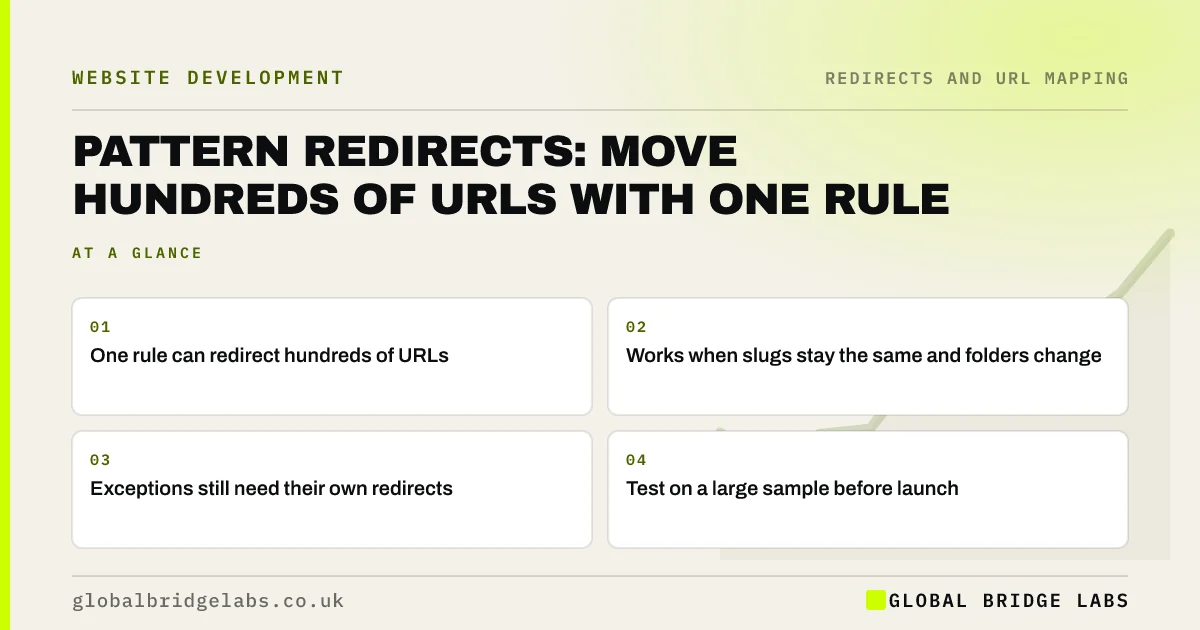
- One rule can redirect hundreds of URLs.
- Works when slugs stay the same and folders change.
- Exceptions still need their own redirects.
- Test on a large sample before launch.
Want help writing a pattern rule? Message us on WhatsApp.
Chat on WhatsApp →When are pattern rules useful?
Pattern rules suit moves where URLs change in a predictable way. Common examples are a blog moving from a subdomain to a subfolder, a date-based blog structure moving to a simple folder, a product folder being renamed, or a file extension such as .html being dropped. If the rest of the URL stays the same, one rule handles every page.
How do pattern rules work?
They use wildcards or regular expressions to capture part of the old URL and reuse it in the new one. Where they are written depends on the platform.
- Apache servers: rules in the .htaccess file.
- Nginx servers: rewrite rules in the configuration.
- CDN or edge services: bulk or rule-based redirects.
- Some redirect plugins: regular expression options.
- Hosted builders: often exact paths only, so check first.
How do you avoid mistakes?
Write the narrowest rule that does the job, and put one-to-one redirects for exceptions above it so they take priority. Test the rule against every URL in that section of the inventory, not just a handful. Watch for rules that catch more than intended, such as a pattern for /blog/ that also matches /blog-archive/, and for loops where the new URL also matches the rule.
Want us to test your pattern rule? Send it to us on WhatsApp.
Chat on WhatsApp →What does this look like in practice?
A pattern we see: a rule moving an old /news/ folder into /blog/ also catches /newsletter-signup/, sending it to a blog URL that does not exist. A test of every URL in the inventory beginning with /news finds it before launch, and a tighter rule fixes it.
Pattern redirect checklist
- Use patterns only for consistent structures.
- Write the narrowest rule possible.
- Put exceptions above the pattern.
- Test against every URL in the section.
- Check for over-matching and loops.
Next step
Group the URLs in your redirect map by folder and see which groups keep the same slugs. Those groups are candidates for one tested pattern rule each.
Message us on WhatsApp about pattern redirects, or book a 30-minute consultation.
Chat on WhatsApp →Sources and further reading
- Apache HTTPD and .htaccess · WordPress Developer Resources
- Redirects and Google Search · Google Search Central
- Site moves with URL changes · Google Search Central
Frequently asked questions
What is a regex redirect?
A regex redirect uses a regular expression, a text pattern, to match many URLs with one rule and build each new URL from part of the old one. It is common on Apache and Nginx servers and in some redirect plugins. It saves time but must be tested carefully.
Can I use wildcard redirects on any platform?
No. Servers such as Apache and Nginx support them, as do many CDN services and some plugins. Hosted builders and some ecommerce platforms only support exact path redirects, sometimes with apps for more options. Check what your new platform supports before planning patterns.
Are pattern redirects bad for SEO?
No. Search engines see the same permanent redirect whether it comes from a pattern or a single rule. The risk is in mistakes: patterns that catch the wrong URLs, send pages to addresses that do not exist or create loops. Thorough testing removes that risk.
Written by

Global Bridge Labs (GBL) is a UK–Sri Lanka partner for social media, websites and BPO. Everything here comes from client delivery, not theory.


