
On this page
Key takeaways
Before anything changes, crawl the old site and keep the export. The crawl records every URL a crawler can reach, with its status code, title, main heading, canonical tag, word count and internal links. It becomes the backbone of your redirect map and the reference you compare the new site against. Once the old site is switched off, you cannot crawl it again.
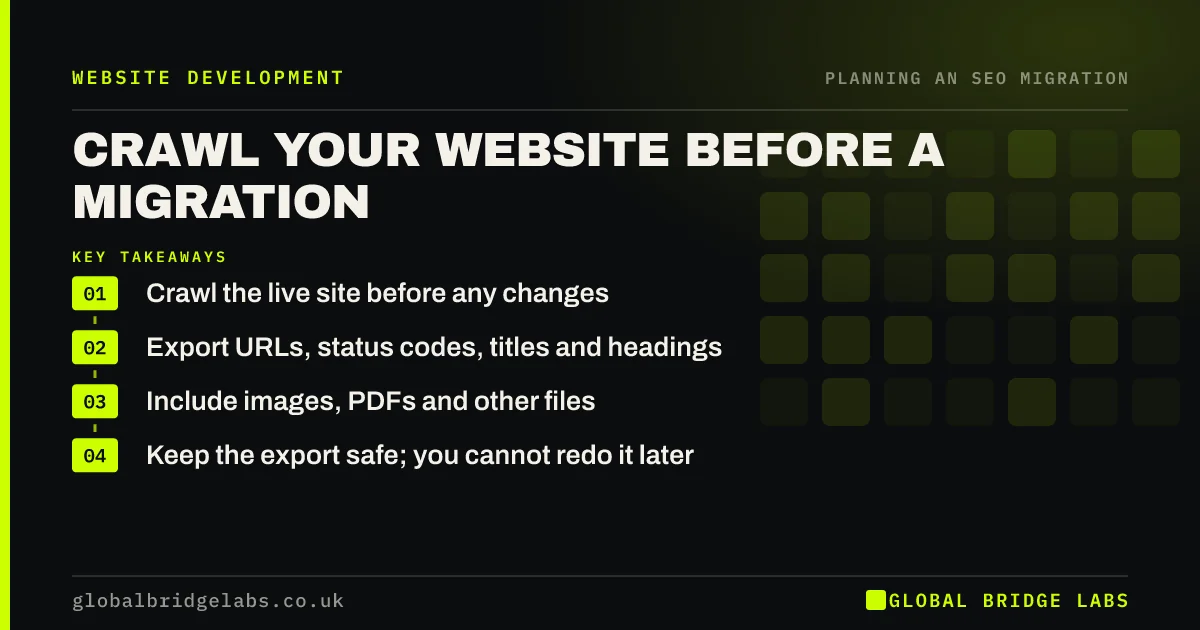
- Crawl the live site before any changes.
- Export URLs, status codes, titles and headings.
- Include images, PDFs and other files.
- Keep the export safe; you cannot redo it later.
Need help running a pre-migration crawl? Message us on WhatsApp.
Chat on WhatsApp →Why crawl before a migration?
A crawl gives you a full, dated picture of the site as it is. You need it for three jobs: to build the list of URLs that need redirects, to record what each page contained so content can be carried across, and to compare the new site with the old one after launch. Many teams only realise they need the old titles or headings once the old site has gone.
What settings should you use?
Most desktop crawlers have a free tier that covers small sites. Set them up to capture more than just pages.
- Crawl the live domain, all subdomains you use, HTTP and HTTPS.
- Include images, PDFs and other file types.
- Follow links in the XML sitemap as well as the menu.
- Record redirects and their targets, not just final pages.
- Extract titles, descriptions, headings and canonical tags.
- Save the crawl file and a spreadsheet export.
What do you do with the export?
Turn the export into the first column of the redirect map. Remove duplicates, such as the same page with and without a trailing slash, and note pages that already redirect. Then add URLs the crawler could not find, from Search Console, analytics and backlink reports. Keep a copy of titles, headings and word counts beside each URL, so you can check content parity on staging.
- How to build a redirect map in a spreadsheet
- Content parity: keep what ranks when you rebuild
- Find the pages with backlinks before you move them
Want us to turn your crawl into a redirect map? Message us on WhatsApp.
Chat on WhatsApp →What does this look like in practice?
A pattern we see: the crawler finds 180 pages, but Search Console lists over 300 URLs that received clicks in the last year, including old landing pages no longer linked from anywhere. Without combining both sources, those orphan pages would have been missed, and several of them brought steady enquiries.
Pre-migration crawl checklist
- Crawl the live site before any change.
- Include files, subdomains and both protocols.
- Export titles, headings, canonicals and status codes.
- Add URLs from Search Console and analytics.
- Store the export where everyone can find it.
Next step
Run a crawl of your current site this week, even if the migration is months away. Save it with the date in the file name, and repeat it just before launch.
Message us on WhatsApp about your pre-migration crawl, or book a 30-minute consultation.
Chat on WhatsApp →Sources and further reading
- Site moves with URL changes · Google Search Central
- How HTTP status codes and network errors affect Google Search · Google Search Central
- What is a sitemap · Google Search Central
Frequently asked questions
What is a pre-migration crawl?
It is a full scan of your current website with a crawler tool, recording every reachable URL, its status code, title, headings, canonical tag and links. It is the starting point for your redirect map and the reference for checking that the new site carries across everything that matters.
Which tool should I use to crawl my website?
Any reputable desktop or cloud crawler will do. Many have a free tier suitable for small sites of a few hundred URLs. Choose one that can export to a spreadsheet, record redirects and extract titles and headings. The tool matters less than keeping the export safe.
Does a crawl find every page on my site?
No. A crawler only finds pages linked from somewhere it can reach. Orphan pages, old campaign pages and files linked only from emails or other sites are often missed. Add URLs from Search Console, analytics, your sitemap and backlink reports to fill the gaps.
Written by

Global Bridge Labs (GBL) is a UK–Sri Lanka partner for social media, websites and BPO. Everything here comes from client delivery, not theory.


