
On this page
Key takeaways
Images bring traffic from image search and help pages rank, and migrations can lose them through new file names, missing alt text or images served from new locations. Keep descriptive file names, carry alt text across, redirect image URLs that bring visits or links, and check that new templates load images properly, including on mobile.
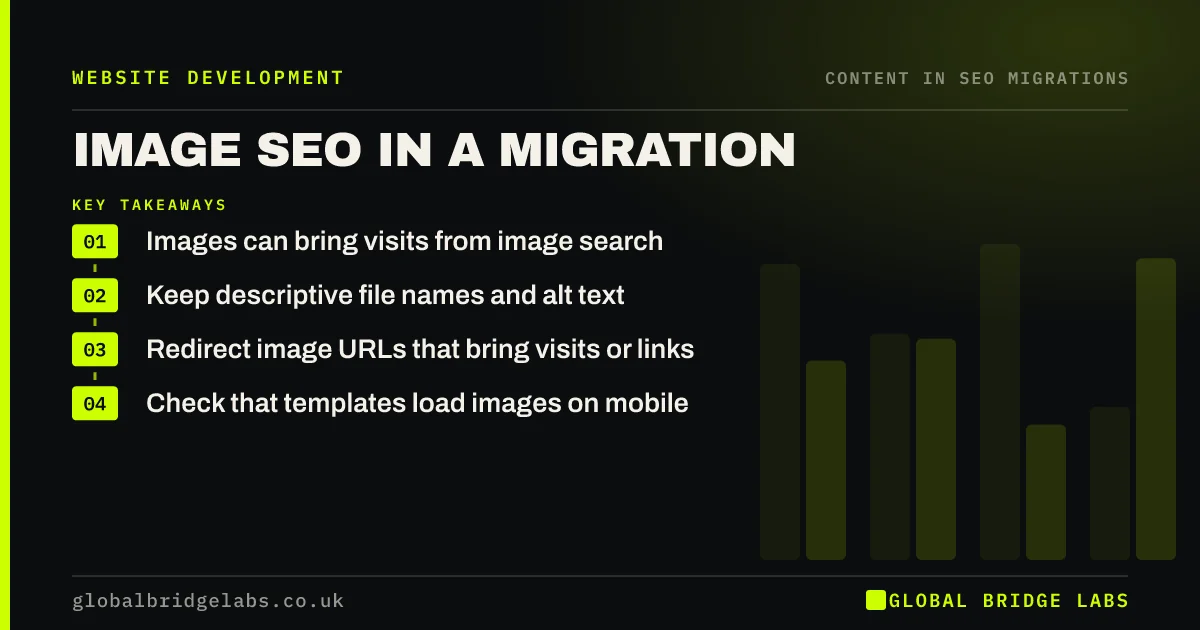
- Images can bring visits from image search.
- Keep descriptive file names and alt text.
- Redirect image URLs that bring visits or links.
- Check that templates load images on mobile.
Worried about your images in the move? Message us on WhatsApp.
Chat on WhatsApp →How do images get lost in a migration?
New platforms often rename files on upload, store images in new folders or serve them through a different domain. Alt text is not always included in content imports. New templates may load images in ways search engines struggle to find, such as background images set in styles. Google's image SEO guidance recommends descriptive file names, alt text and standard image elements.
What should carry across?
Plan images as part of content parity, starting with your top pages and products.
- Descriptive file names, rather than numbered uploads.
- Alt text describing each meaningful image.
- Captions and surrounding text.
- Image sizes suitable for phones and desktops.
- Image structured data or product images where used.
What about new image formats?
Moving to modern formats can make pages faster, which is a good reason to change. If image URLs change as a result, redirect the ones that bring image search traffic or have links, and make sure every page references the new files. Check Search Console's performance data for image search before launch, so you know which images are worth protecting.
Want help checking your image traffic? Message us on WhatsApp.
Chat on WhatsApp →What does this look like in practice?
A pattern we see: a joinery firm's project photos brought steady visits from image search, each with a descriptive name and alt text. The new platform renamed every upload to a string of numbers and dropped the alt text. Re-uploading the top images with their old names and alt text restores much of the image traffic within a few weeks, and the team now checks file names and alt text as part of every content import.
Image SEO checklist
- Check image search traffic before launch.
- Keep descriptive file names.
- Carry alt text and captions across.
- Redirect valuable image URLs.
- Check images load on mobile templates.
Next step
Filter your Search Console performance report to image search and note the pages and images it lists. Protect those first in the migration.
Message us on WhatsApp about image SEO, or book a 30-minute consultation.
Chat on WhatsApp →Sources and further reading
- Google Images SEO best practices · Google Search Central
- An alt decision tree · W3C
- Site moves with URL changes · Google Search Central
Frequently asked questions
Do I need to redirect image URLs in a migration?
Redirect images that bring visits from image search or have links from other sites. For most images, it matters more that the new pages reference images that load, with descriptive file names and alt text. Check image search data in Search Console to decide which to protect.
Will alt text transfer when I change platform?
Not always. Some imports move images without their alt text, and some platforms store alt text differently. Check a sample of images on staging, and add alt text back where it is missing, starting with your top pages and products.
Should I rename images during a migration?
Only if the current names are unhelpful, such as camera numbers. Descriptive names help search engines understand images. If you rename images that bring traffic, redirect the old image URLs. Otherwise, keeping existing descriptive names is the simplest and safest option, and it avoids a long list of extra image redirects.
Written by

Global Bridge Labs (GBL) is a UK–Sri Lanka partner for social media, websites and BPO. Everything here comes from client delivery, not theory.


