
On this page
Key takeaways
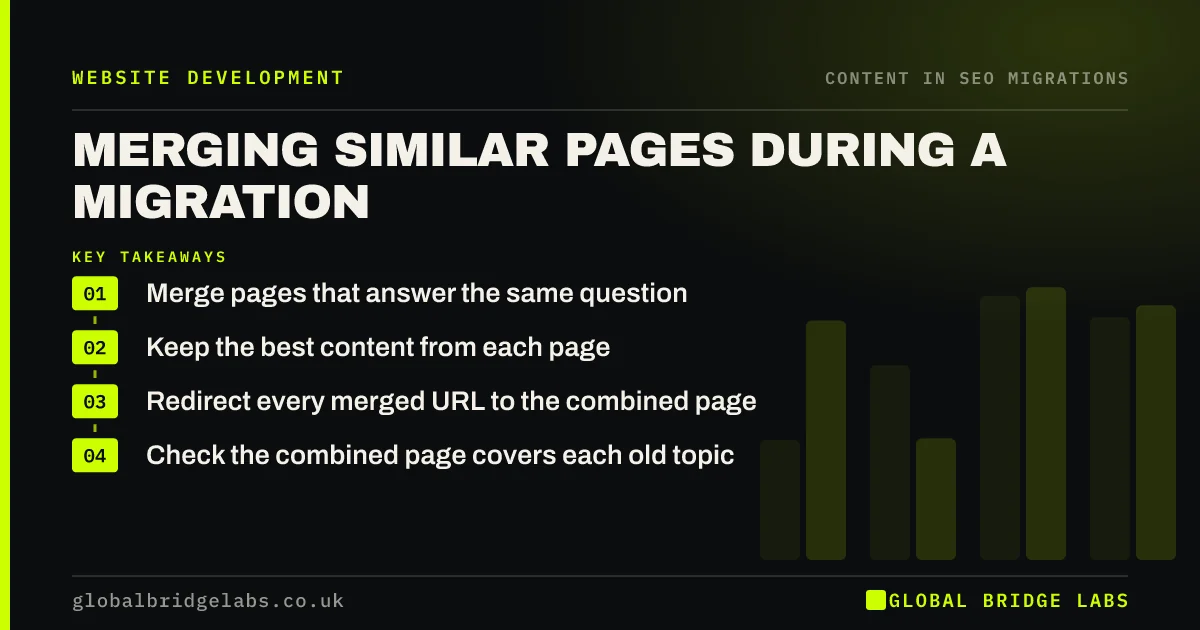
A migration is a good time to merge pages that overlap, such as two thin pages on the same service or several short blog posts on one topic. Merging can create one stronger page that answers the question fully. Keep the best content from each page and redirect every merged URL to the combined page.
- Merge pages that answer the same question.
- Keep the best content from each page.
- Redirect every merged URL to the combined page.
- Check the combined page covers each old topic.
Too many similar pages? Message us on WhatsApp about merging them.
Chat on WhatsApp →When does merging help?
Overlapping pages compete with each other and split links and visits. A visitor may land on the weaker page, and search engines may struggle to pick which one to show. Merging helps when pages target the same need with little difference between them. Keep pages separate when they serve genuinely different needs, such as different services, locations or audiences.
How do you merge pages?
Decide which page becomes the main one, usually the one with the most traffic and links, and keep its URL if possible.
- Choose the strongest page as the base.
- Add the unique, useful sections from the others.
- Remove repetition and outdated details.
- Redirect each merged URL to the combined page.
- Update internal links to point at the combined page.
What can go wrong?
The common mistake is merging by deleting: the weaker pages are removed and redirected, but their useful content is not added to the main page, so whatever they ranked for is lost. Another is merging pages that served different needs, which leaves visitors with a page that answers neither well. Check the queries each old page ranked for and make sure the combined page answers them.
Want a second opinion on what to merge? Message us on WhatsApp.
Chat on WhatsApp →What does this look like in practice?
A pattern we see: an accountancy firm has five short posts about year-end deadlines written over several years. Merged into one updated guide, with each old URL redirected to it, the guide outranks all five old posts combined and becomes one of the firm's top landing pages.
Merging pages checklist
- Find pages answering the same need.
- Choose the strongest page as the base.
- Add unique content from the others.
- Redirect merged URLs to the combined page.
- Check queries from each old page are covered.
Next step
Look through your URL inventory for pages with very similar titles. For each group, check whether they serve the same need; if they do, plan a merge.
Message us on WhatsApp about merging pages, or book a 30-minute consultation.
Chat on WhatsApp →Sources and further reading
- How to specify a canonical URL with rel="canonical" and other methods · Google Search Central
- Redirects and Google Search · Google Search Central
- Creating helpful, reliable, people-first content · Google Search Central
Frequently asked questions
Should I merge similar pages on my website?
Merge pages that answer the same question or serve the same need, especially if each is thin. One complete page is usually more useful than several partial ones. Keep pages separate if they serve different services, places or audiences, even when the topics sound close.
How do I redirect merged pages?
Redirect each merged page with a permanent 301 to the combined page, and update internal links to point straight at it. If the combined page keeps the URL of the strongest old page, that page needs no redirect. Add all merged URLs to your redirect map.
Will merging pages lose rankings?
Not if the combined page carries the useful content from each old page and the old URLs redirect to it. Merges often improve rankings by focusing links and content on one page. Rankings drop when content is deleted rather than combined.
Written by

Global Bridge Labs (GBL) is a UK–Sri Lanka partner for social media, websites and BPO. Everything here comes from client delivery, not theory.


