
On this page
Key takeaways
After a migration, internal links in menus, footers and page content should point straight at the new URLs, not at old ones that redirect. Links through redirects still work, but they slow visitors, waste crawling and break if a redirect is later removed. Rebuild links on staging and crawl to find any that still use old URLs.
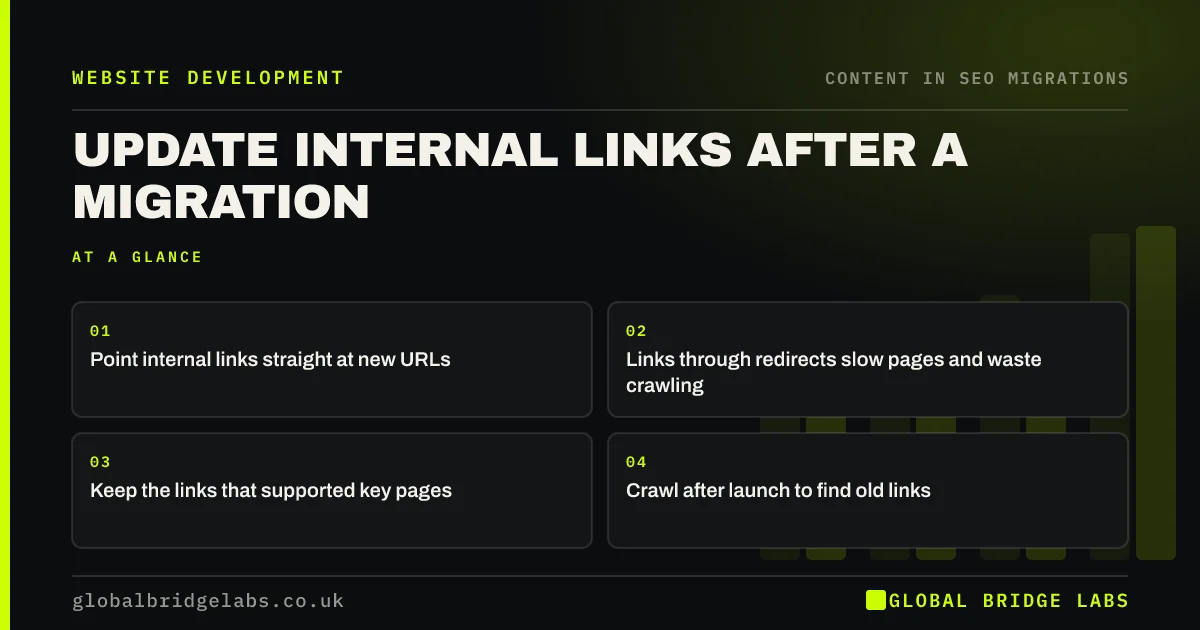
- Point internal links straight at new URLs.
- Links through redirects slow pages and waste crawling.
- Keep the links that supported key pages.
- Crawl after launch to find old links.
Want us to find old internal links on your site? Message us on WhatsApp.
Chat on WhatsApp →Why update internal links?
Internal links help visitors move around and help search engines find pages and judge which matter most. Google's link guidance explains that crawlable links with clear anchor text help it understand pages. If every link in your body content goes through a redirect, each click adds a hop. And if the redirect is ever removed, the link breaks.
Where do old links hide?
Menus and footers are usually rebuilt, but older links sit elsewhere.
- Links typed into blog posts and page copy.
- Buttons and calls to action in old content blocks.
- Image links and PDF links.
- Related post and product widgets.
- Links in structured data, sitemaps and canonical tags.
How do you fix them?
Run a search and replace on the new site's content for the old domain or old folder patterns, using the redirect map as the guide. Then crawl staging and filter for internal links that return a redirect or an error. Check that pages which received many internal links on the old site still do, especially your top service pages, because links from the menu and related pages are part of why they ranked.
- Crawl the staging site before launch: what to check
- Crawl the new site in week one: what to look for
- Click depth: how far key pages sit from your homepage
Want a second opinion on your internal links? Message us on WhatsApp.
Chat on WhatsApp →What does this look like in practice?
A pattern we see: a blog moves across with all its posts, but the links inside them still point at the old domain. Every click goes through a redirect, and when the old domain lapses a year later, hundreds of links break at once. A search and replace at launch would have avoided both problems.
Internal links checklist
- Rebuild menus and footers with new URLs.
- Search and replace old URLs in content.
- Crawl for links returning redirects or errors.
- Keep links to key pages.
- Recheck after launch.
Next step
After your staging crawl, filter for internal links that return 301 or 404. Fix them in the content or template before launch, starting with links to your top pages.
Message us on WhatsApp about internal links, or book a 30-minute consultation.
Chat on WhatsApp →Sources and further reading
- SEO link best practices for Google · Google Search Central
- Site moves with URL changes · Google Search Central
- Redirects and Google Search · Google Search Central
Frequently asked questions
Do I need to update internal links after a migration?
Yes. Redirects will catch old internal links, but updating them to point straight at new URLs is faster for visitors, cleaner for search engines and protects you if a redirect is ever removed. Use search and replace in content, then crawl to find the rest.
Do internal links through redirects hurt SEO?
A few rarely cause harm, but large numbers add hops, slow pages and waste crawling. They also create a hidden dependency on redirects. Updating them is usually quick with a search and replace and a crawl, so it is worth doing at launch.
How do I find old internal links?
Crawl the new site and filter internal links by status code: links that return a redirect or an error point at old or broken URLs. Also search the content database or editor for the old domain and old folder names. Fix the source of each link.
Written by

Global Bridge Labs (GBL) is a UK–Sri Lanka partner for social media, websites and BPO. Everything here comes from client delivery, not theory.


