
On this page
Key takeaways
An online shop migration is high risk because it has many URLs, and each product and category page can bring sales from search. Map every product, category and important filter URL, keep product names and descriptions, carry across images, reviews and structured data, decide what happens to discontinued products and test checkout and tracking. Launch outside your busiest season.
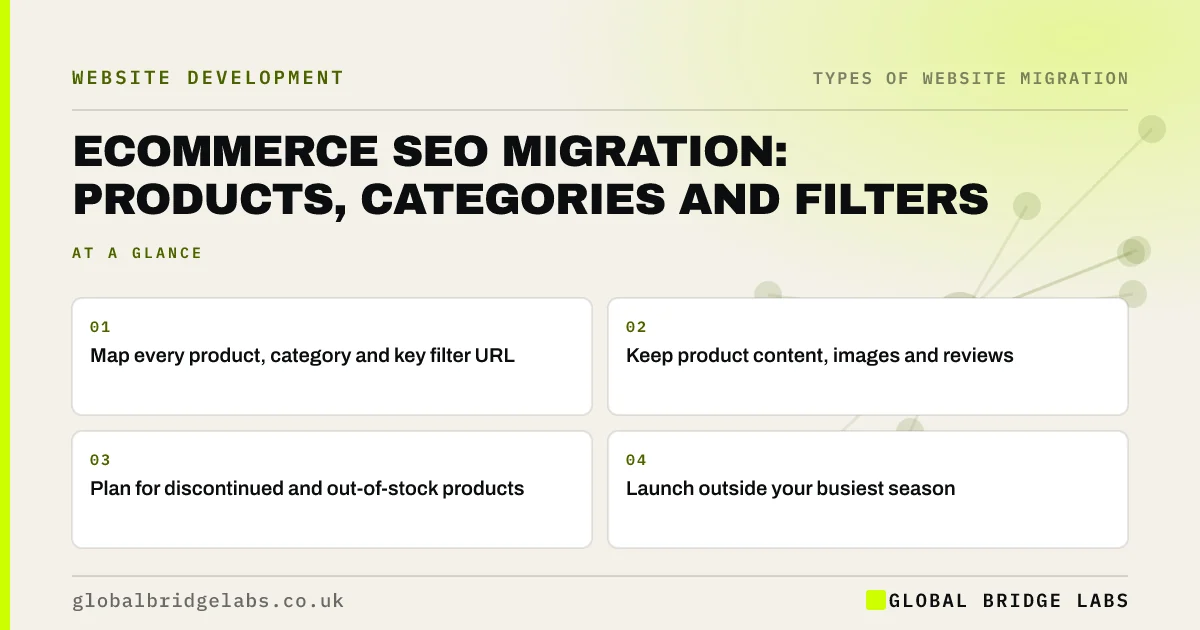
- Map every product, category and key filter URL.
- Keep product content, images and reviews.
- Plan for discontinued and out-of-stock products.
- Launch outside your busiest season.
Moving your online shop? Message us on WhatsApp before you choose a date.
Chat on WhatsApp →Why is a shop migration high risk?
Shops have far more URLs than brochure sites: products, variants, categories, filtered views, images and sometimes several URLs for the same product. Platforms use different patterns, for example a fixed products folder on one and category-based paths on another, so nearly every URL changes. Each product page that ranked is a direct source of sales, so a missing redirect costs money quickly.
What needs mapping?
Export URLs from the old platform, a crawl and Search Console, and map them in groups.
- Products: one-to-one, matched by product code where possible.
- Categories: to their closest new category.
- Filtered pages: only those that rank or have links.
- Variants: to the main product or the matching variant.
- Discontinued products: to a close replacement or a 404 or 410.
- Images and PDFs, such as size guides and manuals.
What else must carry across?
Keep product names, descriptions and specifications, rather than replacing them with shorter manufacturer text. Move reviews and make sure product structured data, including price and availability, is in place so rich results continue. Check that canonical tags handle variants and filters. Then test search, filters, basket, checkout and purchase tracking before launch.
- Carry structured data across in a migration
- Lost your rich results after a relaunch?
- Keep analytics and tracking working through a migration
Want us to check your product redirect map? Message us on WhatsApp.
Chat on WhatsApp →What does this look like in practice?
A pattern we see: a shop migration maps products by name, but many names changed slightly on the new platform, so several hundred products redirect to the shop homepage. Matching by product code instead, which both platforms store, maps almost every product one to one and turns a risky launch into a routine one.
Ecommerce migration checklist
- Export product, category and image URLs.
- Map products by product code.
- Decide what happens to discontinued items.
- Carry across content, reviews and structured data.
- Test checkout and tracking before launch.
Next step
Export your product list with codes and URLs from the current platform. If the new platform can import those codes, most of your redirect map can be built automatically.
Message us on WhatsApp about your shop migration, or book a 30-minute consultation.
Chat on WhatsApp →Sources and further reading
- Site moves with URL changes · Google Search Central
- Redirects and Google Search · Google Search Central
- Introduction to structured data markup in Google Search · Google Search Central
Frequently asked questions
How do I migrate an online shop without losing rankings?
Map every product and category URL to its new address, ideally matching by product code, and use permanent redirects. Keep product descriptions, images and reviews, carry across structured data, test checkout and tracking, and launch outside your busiest season. Monitor Search Console and sales closely for the first few weeks.
What should I do with discontinued products?
If a close replacement exists, redirect the old product to it. If there is a relevant category, that can work when the category genuinely helps the visitor. If nothing is related, return a 404 or 410 with a helpful page, rather than sending everyone to the homepage.
When is the best time to migrate an online shop?
Choose a quiet trading period with at least two months before your busiest season, so any problems are fixed before demand peaks. Avoid launching just before Black Friday, Christmas or your own seasonal peak. Launch early in the week when the team is available to respond.
Written by

Global Bridge Labs (GBL) is a UK–Sri Lanka partner for social media, websites and BPO. Everything here comes from client delivery, not theory.


