
On this page
- 01Key takeaways
- 02Why does an abandoned blog hurt credibility?
- 03How do you decide what to do?
- 04How do you freeze a blog without it looking dead?
- 05When should you not delete old posts?
- 06What does this look like in practice?
- 07Abandoned blog checklist
- 08Next step
- 09Sources and further reading
- 10Frequently asked questions
Key takeaways
An abandoned blog, with the latest post years old, tells visitors the business may have stopped or lost interest. You have three options: restart it on a realistic schedule, freeze it by removing dates from the menu and updating the best posts, or prune it by merging and redirecting weak posts. Doing nothing is the worst choice.
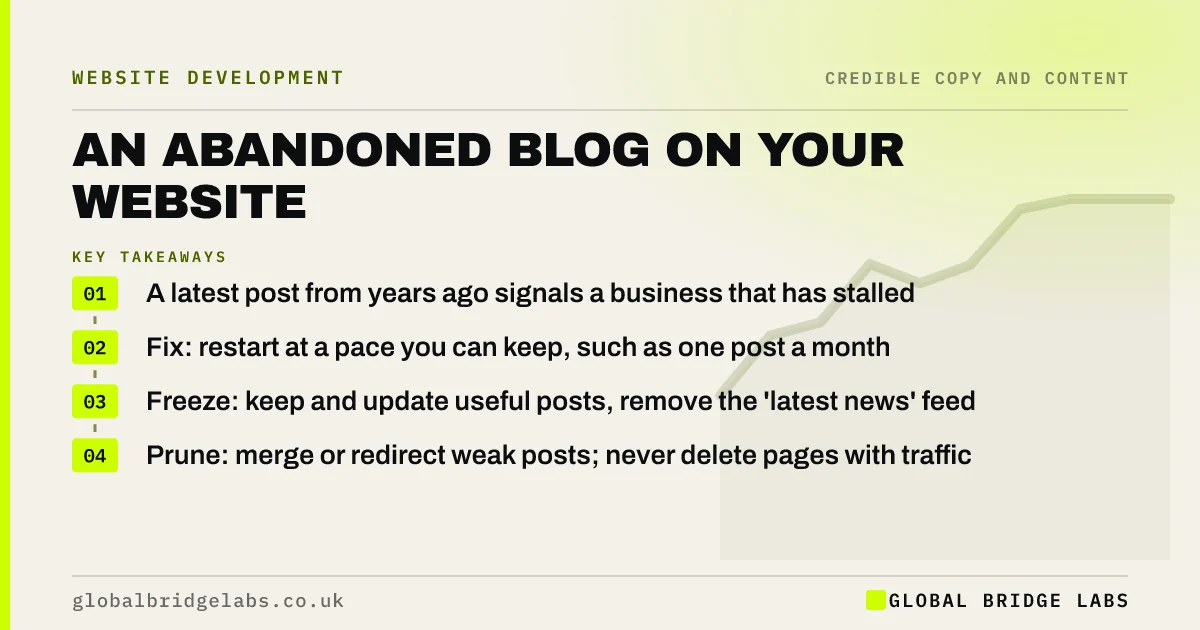
- A latest post from years ago signals a business that has stalled.
- Fix: restart at a pace you can keep, such as one post a month.
- Freeze: keep and update useful posts, remove the 'latest news' feed.
- Prune: merge or redirect weak posts; never delete pages with traffic.
Want a decision on your blog in one review? Message us on WhatsApp.
Chat on WhatsApp →Why does an abandoned blog hurt credibility?
An abandoned blog hurts credibility because dates are among the first things visitors check to judge whether a business is active. The Stanford guidelines for web credibility advise updating content often and showing that you have. A 'Latest news' section showing 2021 suggests the website, and perhaps the business, is no longer looked after.
How do you decide what to do?
Decide using two facts: whether anyone reads the posts, and whether you can realistically publish again. Check Google Search Console for clicks to blog posts over the last 12 months.
- Posts with traffic: keep, update and re-date them.
- Posts with no traffic but useful content: merge into stronger pages.
- Thin or outdated posts with no traffic: redirect to a relevant page.
- Capacity to publish monthly: restart the blog.
- No capacity: freeze it and remove 'latest' feeds from the homepage.
How do you freeze a blog without it looking dead?
Rename 'News' or 'Blog' to 'Guides' or 'Resources', remove the homepage feed of latest posts, update the most useful articles and show an 'updated' date on them. Visitors then see a useful library rather than a stopped diary. Google supports showing an updated date where the content has genuinely changed.
Want your blog pruned and updated safely? Message us on WhatsApp and we will discuss your requirements.
Chat on WhatsApp →When should you not delete old posts?
Do not delete posts that bring search traffic or links, or that customers still reference. Deleting them loses visitors and creates broken links. Update them instead, or redirect them to the closest relevant page. Only remove posts that are both unvisited and wrong or irrelevant.
What does this look like in practice?
A pattern we see: a homepage shows a 'Latest news' strip with three posts from 2020, including a Covid-19 opening hours notice. Removing the strip, updating two evergreen guides and redirecting the notice makes the site feel current overnight.
Abandoned blog checklist
- Check 12 months of clicks per post.
- Remove 'latest news' feeds you cannot keep fresh.
- Update and re-date posts that bring traffic.
- Redirect thin or wrong posts.
- Publish only at a pace you can sustain.
Next step
Check the date on your newest post. If it is over a year old, decide this week: restart, freeze or prune.
Message us on WhatsApp for a content review, or book a 30-minute consultation.
Chat on WhatsApp →Sources and further reading
- Stanford guidelines for web credibility · Stanford Web Credibility Project
- Add a byline date to Google Search results · Google Search Central
- Performance report (Search results) · Search Console Help
Frequently asked questions
Does an old blog hurt my website?
It can hurt credibility, because visitors read old dates as a sign the business is inactive. It may not hurt search rankings if the posts are useful, but outdated or thin posts add little. Update, merge or redirect them.
Should I delete old blog posts?
Only those with no traffic, no links and no useful content. Posts that bring visitors should be updated, not deleted. When removing a post, redirect it to the closest relevant page so links and visitors are not lost.
How often should a business blog be updated?
Only as often as you can keep up with useful content. One good post a month is better than a burst followed by silence. If you cannot publish regularly, present the content as a resource library instead of a news feed.
Written by

Global Bridge Labs (GBL) is a UK–Sri Lanka partner for social media, websites and BPO. Everything here comes from client delivery, not theory.


