
On this page
- 01Key takeaways
- 02What is task batching?
- 03When does batching help?
- 04When does batching slow you down?
- 05How do you choose a batch size?
- 06How does outsourcing change the trade-off?
- 07When should you not batch at all?
- 08What does this look like in practice?
- 09Batching checklist
- 10Next step
- 11Sources and further reading
- 12Frequently asked questions
Key takeaways
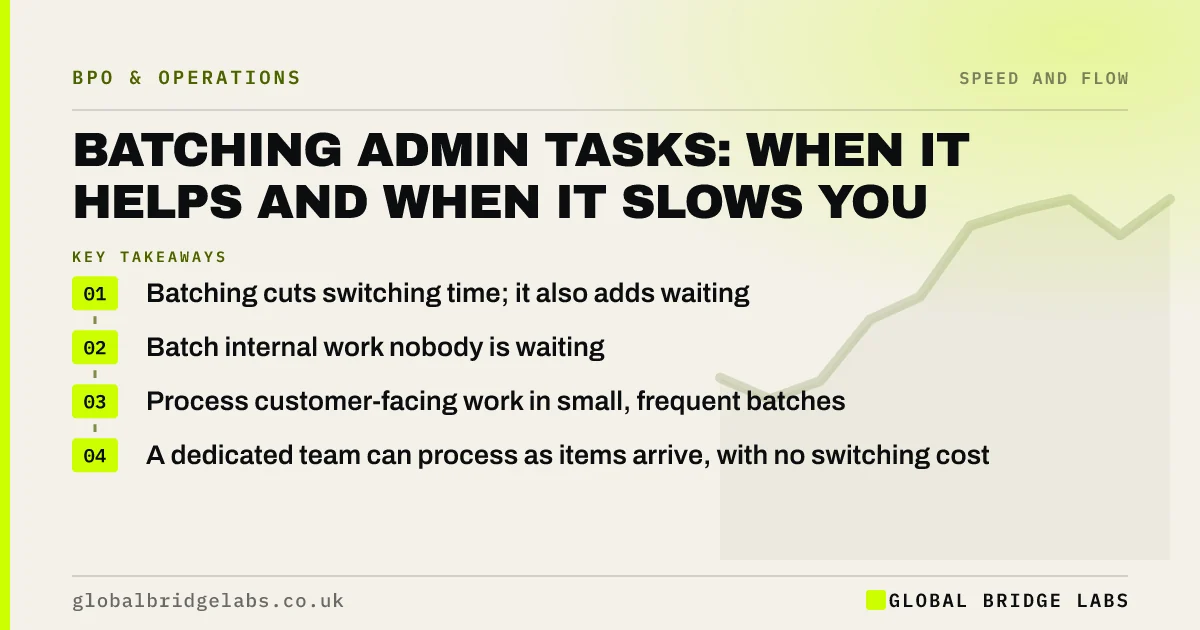
Batching admin tasks saves switching time, because you set up once and do many items together. It also makes every item wait for the batch. Batch work that nobody is waiting on, such as filing or reconciliations. Process customer-facing work as it arrives, or in small, frequent batches, so lead time stays short.
- Batching cuts switching time; it also adds waiting.
- Batch internal work nobody is waiting for.
- Process customer-facing work in small, frequent batches.
- A dedicated team can process as items arrive, with no switching cost.
Not sure which of your tasks to batch? Message us on WhatsApp with your list.
Chat on WhatsApp →What is task batching?
Task batching is grouping similar tasks and doing them together in one block, such as raising all invoices on Friday or answering all supplier emails at 4pm. It reduces the time lost switching between different kinds of work, which the American Psychological Association notes can cost as much as 40% of productive time.
When does batching help?
Batching helps when setup is significant and nobody is waiting. Bank reconciliation, filing, expense checks, data clean-up and reporting all suit batching. For an owner, batching routine admin into one or two daily blocks protects the rest of the day for deep work, which is often the bigger gain.
When does batching slow you down?
Batching slows you down when a customer or the next step is waiting. A weekly invoice run adds an average of two and a half working days to every invoice. A daily email batch makes a morning enquiry wait until the afternoon. Large batches also hide errors: if the first item is wrong, the whole batch may be.
How do you choose a batch size?
Choose the batch size by comparing setup time with waiting cost. If setting up takes five minutes and items take two, a batch of five is efficient. If customers wait, shorten the interval: twice a day rather than once a week. In an illustrative firm, moving invoices from a weekly to a daily run cuts average invoice delay by about two days with roughly ten minutes more setup a week.
- Long setup, nobody waiting: larger, less frequent batches.
- Short setup, customer waiting: process as items arrive.
- In between: small batches at fixed times each day.
- Work queue management: stop jobs waiting in the back office
- Little's law: why more work in progress slows delivery
Want to work out the right batch size for one process? Send us the timings on WhatsApp.
Chat on WhatsApp →How does outsourcing change the trade-off?
Outsourcing changes the trade-off because a team doing one kind of work all day has little switching cost. It can process items as they arrive, so customers get one-piece flow without senior people being interrupted. The owner can then batch their own reviews into fixed slots.
When should you not batch at all?
Do not batch urgent work, regulated deadlines, payment issues or anything where delay creates more work, such as a customer chasing. Those need to flow as they arrive, with a named person responsible each day.
What does this look like in practice?
A pattern we see: an owner batches all admin into Friday afternoons to protect the week, which works for them but makes suppliers, staff and customers wait up to a week. Splitting the work so a team processes items daily, with the owner reviewing in two short slots, keeps the owner's focus and removes the wait.
Batching checklist
Sort your routine tasks with these questions.
- Is anyone waiting on the result?
- How long does setup take?
- What is the cost of an error repeated across a batch?
- Could a team process it as it arrives?
- What fixed slot will you use for reviews?
Next step
Send us your routine tasks and when you do them now. We will help you decide which to batch, which to flow and which to hand over.
Message us on WhatsApp to review your batching, or book a 30-minute consultation.
Chat on WhatsApp →Sources and further reading
- Multitasking: switching costs · American Psychological Association
- Late commercial payments: charging interest and debt recovery · GOV.UK
Frequently asked questions
Is batching tasks more efficient?
Batching is more efficient for the person doing the work, because it cuts switching and setup time. It can be less efficient for the business if customers or colleagues wait for the batch. Batch internal tasks and process customer-facing ones as they arrive or in small, frequent batches.
What admin tasks should you batch?
Batch tasks nobody is waiting on: filing, reconciliations, expense checks, data clean-up, reporting and routine reviews. Keep enquiries, quotes, customer replies and payment issues flowing daily, because delay on those costs sales or creates more contacts.
What is one-piece flow?
One-piece flow means processing each item as it arrives rather than in batches. It gives the shortest lead time and exposes errors quickly. It works best when a dedicated person or team handles the work, so switching cost is low.
Written by

Global Bridge Labs (GBL) is a UK–Sri Lanka partner for social media, websites and BPO. Everything here comes from client delivery, not theory.


