
On this page
- 01Key takeaways
- 02Who uses an accountancy website?
- 03How should services be grouped?
- 04Where should the client portal go?
- 05Should fees be in the menu?
- 06What about deadlines and guides?
- 07What does this look like in practice?
- 08Accountancy navigation checklist
- 09Next step
- 10Sources and further reading
- 11Frequently asked questions
Key takeaways
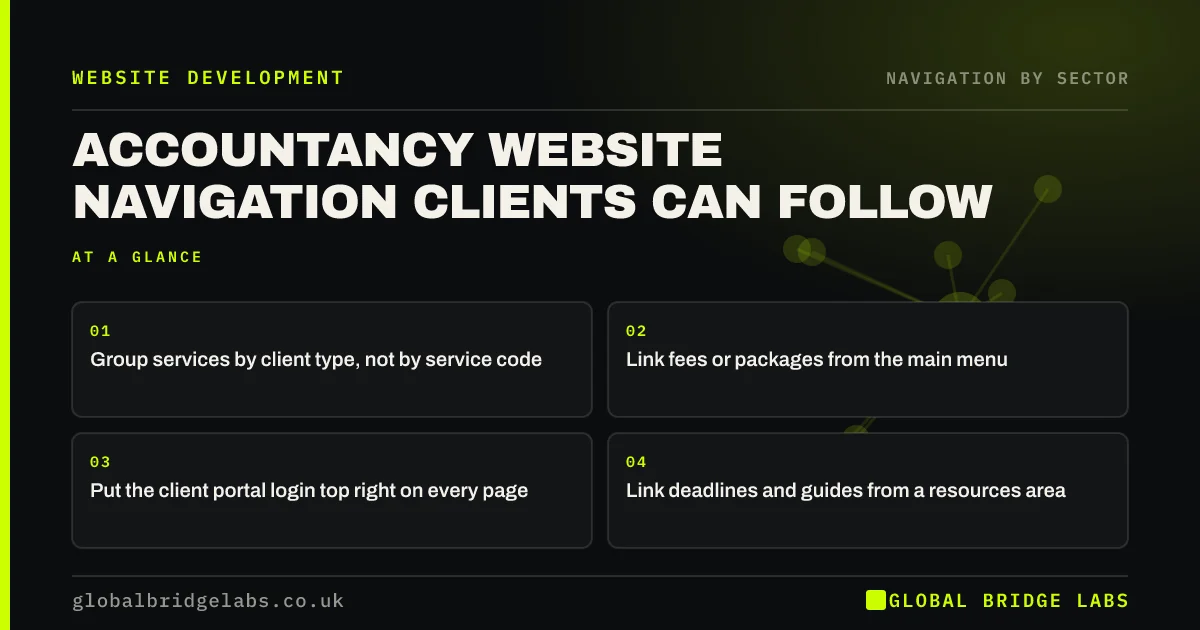
Accountancy website navigation should help two groups: prospects choosing a practice and clients who need to log in, upload documents or check a deadline. Group services by client type, such as sole traders, limited companies and individuals, link fees or packages clearly, and put the client portal login in the top right of every page.
- Group services by client type, not by service code.
- Link fees or packages from the main menu.
- Put the client portal login top right on every page.
- Link deadlines and guides from a resources area.
Want your practice's navigation reviewed? Message us on WhatsApp.
Chat on WhatsApp →Who uses an accountancy website?
Prospects compare practices on services, fees, sector experience and approach. Existing clients come to log in, upload records, find a deadline or contact their accountant. Navigation that serves only prospects sends clients to email; navigation that serves only clients buries the offer.
How should services be grouped?
Most prospects know what kind of client they are, so group by that first, then list the services each needs. Name services as clients describe them.
- Sole traders and freelancers: Self Assessment, bookkeeping.
- Limited companies: accounts, corporation tax, payroll, VAT.
- Individuals: tax returns, property income, estates.
- Sector pages where you have real expertise.
Where should the client portal go?
In the utility area at the top right, labelled 'Client login', on every page and on phones. Clients who cannot find the portal email or call instead, which costs the practice time. Link it from the footer too.
Want your portal and client links made easy to find? Message us on WhatsApp and we will discuss your requirements.
Chat on WhatsApp →Should fees be in the menu?
Many prospects want an idea of cost before contacting a practice. Fixed-fee packages or 'from' prices, linked from the main menu as 'Fees' or 'Packages', help them qualify themselves. If you price individually, link a page explaining how fees are set.
What about deadlines and guides?
Tax deadlines and how-to guides draw search traffic and help clients. Group them in a resources area, linked from the menu or footer, and link each guide to the related service. A guide on the Self Assessment deadline should lead to the Self Assessment service.
What does this look like in practice?
A pattern we see: a practice lists 14 services alphabetically, and the client portal is a small link in the footer. Grouping services under three client types and moving 'Client login' to the header reduces 'how do I upload?' emails and makes the offer clearer to prospects.
Accountancy navigation checklist
- Services grouped by client type.
- Fees or packages linked from the menu.
- Client login top right on every page.
- Guides linked to related services.
- Contact action in the header.
Next step
Ask a client to find the portal login on your site on their phone, and watch.
Message us on WhatsApp for an accountancy website review, or book a 30-minute consultation.
Chat on WhatsApp →Sources and further reading
- Utility navigation: what it is and how to design it · Nielsen Norman Group
- Menu-design checklist: 17 UX guidelines · Nielsen Norman Group
- Understanding WCAG 2.2 success criterion 3.2.6: Consistent Help · W3C
Frequently asked questions
How should an accountant's website be organised?
Group services by client type, such as sole traders, limited companies and individuals, list the services each needs in plain words, link fees or packages, and put the client portal login in the header. Link guides to related services.
Where should the client login go on an accountancy website?
In the top right of the header on every page, labelled 'Client login', and in the footer. Clients look for it there, and making it easy to find reduces emails and calls asking how to upload documents.
Should accountants show fees on their website?
Showing fixed-fee packages or starting prices helps many prospects decide to get in touch. If every engagement differs, explain how fees are set and what affects them, and link that page from the main menu.
Written by

Global Bridge Labs (GBL) is a UK–Sri Lanka partner for social media, websites and BPO. Everything here comes from client delivery, not theory.


