Short, practical writing on visibility, conversion and capacity, from the team doing the work for 120+ UK startups, SMEs and enterprises.
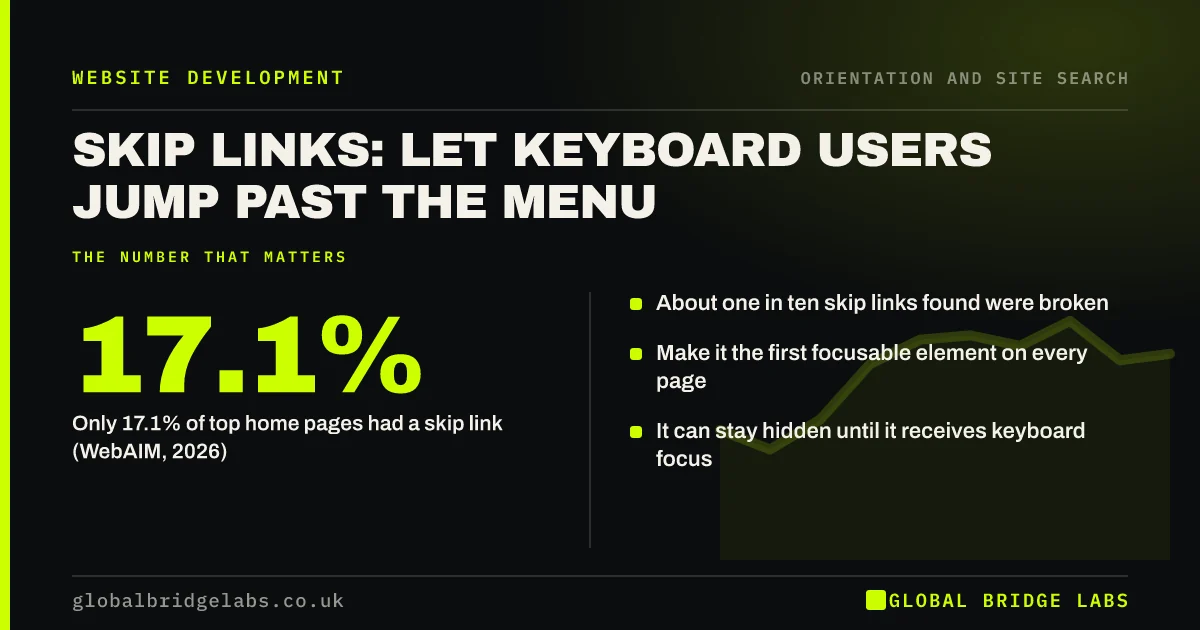
What a skip to content link is, why keyboard and screen reader users need one, how to add it properly and why so many existing skip links do not work.
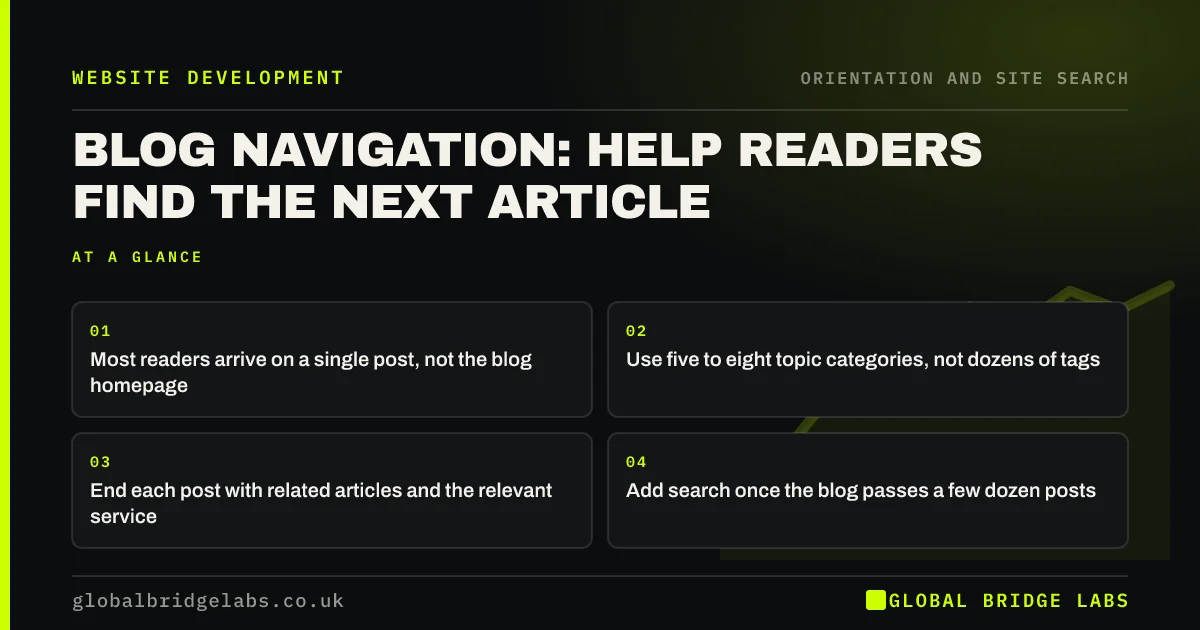
How to design blog navigation readers use: topic categories, related articles, a route to services and search on larger blogs, without archive clutter.
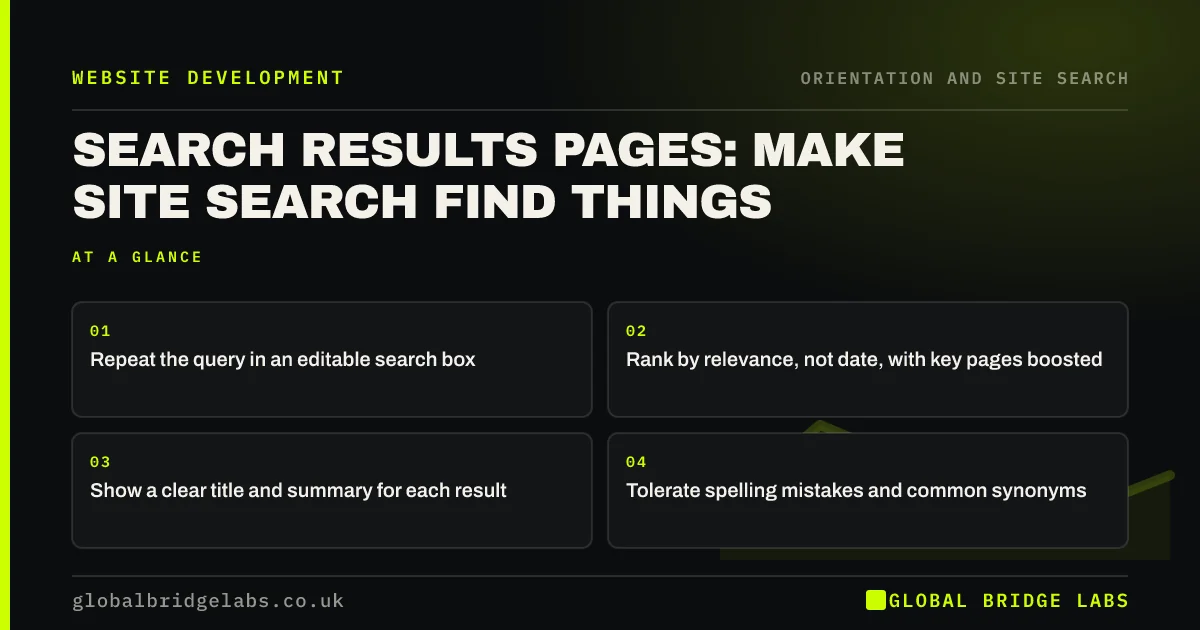
How to design a site search results page that helps: show the query, rank the best match first, clear titles and summaries, and filters only when needed.
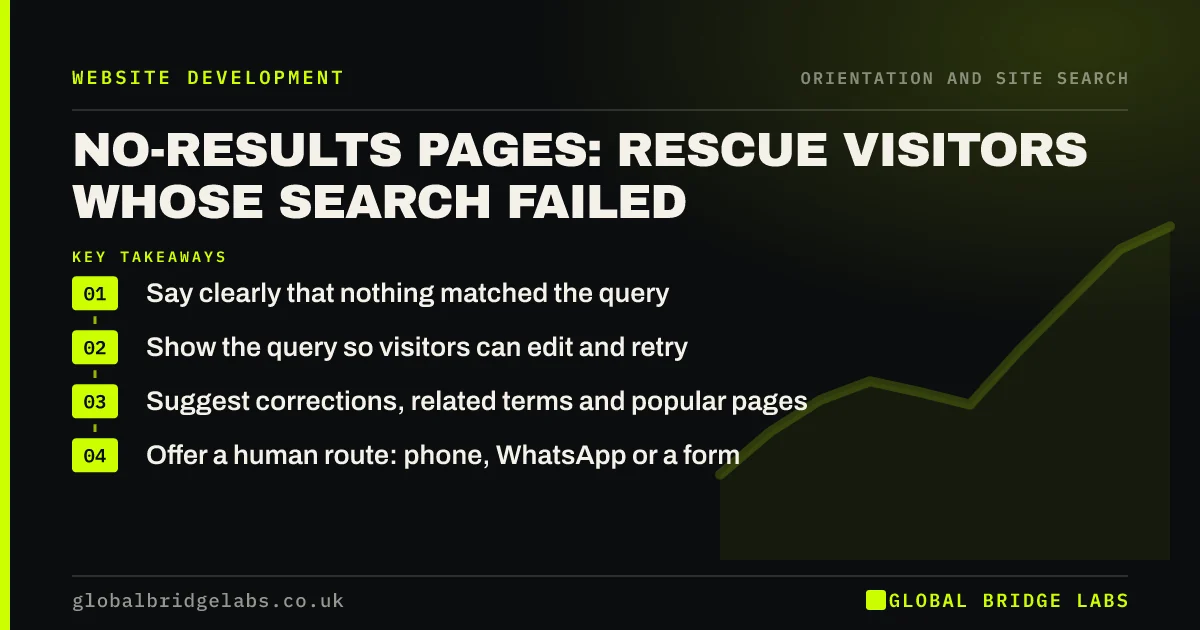
How to design a no search results page that rescues visitors: say what happened, suggest spellings and popular pages, and offer a human route.
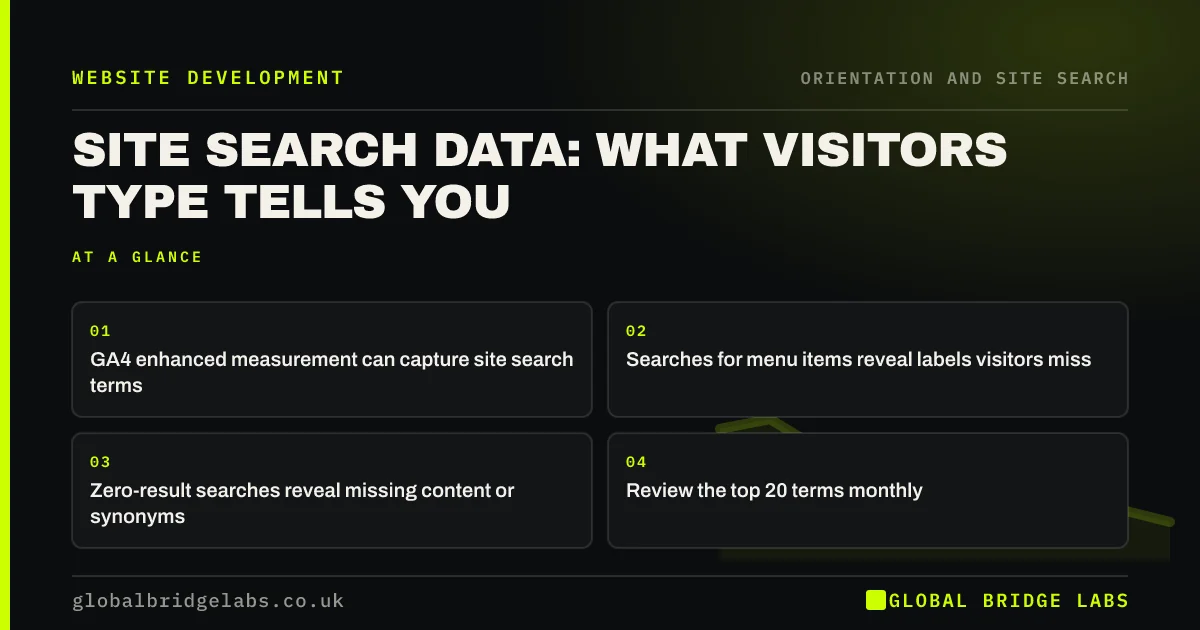
How to use site search analytics in GA4: track what visitors search for, spot labels and pages your menu is missing, and turn queries into fixes.
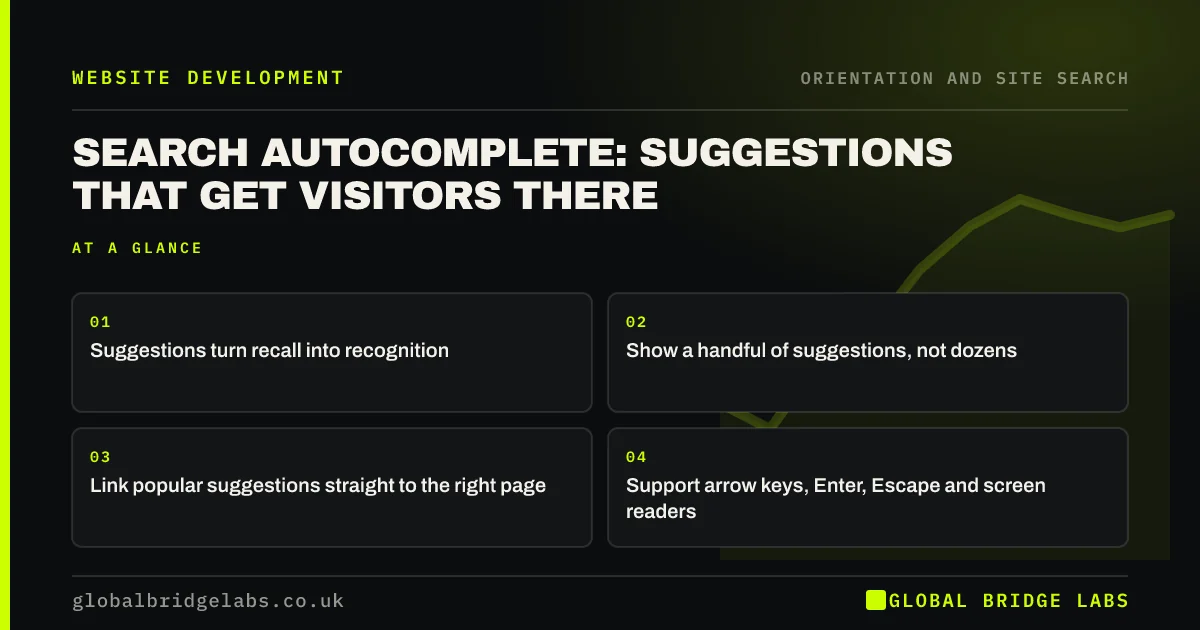
How search autocomplete helps visitors navigate: suggesting pages and terms as they type, keyboard and screen reader support, and when it is not worth it.
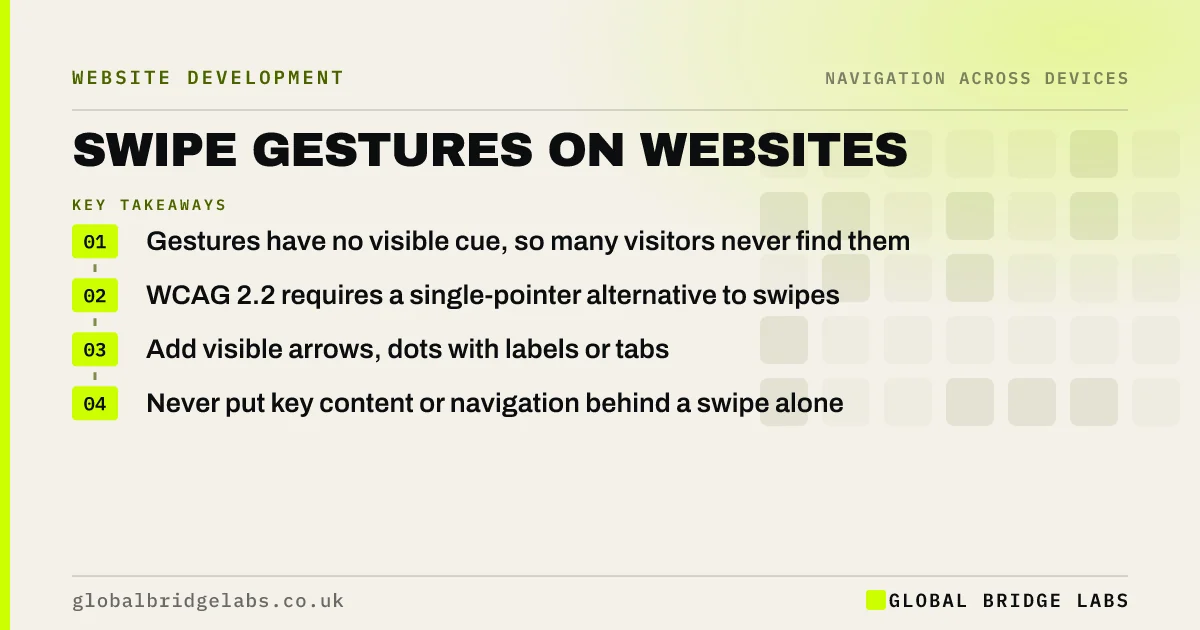
Why swipe-only navigation on websites gets missed: how visitors discover gestures, what WCAG 2.2 requires and the visible alternatives to add.
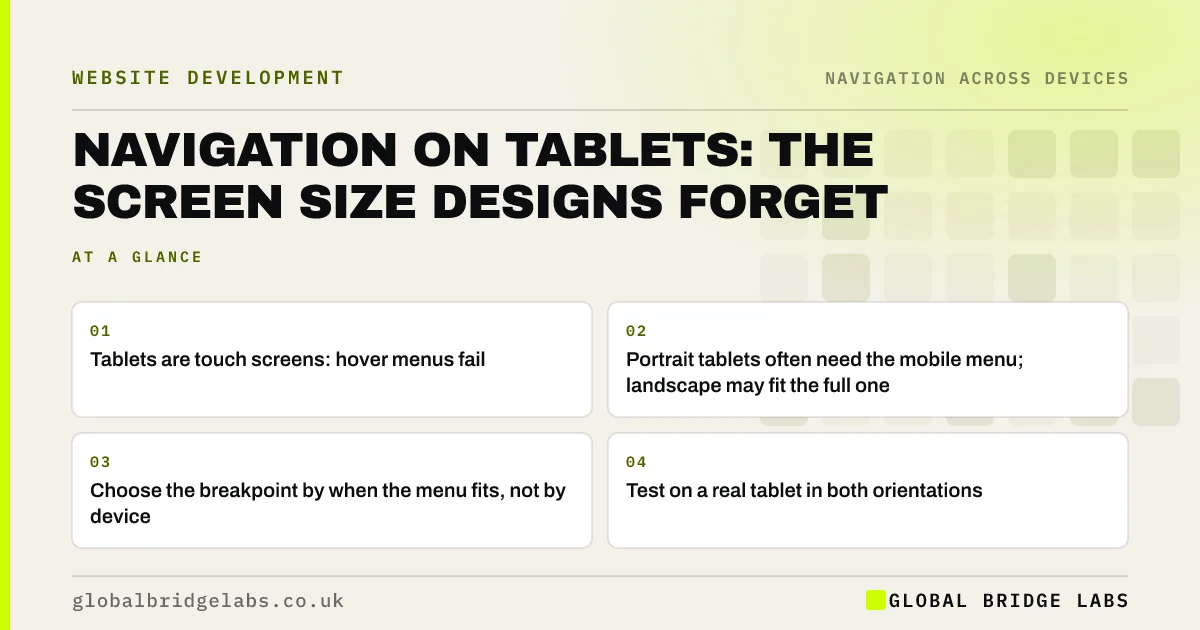
Why website navigation often breaks on tablets: hover menus, early hamburger switches and portrait layouts, and how to test the sizes in between.
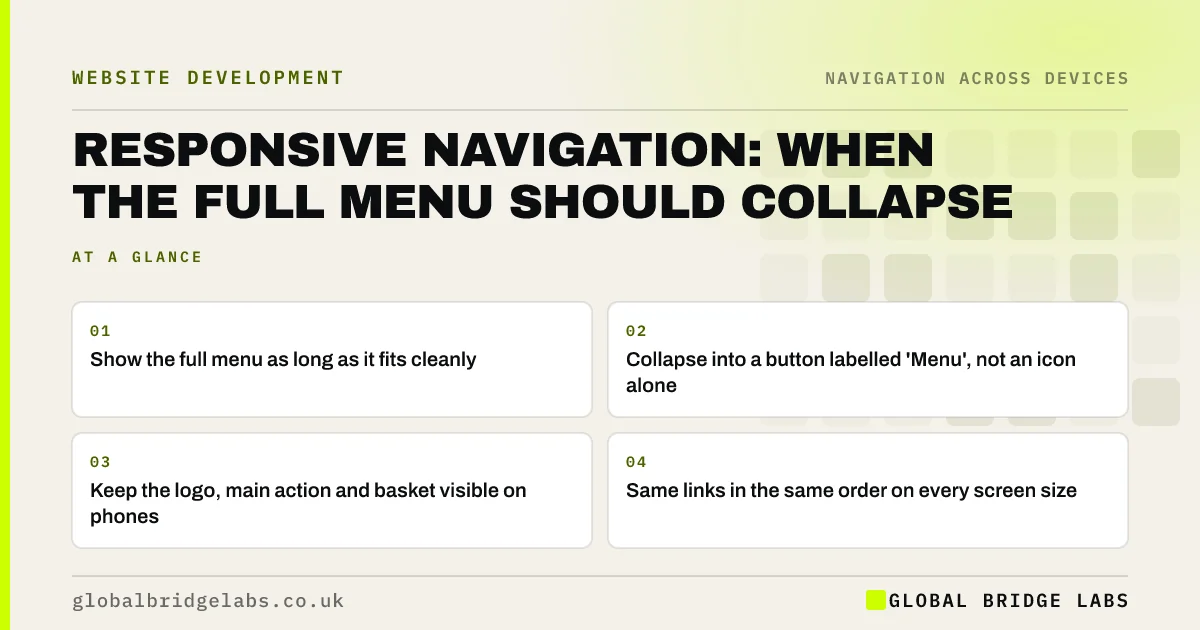
How responsive navigation should adapt across screen sizes: when to collapse the menu, what stays visible on phones and how to keep links the same.
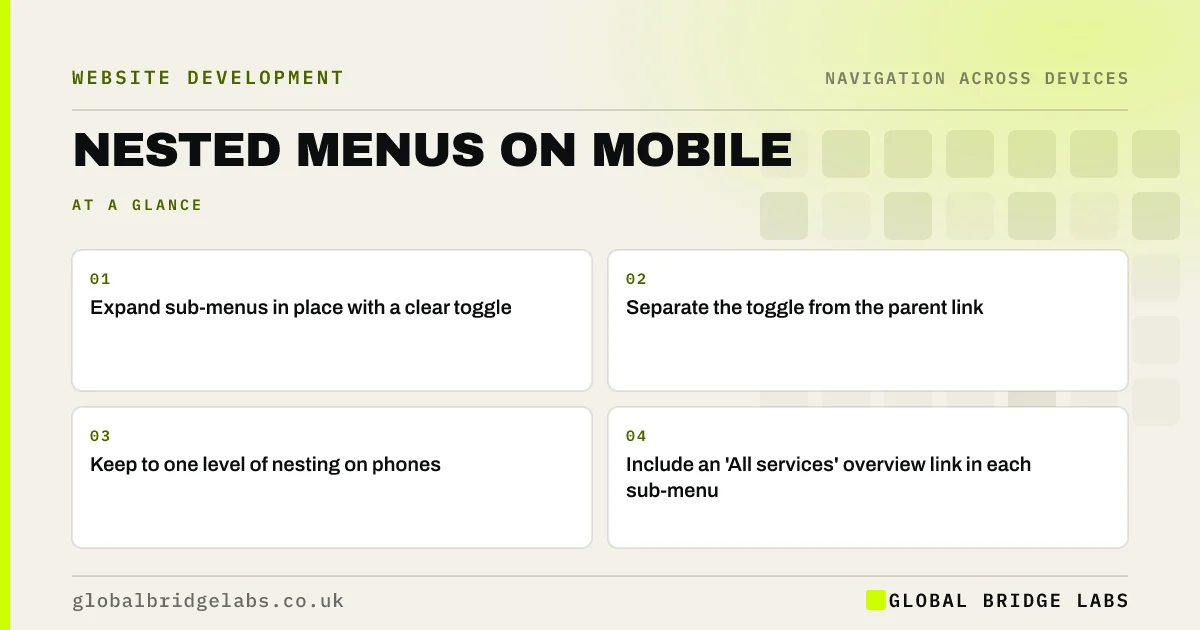
How to design nested menus on mobile: expandable sections with clear toggles, one level of depth, a link to each section overview and no surprises.
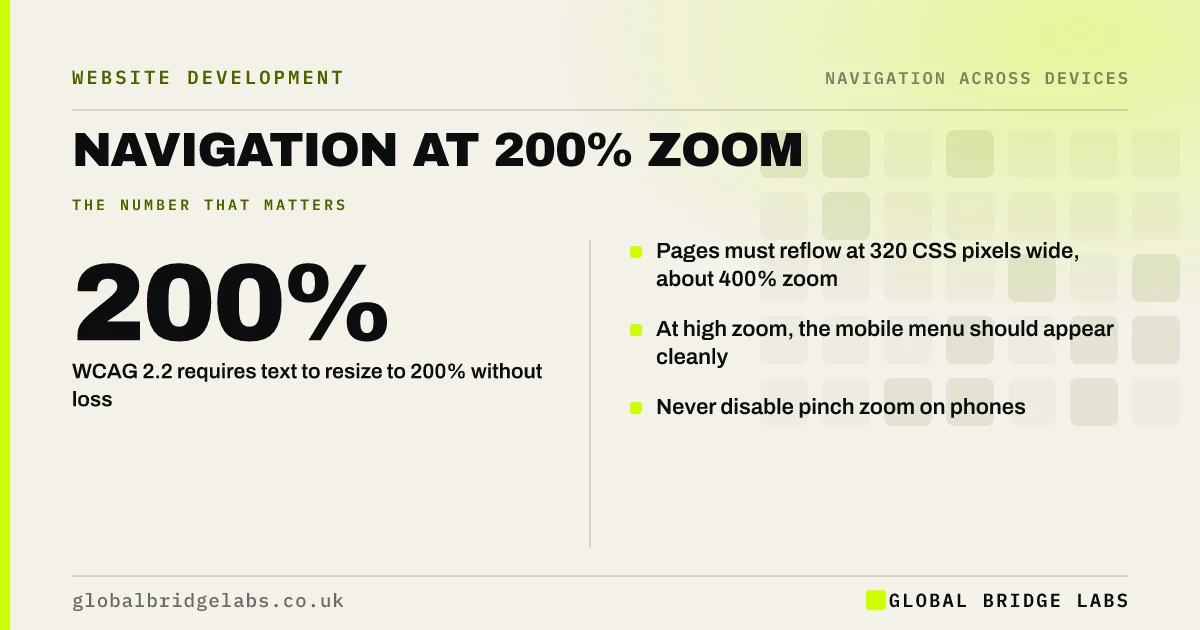
How website navigation should behave when visitors zoom in or enlarge text: what WCAG 2.2 requires, what breaks and how to test the menu at 200% and 400%.
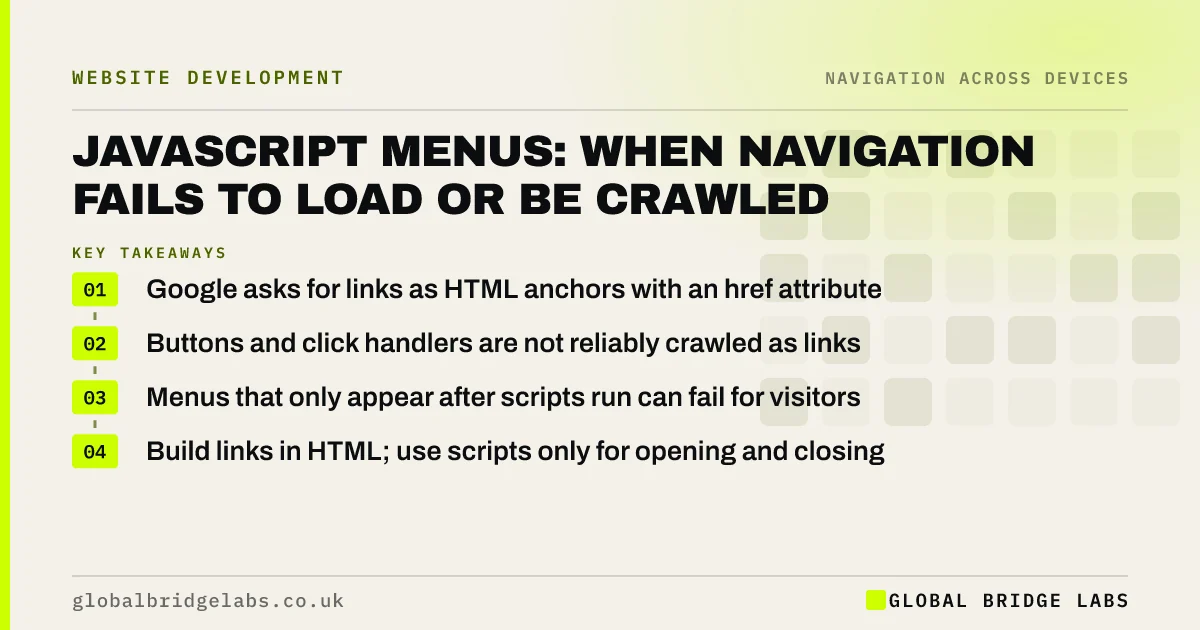
When JavaScript menus hurt visitors and SEO: links that are not real links, menus that load late or fail, and how to build navigation that always works.
30 minutes with our team and you'll know exactly which of the three problems to fix first.
