
On this page
- 01Key takeaways
- 02How can a JavaScript menu hurt SEO?
- 03How can it hurt visitors?
- 04How do you check your menu?
- 05How should menus be built?
- 06Is JavaScript always a problem?
- 07What does this look like in practice?
- 08JavaScript navigation checklist
- 09Next step
- 10Sources and further reading
- 11Frequently asked questions
Key takeaways
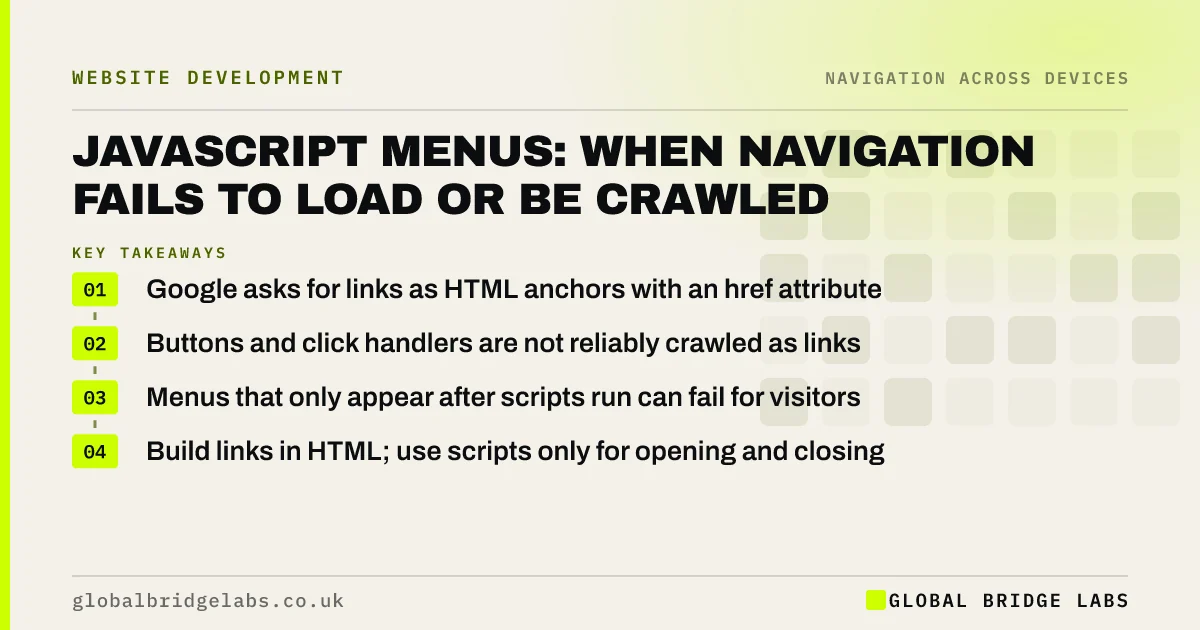
Menus built entirely in JavaScript can fail in two ways: visitors see no menu if the script loads slowly or breaks, and search engines may not find links that are not standard HTML anchors with an href. Google can render JavaScript, but its link guidance asks for real anchor links. Put menu links in the HTML and use JavaScript only to enhance them.
- Google asks for links as HTML anchors with an href attribute.
- Buttons and click handlers are not reliably crawled as links.
- Menus that only appear after scripts run can fail for visitors.
- Build links in HTML; use scripts only for opening and closing.
Want your menu checked for crawlable links? Message us on WhatsApp.
Chat on WhatsApp →How can a JavaScript menu hurt SEO?
Google discovers pages by following links. Its link guidance says it can reliably crawl links only if they are anchor elements with an href attribute; elements that navigate through script events may not be followed. If your menu's links are buttons or are created only after interaction, search engines may never find the pages behind them.
How can it hurt visitors?
If the menu depends on a large script, slow connections show a page with no navigation until it loads, and a script error can remove the menu entirely. Some visitors use browser extensions or settings that block scripts. A menu written in HTML works the moment the page appears.
How do you check your menu?
View the page source, not the browser's inspector, and search for your menu links. If they appear as anchor elements with an href, they are crawlable. Google Search Console's URL Inspection tool shows the rendered HTML Google sees. Also load the page with JavaScript disabled to see what visitors get if scripts fail.
- View source and find each menu link.
- Confirm each is an anchor with an href.
- Use URL Inspection to see Google's rendered page.
- Load the page with JavaScript disabled.
- Check mobile and desktop menus separately.
Want a technical navigation check across your templates? Message us on WhatsApp and we will discuss your requirements.
Chat on WhatsApp →How should menus be built?
Use progressive enhancement: write the menu as a list of ordinary links in the HTML, then use JavaScript to add behaviour such as opening and closing dropdowns. If the script fails, the links still exist. Most modern frameworks can render menus on the server so the HTML arrives complete.
Is JavaScript always a problem?
No. Google's JavaScript SEO guidance explains it renders pages with JavaScript, and many script-heavy sites are indexed well. The risk is in links that are not real links and content that appears only after interaction. Rendering also takes extra time, so plain HTML links are discovered faster.
What does this look like in practice?
A pattern we see: a site's mobile menu is built from buttons that change the page with a script, while the desktop menu uses links. Because Google indexes the mobile version, several service pages are found only through the sitemap. Converting the mobile items to real links fixes discovery.
JavaScript navigation checklist
- Menu links are anchors with an href.
- Links present in the page source.
- Menu usable if scripts fail.
- Mobile menu uses real links too.
- Check URL Inspection in Search Console.
Next step
View the source of your homepage and search for the link to your main service page.
Message us on WhatsApp for a technical navigation review, or book a 30-minute consultation.
Chat on WhatsApp →Sources and further reading
- SEO link best practices for Google · Google Search Central
- Understand JavaScript SEO basics · Google Search Central
- Mobile-first indexing best practices · Google Search Central
Frequently asked questions
Can Google crawl JavaScript menus?
Google can render JavaScript, but it reliably follows only links that are HTML anchor elements with an href attribute. Menus made of buttons or script events may not be followed. Use real links in the HTML to be safe.
How do I know if my menu links are crawlable?
View the page source and look for your menu links as anchor elements with an href. Use the URL Inspection tool in Google Search Console to see the rendered HTML. If a link is missing or is a button, it may not be crawled.
Does a JavaScript menu slow down my website?
It can, if the menu depends on a large script that must load before the menu appears. Menus written in HTML and enhanced with a small script appear immediately and keep working if the script fails.
Written by

Global Bridge Labs (GBL) is a UK–Sri Lanka partner for social media, websites and BPO. Everything here comes from client delivery, not theory.


