
On this page
- 01Key takeaways
- 02Why do swipe gestures get missed?
- 03Where do websites rely on swipes?
- 04What does WCAG 2.2 require?
- 05What are good visible alternatives?
- 06Can gestures still be useful?
- 07What does this look like in practice?
- 08Gesture checklist
- 09Next step
- 10Sources and further reading
- 11Frequently asked questions
Key takeaways
Swipe gestures are invisible: visitors only use them if they guess they exist. On websites, unlike apps, most people expect to tap and scroll, so swipe-only navigation in sliders, tabs and galleries gets missed. WCAG 2.2 requires a single-tap alternative for path-based gestures. Add visible arrows, tabs or links for anything a swipe does.
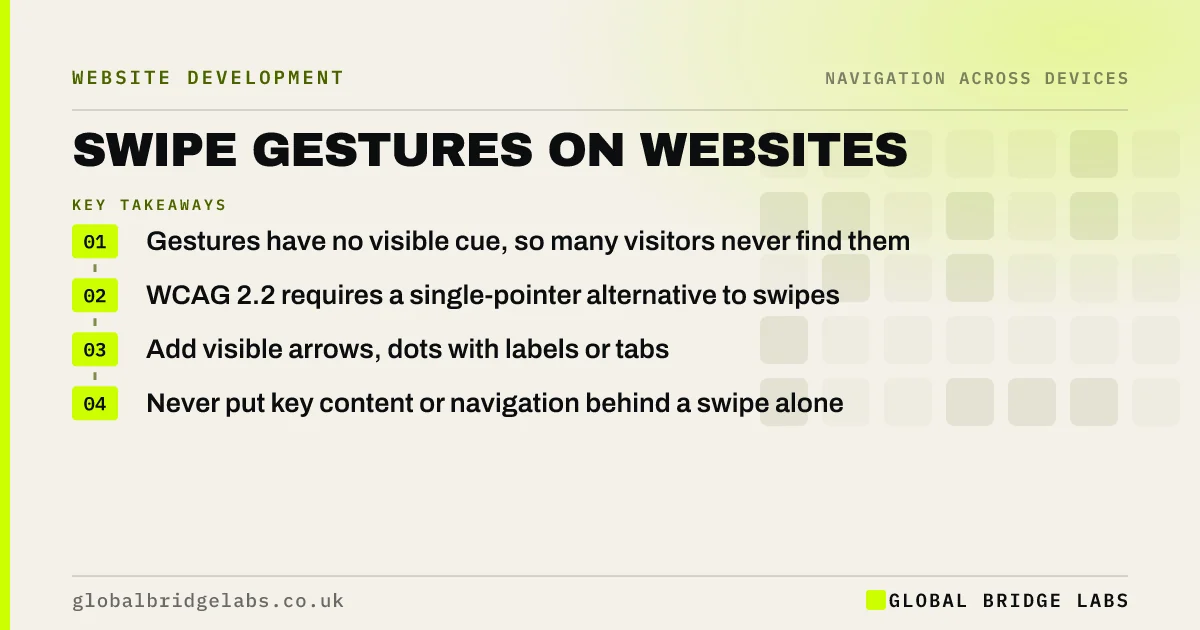
- Gestures have no visible cue, so many visitors never find them.
- WCAG 2.2 requires a single-pointer alternative to swipes.
- Add visible arrows, dots with labels or tabs.
- Never put key content or navigation behind a swipe alone.
Want your sliders and galleries checked for hidden gestures? Message us on WhatsApp.
Chat on WhatsApp →Why do swipe gestures get missed?
A swipe leaves no trace on screen. Visitors find it only by habit, by accident or from a hint. Apps teach gestures through repeated use, but a business website is visited briefly and rarely. Nielsen Norman Group's research on recognition and recall shows people use what they can see; hidden controls rely on memory.
Where do websites rely on swipes?
Swipe-only navigation hides in common components. Each needs a visible alternative.
- Image carousels and hero sliders.
- Product image galleries.
- Horizontal scrolling rows of cards or services.
- Tabbed content that changes with a swipe.
- Off-canvas menus that open with an edge swipe.
What does WCAG 2.2 require?
WCAG 2.2 success criterion 2.5.1, Pointer Gestures, at level A, says anything operated by multipoint or path-based gestures, such as swiping or pinching, must also work with a single pointer without a path, such as a tap on a button, unless the gesture is essential. Many people with motor impairments cannot swipe accurately.
- Accessible navigation: clearer for every visitor
- Mobile accessibility: the WCAG checks for small screens
Want gesture alternatives added without redesigning? Message us on WhatsApp and we will discuss your requirements.
Chat on WhatsApp →What are good visible alternatives?
Visible controls tell visitors that more exists and let them reach it with a tap. Make them large enough to hit easily.
- Previous and next arrows on galleries and sliders.
- Numbered or labelled tabs instead of dots alone.
- A partly visible next card that signals more content.
- A labelled menu button rather than an edge swipe.
- A link to see all items on a separate page.
Can gestures still be useful?
Yes, as a shortcut alongside visible controls. Swiping through product photos is natural for many phone users. Keep it, and add arrows for everyone else. The rule is that a gesture can speed things up, but should never be the only way.
What does this look like in practice?
A pattern we see: a services row on a phone scrolls sideways with a swipe, showing three of eight services, with no arrows or hint. Most visitors see only the first three. Replacing it with a vertical list, or adding arrows and a 'See all services' link, shows all eight.
Gesture checklist
- List every component that responds to a swipe.
- Add visible arrows, tabs or links to each.
- Make controls at least 24 by 24 CSS pixels.
- Hint that more content exists.
- Never hide navigation behind a gesture alone.
Next step
Use your site on a phone without swiping sideways. Note anything you cannot reach.
Message us on WhatsApp for a mobile navigation review, or book a 30-minute consultation.
Chat on WhatsApp →Sources and further reading
- Understanding WCAG 2.2 success criterion 2.5.1: Pointer Gestures · W3C
- Memory recognition and recall in user interfaces · Nielsen Norman Group
- Carousel usability: designing an effective UI · Nielsen Norman Group
Frequently asked questions
Are swipe gestures bad for usability?
Not on their own, but they are invisible, so they should never be the only way to do something. Visitors on websites expect to tap and scroll. Add visible controls such as arrows or tabs, and keep swipes as an optional shortcut.
What does WCAG say about swipe gestures?
WCAG 2.2 success criterion 2.5.1, Pointer Gestures, requires that functions using path-based or multipoint gestures, such as swiping, can also be operated with a single pointer action like a tap, unless the gesture is essential.
Should carousels support swiping?
They can, as long as they also have visible previous and next controls, do not auto-advance too fast and let visitors pause any movement. Many sites are better off showing the key items as a simple list.
Written by

Global Bridge Labs (GBL) is a UK–Sri Lanka partner for social media, websites and BPO. Everything here comes from client delivery, not theory.


