
On this page
- 01Key takeaways
- 02Why does blog navigation matter?
- 03How should blog categories work?
- 04What should appear at the end of a post?
- 05When does a blog need search?
- 06What should you avoid?
- 07What does this look like in practice?
- 08Blog navigation checklist
- 09Next step
- 10Sources and further reading
- 11Frequently asked questions
Key takeaways
Good blog navigation helps a reader who arrived from search find the next useful article and the service it relates to. Use a small set of topic categories, related articles at the end of each post, contextual links in the text, a link to the relevant service and search once the blog has dozens of posts. Avoid date archives and tag clouds.
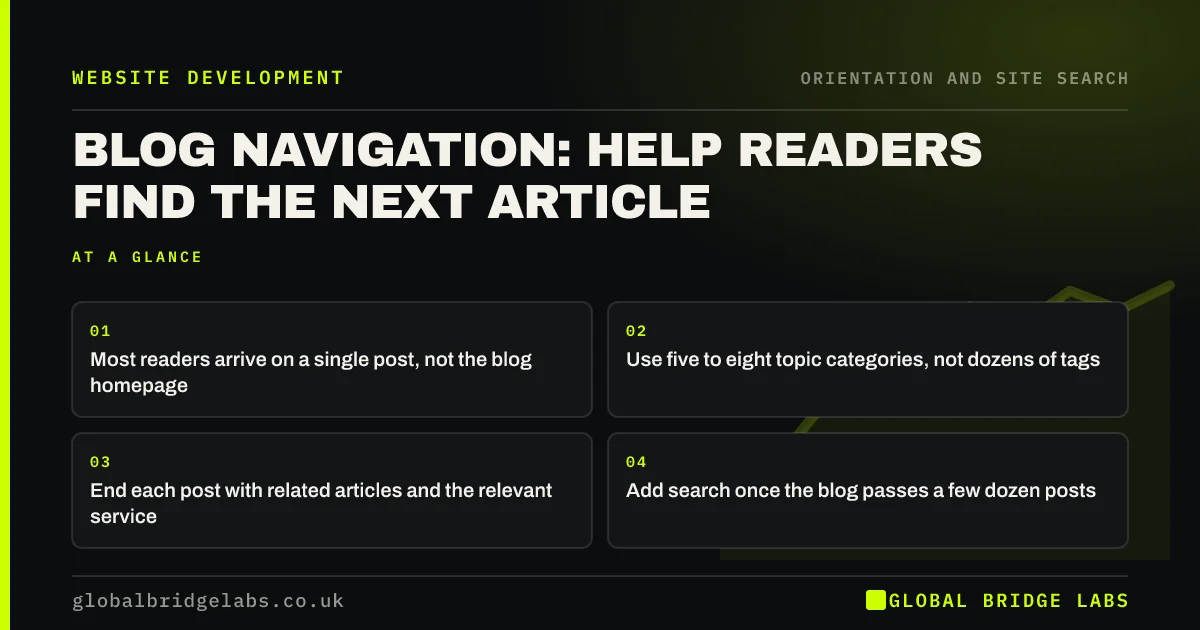
- Most readers arrive on a single post, not the blog homepage.
- Use five to eight topic categories, not dozens of tags.
- End each post with related articles and the relevant service.
- Add search once the blog passes a few dozen posts.
Want your blog structured to lead readers to your services? Message us on WhatsApp.
Chat on WhatsApp →Why does blog navigation matter?
Blog readers usually land on one post from search with no idea what else the site offers. If the post ends with nothing, they leave. Good blog navigation gives them a next article on the same topic and a route to the service the topic relates to, turning a single visit into a relationship.
How should blog categories work?
Use a small number of categories that match your services or the topics buyers care about, such as 'Planning', 'Costs' and 'Maintenance'. Each post belongs to one main category. Category pages should introduce the topic, list the most useful posts first and link to the related service.
- Five to eight topic categories.
- One main category per post.
- Category pages with a short introduction.
- Most useful posts first, not only newest first.
What should appear at the end of a post?
Readers who reach the end are the most engaged, so give them a next step. Show two or three related articles on the same topic, a short link to the relevant service and a contact option. Avoid long lists of recent posts unrelated to what they just read.
- Website dead ends: pages that leave visitors nowhere to go
- Internal links that guide buyers, not just search engines
Want related articles and service links set up on your blog? Message us on WhatsApp and we will discuss your requirements.
Chat on WhatsApp →When does a blog need search?
Once a blog passes a few dozen posts, readers looking for a specific topic benefit from search. Before that, categories and related links are enough. Make search results show article titles and summaries, not just dates.
What should you avoid?
Date archives, tag clouds and endless 'older posts' pagination help almost nobody find anything. They also create many thin pages for search engines. If you have them, simplify to categories and a search box.
What does this look like in practice?
A pattern we see: a business blog with 80 posts, 60 tags and monthly archives, where every post ends with 'Recent posts' showing the latest three regardless of topic. Cutting to six categories and showing related posts plus the relevant service at the end of each article gives readers an obvious next step.
Blog navigation checklist
- Five to eight topic categories.
- Related articles at the end of each post.
- A link to the relevant service on each post.
- Contextual links within the text.
- Search once the blog is large.
- No date archives or tag clouds.
Next step
Open your most visited blog post and check what it offers a reader who reaches the end.
Message us on WhatsApp for a blog navigation review, or book a 30-minute consultation.
Chat on WhatsApp →Sources and further reading
- Local navigation is a valuable orientation and wayfinding aid · Nielsen Norman Group
- SEO link best practices for Google · Google Search Central
- Pagination component · GOV.UK Design System
Frequently asked questions
How many blog categories should I have?
Five to eight is enough for most business blogs. Fewer than that and categories stop helping; many more and they become as hard to use as tags. Match categories to your services or the topics buyers care about.
Should my blog have tags as well as categories?
Usually not on a small business blog. Tags tend to multiply, create thin pages and confuse readers. A small set of categories, related posts and search does the job more clearly.
Where should the blog be in the main menu?
Towards the end of the main menu, often labelled 'Guides', 'Advice' or 'Blog'. Buyers come for services first, so the blog should not push service items aside.
Written by

Global Bridge Labs (GBL) is a UK–Sri Lanka partner for social media, websites and BPO. Everything here comes from client delivery, not theory.


