
On this page
- 01Key takeaways
- 02What is workflow automation?
- 03Which tasks should you automate first?
- 04Why simplify before automating?
- 05What does it save in numbers?
- 06Where do people still fit?
- 07When should you not automate?
- 08What does this look like in practice?
- 09Automation checklist
- 10Next step
- 11Sources and further reading
- 12Frequently asked questions
Key takeaways
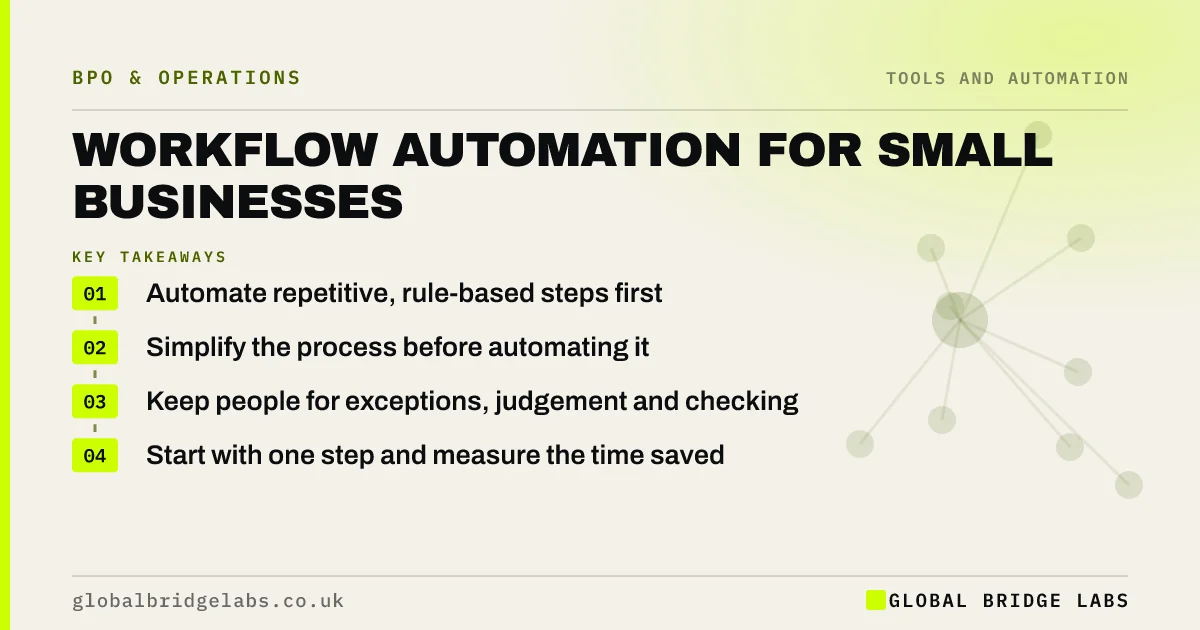
Workflow automation for small businesses works best on high-volume, rule-based steps that move data between systems: form to CRM, order to invoice, booking to reminder. Start with one step that is repeated many times a week and rarely varies. Simplify the process first, keep people for exceptions and judgement, and check automated output regularly.
- Automate repetitive, rule-based steps first.
- Simplify the process before automating it.
- Keep people for exceptions, judgement and checking.
- Start with one step and measure the time saved.
Want to know which of your tasks to automate first? Message us on WhatsApp.
Chat on WhatsApp →What is workflow automation?
Workflow automation is using software to carry out steps in a process without a person doing them, usually by moving or transforming data between systems when something happens. Examples are creating a CRM record from a web form, sending a reminder before an appointment or raising an invoice when a job is closed.
Which tasks should you automate first?
Automate first the steps that happen often, follow clear rules, use structured data and cause errors when typed by hand. Copying data between systems is the classic example. Leave tasks that vary each time or need judgement until later, or keep them with people.
- Copying form or order data into another system.
- Standard notifications and reminders.
- Creating routine documents from templates.
- Moving files to the right folder.
- Simple status updates to customers.
Why simplify before automating?
Automating a messy process makes the mess faster and harder to change. Each unnecessary step becomes a rule someone has to maintain. Remove steps, approvals and duplicate data first, then automate what is left. The automation will be simpler, cheaper and less likely to break.
What does it save in numbers?
In an illustrative firm, 300 web enquiries a month are copied by hand into the CRM at about 3 minutes each, 15 hours a month, with occasional typos. Connecting the form directly to the CRM removes the copying. A person still reviews enquiries that do not map cleanly, about one in ten. Example figures only.
- Lead routing: get every enquiry to the right person fast
- The cost of manual processes, and what to fix first
Want your top automation candidates listed? Send us your routine tasks on WhatsApp.
Chat on WhatsApp →Where do people still fit?
People fit where rules run out: unusual cases, unclear data, customer conversations and checking that automations are working. A managed team often works alongside automation, handling the exceptions it flags and spotting when an integration has quietly stopped. Automation and outsourcing are usually complements, not rivals.
When should you not automate?
Do not automate low-volume tasks where building and maintaining the automation costs more than doing them, processes about to change, or steps where a mistake would be costly and hard to spot. Also avoid automating customer contact so heavily that people cannot reach a person.
What does this look like in practice?
A pattern we see: a business automates its whole order process, and a supplier changes their file format. Orders stop flowing for two days before anyone notices. A daily check by a person, or an alert when volume drops, would have caught it in an hour.
Automation checklist
Use these before automating any step.
- Is the step frequent and rule-based?
- Has the process been simplified first?
- Who handles exceptions?
- How will you know if it breaks?
- Who maintains it?
Next step
Send us your most repetitive routine tasks. We will say which are good automation candidates, which suit a managed team and which should stay as they are.
Message us on WhatsApp about automation, or book a 30-minute consultation.
Chat on WhatsApp →Sources and further reading
- Small Business Guide: cyber security · National Cyber Security Centre
- Lawful basis for processing personal data · Information Commissioner's Office
Frequently asked questions
What should a small business automate first?
Start with frequent, rule-based steps that move structured data between systems, such as copying form enquiries into a CRM, sending appointment reminders or creating invoices from closed jobs. Pick one, simplify the process around it and measure the time saved.
Is automation better than outsourcing?
They do different jobs. Automation suits predictable, rule-based steps. People, in-house or outsourced, suit exceptions, judgement and customer conversations. Most efficient set-ups combine them: automation for the routine and a team for the exceptions and checks.
What are the risks of workflow automation?
Automations can break silently when a system or format changes, can spread errors quickly, and can make processes harder to change. Simplify first, set alerts or daily checks, name someone to maintain each automation and keep people for the exceptions.
Written by

Global Bridge Labs (GBL) is a UK–Sri Lanka partner for social media, websites and BPO. Everything here comes from client delivery, not theory.


