
On this page
- 01Key takeaways
- 02What does human in the loop mean?
- 03Why not let AI work alone?
- 04How do you design the split?
- 05What does it look like in numbers?
- 06What are the data protection points?
- 07When is AI the wrong tool?
- 08What does this look like in practice?
- 09Human in the loop checklist
- 10Next step
- 11Sources and further reading
- 12Frequently asked questions
Key takeaways
Human in the loop AI means AI tools do the first draft or first pass, and trained people check, correct and handle what the tools cannot. For small businesses it is often the most efficient set-up: AI speeds up routine drafting and extraction, while a team catches errors, handles exceptions and deals with customers who need a person.
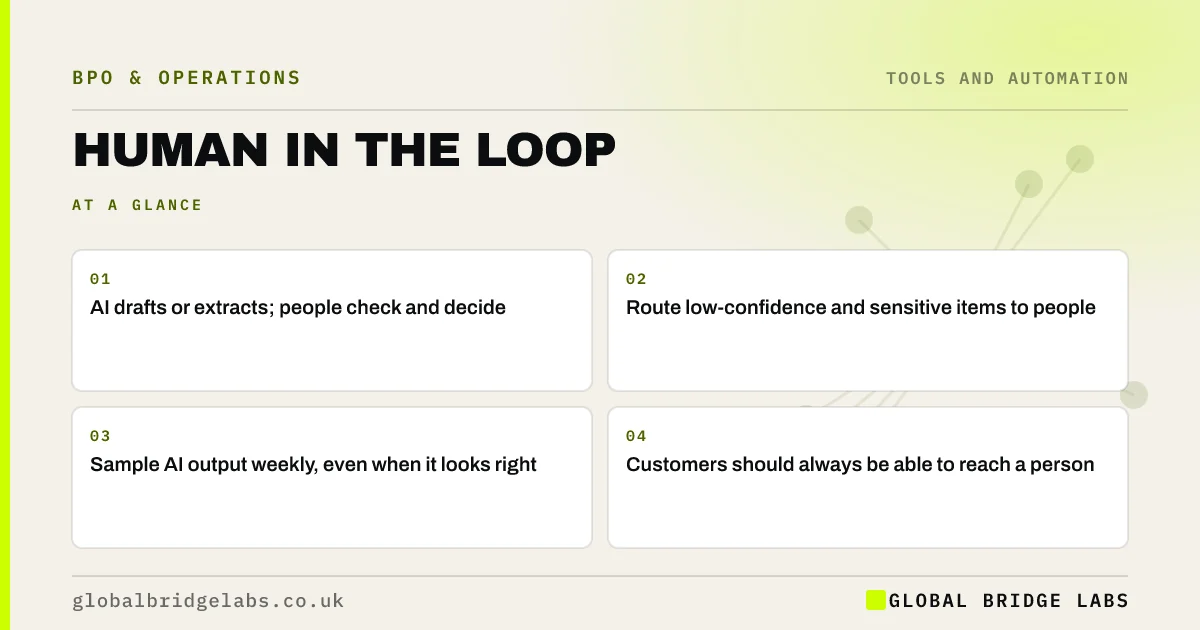
- AI drafts or extracts; people check and decide.
- Route low-confidence and sensitive items to people.
- Sample AI output weekly, even when it looks right.
- Customers should always be able to reach a person.
Want to see where AI plus a team would fit your work? Message us on WhatsApp.
Chat on WhatsApp →What does human in the loop mean?
Human in the loop means a person reviews, approves or corrects the output of an automated system before it takes effect, or handles the cases the system is unsure about. In practice, an AI tool might draft a customer reply or extract invoice data, and a trained team member checks it before it is sent or saved.
Why not let AI work alone?
AI tools can produce confident answers that are wrong, misread unusual documents and miss context a person would catch. For routine, low-risk items the error rate may be acceptable. For customer replies, payments, personal data and anything with legal effect, a person checking is cheaper than fixing a mistake later.
How do you design the split?
Decide which items AI handles with a light check, which it drafts for full review, and which go straight to a person. Base the split on risk and on how often the tool is right for that item type. Review the split monthly as you learn where the tool is reliable.
- Low risk, high accuracy: AI with sampling.
- Medium risk: AI draft, person approves.
- High risk or sensitive: person handles.
- Unclear or low confidence: route to a person.
What does it look like in numbers?
In an illustrative support inbox of 2,000 emails a month, an AI tool drafts replies for the six most common question types, about 60% of volume. A team reviews and sends those drafts in about a minute each, and writes the rest from scratch. Average handling time falls, and the team spends more time on the complex cases. Example figures only.
- Customer service macros: faster replies at lower cost
- Average handling time: what it is and when to lower it
Want to estimate what AI drafting would change for your inbox? Send us your volumes on WhatsApp.
Chat on WhatsApp →What are the data protection points?
Check where an AI tool sends and stores data, whether it uses your data to train its models, and whether you have a processor agreement in place. UK data protection law has specific rules on decisions made solely by automated means that have significant effects on people, and the Data (Use and Access) Act 2025 updated them. Keep a person involved in such decisions and take advice if unsure.
When is AI the wrong tool?
AI is the wrong tool for low volumes where setup outweighs the saving, for tasks where every item is unusual, and for conversations with vulnerable or upset customers. In those cases, a trained person with good templates is faster and safer.
What does this look like in practice?
A pattern we see: a business switches on an AI reply tool, and within a week a few confidently wrong answers reach customers. Adding a review step for anything outside the common question types keeps most of the speed and removes the risk.
Human in the loop checklist
Check these before you deploy an AI tool.
- Split items by risk and accuracy.
- Route low-confidence items to people.
- Sample output weekly.
- Check where data goes and is stored.
- Keep a route to a person for customers.
Next step
Tell us which tasks you are thinking of using AI for. We will suggest a split between tools and people that keeps quality where it matters.
Message us on WhatsApp about AI and outsourcing, or book a 30-minute consultation.
Chat on WhatsApp →Sources and further reading
- Data (Use and Access) Act 2025 · legislation.gov.uk
- Lawful basis for processing personal data · Information Commissioner's Office
- Contracts and liabilities between controllers and processors · Information Commissioner's Office
Frequently asked questions
What does human in the loop mean in AI?
It means a person reviews, approves or corrects AI output before it takes effect, or handles cases the AI is unsure about. It combines the speed of AI with human judgement on accuracy, context and sensitive situations.
Can AI replace an outsourced customer service team?
AI can handle or draft a share of routine queries, but it still makes mistakes and struggles with unusual, emotional or complex cases. Most efficient set-ups use AI for drafts and simple answers and a trained team for review, exceptions and customers who need a person.
Is it safe to use AI tools with customer data?
It can be, with care. Check where the tool sends and stores data, whether it trains on your data, and whether a processor agreement is in place. Keep people involved in decisions with significant effects on individuals, and take advice on current UK data protection rules.
Written by

Global Bridge Labs (GBL) is a UK–Sri Lanka partner for social media, websites and BPO. Everything here comes from client delivery, not theory.


