
On this page
- 01Key takeaways
- 02What are web design principles?
- 031. Clarity: can visitors tell what you do in seconds?
- 042. Hierarchy: does the eye go to the right place first?
- 053. Consistency: does every page behave the same way?
- 064. Familiarity: are things where visitors expect them?
- 075. Contrast: does what matters stand out?
- 086. Restraint: what can you take away?
- 097. Access: can everyone use it?
- 10When should you break a design principle?
- 11What does this look like in practice?
- 12Design principles checklist
- 13Next step
- 14Sources and further reading
- 15Frequently asked questions
Key takeaways
Good web design principles for a business website come down to seven: clarity, hierarchy, consistency, familiarity, contrast, restraint and access. Each one prevents a family of common mistakes. Follow them and a site can look simple and still win more enquiries than a far more stylish one.
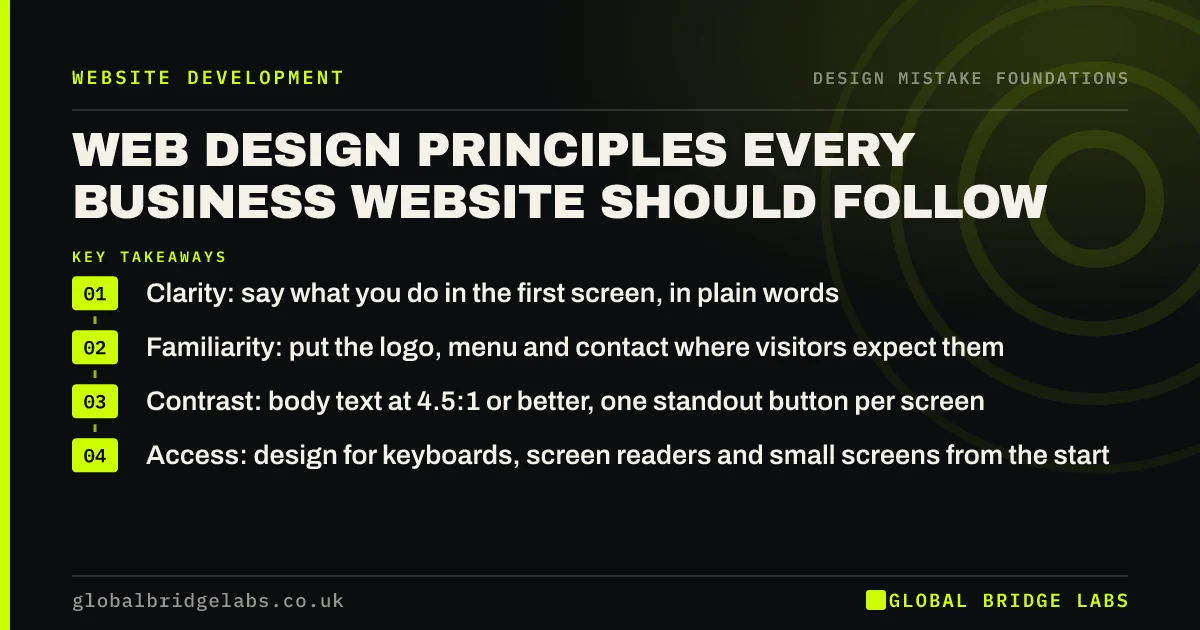
- Clarity: say what you do in the first screen, in plain words.
- Familiarity: put the logo, menu and contact where visitors expect them.
- Contrast: body text at 4.5:1 or better, one standout button per screen.
- Access: design for keyboards, screen readers and small screens from the start.
Want your site checked against these principles? Message us on WhatsApp.
Chat on WhatsApp →What are web design principles?
Web design principles are general rules for arranging text, images and controls so visitors can understand and use a page with little effort. They are not a style. A minimalist site and a busy one can both follow them; what matters is that the page answers the visitor's question and makes the next step obvious.
1. Clarity: can visitors tell what you do in seconds?
Clarity means a visitor understands what you offer, for whom and where within the first screen. The mistake it prevents is the clever headline that says nothing, such as 'Building tomorrow, today'. Write the plain version first: 'Commercial electricians in Leeds, available within 24 hours'.
2. Hierarchy: does the eye go to the right place first?
Visual hierarchy is the order in which the eye takes in a page, controlled by size, weight, colour and position. Nielsen Norman Group defines it as arranging elements to show their order of importance. The mistake it prevents is a page where everything shouts equally, so nothing is read.
3. Consistency: does every page behave the same way?
Consistency means buttons, headings, colours and menus look and work the same on every page. It prevents visitors relearning the site as they move through it. A common mistake is a blue button on one page, a green link on the next and an outlined box on the third, all doing the same job.
4. Familiarity: are things where visitors expect them?
Visitors spend most of their time on other websites, so they arrive expecting the same conventions: logo top left linking home, menu across the top, contact details in the header and footer. Nielsen Norman Group found people were 89% more likely to remember logos in the traditional top-left position than on the right. Break conventions only with a strong reason.
5. Contrast: does what matters stand out?
Contrast applies to text and to emphasis. Text needs enough contrast with its background to be read: WCAG sets 4.5:1 for normal text. Emphasis needs contrast too: the main button should be the most distinctive thing on the screen. Using the accent colour everywhere removes the contrast that makes it work.
6. Restraint: what can you take away?
Restraint means using fewer typefaces, fewer colours, fewer menu items and fewer effects. A practical rule of thumb: one or two typefaces, one accent colour, five to seven menu items and no motion that the visitor did not ask for. Each addition competes with the message.
7. Access: can everyone use it?
Access means the site works for people using keyboards, screen readers, zoom or a small phone in bright light. It is also a legal expectation: the Equality Act 2010 requires reasonable adjustments by service providers. Designing for access from the start is far cheaper than retrofitting it.
Want to know which principle your site breaks most? Message us on WhatsApp and we will discuss your requirements.
Chat on WhatsApp →When should you break a design principle?
Break a principle only when you have evidence it helps your visitors. A portfolio-led architecture practice may use more imagery and less text than a plumber; a premium brand may use more white space than a discount retailer. Breaking a principle for novelty, because a competitor did it or because it looked good in a gallery, is how most design mistakes start.
What does this look like in practice?
A pattern we see: a site follows six principles well and breaks one badly, usually familiarity (a hidden menu) or contrast (pale text). Fixing that one principle often matters more than any other change, because it affects every page.
Design principles checklist
- State what you do, for whom and where in the first screen.
- Make one element per screen clearly the most important.
- Use the same button and heading styles on every page.
- Keep logo, menu and contact in their conventional places.
- Check text contrast is at least 4.5:1.
- Limit yourself to one or two typefaces and one accent colour.
- Test with a keyboard and a phone before launch.
Next step
Pick the principle your site breaks most often and fix it on your three most-visited pages.
Message us on WhatsApp for a principles review, or book a 30-minute consultation.
Chat on WhatsApp →Sources and further reading
- Visual hierarchy in UX: definition · Nielsen Norman Group
- Website logo placement for maximum brand recall · Nielsen Norman Group
- Understanding SC 1.4.3: Contrast (Minimum) · W3C
- Equality Act 2010 · legislation.gov.uk
Frequently asked questions
What are the basic principles of web design?
For business websites, seven principles cover most of it: clarity (say what you do), hierarchy (show what matters first), consistency, familiarity (follow conventions), contrast (readable text, one standout button), restraint (fewer fonts, colours and effects) and access (works for everyone).
What is the most important web design principle?
Clarity. If visitors cannot tell what you offer and what to do next within a few seconds, no amount of good hierarchy or colour will save the page. Every other principle exists to make the message and the next step easier to see.
Do web design principles change with trends?
The principles stay the same; the styles that express them change. Flat design, rounded corners or dark mode are styles. Readable text, clear hierarchy and familiar navigation have held for decades because they are based on how people read and use pages.
Written by

Global Bridge Labs (GBL) is a UK–Sri Lanka partner for social media, websites and BPO. Everything here comes from client delivery, not theory.


