
On this page
- 01Key takeaways
- 02Why do design trends cause problems for business websites?
- 03Which trends hurt readability?
- 04Which trends get in the way of navigation?
- 05Which motion trends should you skip?
- 06Which trends weaken the call to action?
- 07Which trends are usually safe?
- 08How do you decide whether to use a trend?
- 09What does this look like in practice?
- 10Trends audit checklist
- 11Next step
- 12Sources and further reading
- 13Frequently asked questions
Key takeaways
The web design trends to avoid on a business website are the ones that put style ahead of reading and acting: scroll hijacking, ghost buttons, low-contrast minimalism, giant headlines that push the offer off screen, custom cursors and auto-playing hero videos. A trend is safe only if it makes the page easier to use.
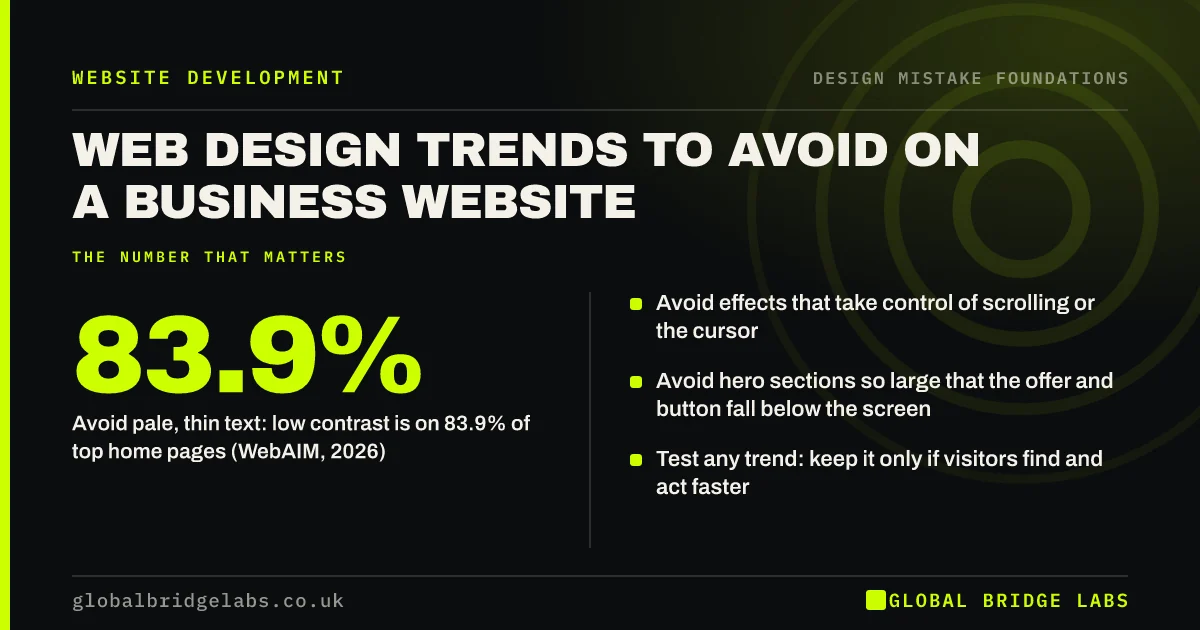
- Avoid effects that take control of scrolling or the cursor.
- Avoid pale, thin text: low contrast is on 83.9% of top home pages (WebAIM, 2026).
- Avoid hero sections so large that the offer and button fall below the screen.
- Test any trend: keep it only if visitors find and act faster.
Wondering if a trend on your site is hurting it? Message us on WhatsApp.
Chat on WhatsApp →Why do design trends cause problems for business websites?
Design trends usually start on award sites, agency portfolios and product launches, where the goal is to impress other designers or create a moment. A business website has a different job: help a buyer understand, compare and get in touch. A trend built for impact often slows exactly that.
Trends also date quickly. A site built around this year's look tends to feel old within two or three years, which is one reason sites get redesigned before they need to be.
Which trends hurt readability?
The trends that hurt readability are pale grey text, thin light-weight fonts, text laid over busy photos or video, and very long lines on wide screens. They look calm in a mock-up and are hard to read on a phone outdoors. WCAG's minimum of 4.5:1 contrast for normal text is the test to apply.
Which trends get in the way of navigation?
Hamburger menus on desktop, icon-only navigation, split-screen layouts with no obvious route, and horizontal scrolling sections all make it harder to find pages. Nielsen Norman Group's research on hidden navigation found it reduces discoverability on desktop, where there is room to show the menu.
Which motion trends should you skip?
Skip scroll hijacking (where the page moves at its own pace instead of yours), heavy parallax, elements that animate in one by one as you scroll, custom cursors, loading screens and full-screen autoplay video. They delay content, can trigger motion sickness for some people, and slow pages on mid-range phones.
If you keep any motion, respect the browser's reduced-motion setting, which lets visitors who are sensitive to movement turn it off across all sites.
Which trends weaken the call to action?
Ghost buttons (a thin outline with transparent fill), all-lowercase microcopy, oversized hero headlines and 'scroll to explore' prompts weaken the call to action. Each makes the next step less obvious. A solid button in a contrasting colour, with a label that says what happens, still works better than any of them.
- Button design: why visitors miss your website buttons
- What belongs above the fold on a business website
Want a quick view on which trends to keep? Message us on WhatsApp and we will discuss your requirements.
Chat on WhatsApp →Which trends are usually safe?
Trends that make pages easier to use are usually safe: generous white space, larger body text, real photography, simple illustrations that explain a process, a dark mode that respects the visitor's setting, and subtle hover states that confirm something is clickable. They change the style without hiding the substance.
How do you decide whether to use a trend?
Ask three questions. Does it help a visitor read, find or act? Does it work on a mid-range phone and with a keyboard? Will it still look sensible in three years? If any answer is no, leave it out. If you are unsure, test it on one page and compare enquiries over a few weeks.
What does this look like in practice?
A pattern we see: a new site launches with an animated hero, a custom cursor and ghost buttons, and enquiries dip. Removing the animation and making the buttons solid is usually a small job, and it is often the first thing worth testing before anyone questions the rest of the design.
Trends audit checklist
- Remove scroll hijacking and custom cursors.
- Replace ghost buttons with solid, high-contrast ones.
- Darken any pale or thin body text.
- Make sure the offer and button fit in the first screen on a phone.
- Show the main menu on desktop.
- Respect the reduced-motion setting for any animation.
Next step
List every effect on your homepage and ask of each one: does this help a visitor act?
Message us on WhatsApp for a second opinion, or book a 30-minute consultation.
Chat on WhatsApp →Sources and further reading
- The WebAIM Million: accessibility of the top 1,000,000 home pages · WebAIM
- Understanding SC 1.4.3: Contrast (Minimum) · W3C
- Hamburger menus and hidden navigation hurt UX metrics · Nielsen Norman Group
- prefers-reduced-motion · MDN Web Docs
- What parallax lacks · Nielsen Norman Group
Frequently asked questions
Should a business website follow design trends?
Only when a trend makes the site easier to use. Trends such as larger text and real photography help. Trends such as scroll hijacking, ghost buttons and autoplay video usually hurt. A business site's job is to help buyers act, not to win design awards.
What web design trends are outdated?
Rotating homepage sliders, loading screens, heavy parallax, stock photos of handshakes and splash pages all read as dated. So do very small grey body text and hamburger menus on desktop. Simple, readable layouts with real photos age far better.
Is minimalist web design a good idea?
Minimalism helps when it removes clutter and keeps the message clear. It hurts when it removes contrast, labels or information buyers need, such as prices, proof and contact details. Aim for less noise, not less substance.
Written by

Global Bridge Labs (GBL) is a UK–Sri Lanka partner for social media, websites and BPO. Everything here comes from client delivery, not theory.


