On this page
- 01Key takeaways
- 02What makes a website look cluttered?
- 03Which elements cause the most clutter?
- 04How does clutter affect speed?
- 05How do you decide what to remove?
- 06Does decluttering affect accessibility?
- 07When does clutter point to a redesign?
- 08How do you stop clutter coming back?
- 09What does this look like in practice?
- 10Declutter checklist
- 11Next step
- 12Sources and further reading
- 13Frequently asked questions
Key takeaways
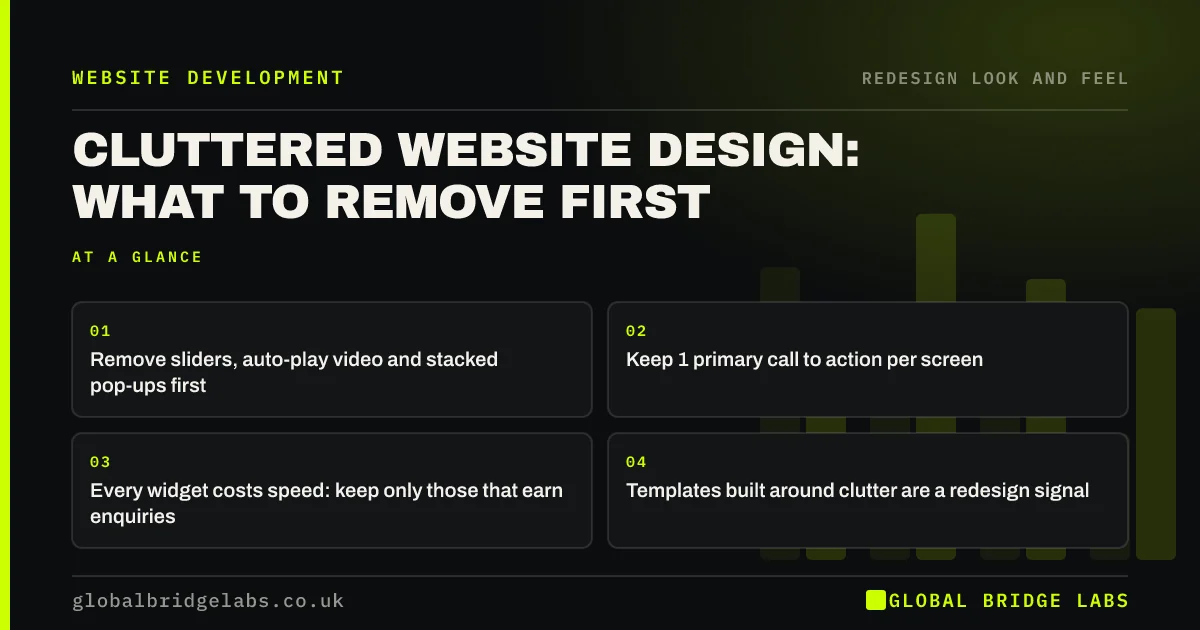
A cluttered website has more elements competing for attention than visitors can process: sliders, pop-ups, widgets, banners and several calls to action. Remove anything that does not help a visitor understand, trust or enquire. Decluttering usually takes days; a redesign is needed only when the templates are built around the clutter.
- Remove sliders, auto-play video and stacked pop-ups first.
- Keep 1 primary call to action per screen.
- Every widget costs speed: keep only those that earn enquiries.
- Templates built around clutter are a redesign signal.
Want a list of what to remove from your homepage? Send the URL on WhatsApp.
Chat on WhatsApp →What makes a website look cluttered?
A website looks cluttered when too many elements compete for attention on the same screen, so visitors cannot tell what matters. Clutter usually builds up over years as each new idea is added without anything being removed.
Which elements cause the most clutter?
These are the elements we remove most often in audits of small business sites.
- Rotating sliders with several messages.
- Pop-ups and banners stacking on top of a cookie notice.
- Chat widgets, review widgets and social feeds on every page.
- Several different calls to action in the first screen.
- Menus with more than about seven top-level items.
- Decorative icons and badges with no meaning to buyers.
Want to know which of these your site has? Ask us on WhatsApp.
Chat on WhatsApp →How does clutter affect speed?
Most clutter carries code. Sliders, feeds, chat widgets and pop-up tools each load scripts that delay the page and can push Interaction to Next Paint beyond Google's 200 millisecond threshold. Removing them often improves Core Web Vitals and clarity at the same time.
How do you decide what to remove?
Ask of every element: does it help a visitor understand what we do, trust us, or enquire? If not, remove it. If you are unsure, check whether anyone clicks it using a heatmap or analytics events. Elements nobody uses are pure cost.
Does decluttering affect accessibility?
Positively. Auto-moving content, flashing banners and pop-ups create barriers for many users, and WCAG 2.2 includes requirements to let users pause moving content and to avoid unexpected changes. A calmer page is easier for everyone to use.
When does clutter point to a redesign?
When the theme is built around it: a homepage that requires a slider, templates that load widgets on every page, or a page builder layout so layered that removing elements breaks it. Then the clutter is structural and a cleaner set of templates is the fix.
How do you stop clutter coming back?
Use a simple rule: nothing is added to a key page unless something is removed or the addition is shown to help enquiries. Clutter returns one reasonable-sounding addition at a time, such as a new badge, a seasonal banner or another widget, until the page is back where it started.
Review key pages every quarter on a phone and ask of each element whether it still earns its place. Remove seasonal banners when the season ends, and check whether widgets are still used before renewing their subscriptions.
- One in, one out on key pages.
- Remove seasonal banners when the season ends.
- Check widget usage before renewing subscriptions.
- Review key pages quarterly on a phone.
What does this look like in practice?
A pattern in UK e-commerce: a homepage with a slider, a newsletter pop-up, a discount banner, a chat widget and an Instagram feed, all competing on a phone screen. Removing the slider and feed, delaying the pop-up and keeping one offer banner makes the page faster and the products easier to reach.
Declutter checklist
Apply to the homepage and top landing pages.
- Replace sliders with one clear message.
- Allow no more than one pop-up, never on arrival.
- Keep one primary call to action per screen.
- Remove widgets nobody clicks.
- Cut the menu to about seven top-level items.
- Retest speed after removing scripts.
Next step
If your site feels busy, we will go through the homepage with you in 30 minutes and agree what to remove first.
Message us on WhatsApp for a declutter review, or book a 30-minute consultation.
Chat on WhatsApp →Sources and further reading
- Web Content Accessibility Guidelines (WCAG) 2.2 · W3C
- Understanding Core Web Vitals and Google search results · Google Search Central
- Interaction to Next Paint (INP) · web.dev (Google)
Frequently asked questions
How do I know if my website is too cluttered?
If a first-time visitor cannot tell within a few seconds what you do and what to click, or if the first screen shows several competing messages, pop-ups and widgets, it is cluttered. View it on a phone, where clutter is most obvious.
Are homepage sliders bad?
Usually, yes. Most visitors see only the first slide, rotating messages are hard to read, and sliders often slow the page. One clear message with a single call to action generally works better for small business sites. Test the change against enquiries to be sure.
How many calls to action should a page have?
One primary call to action per screen, repeated at sensible points down the page, plus a secondary option such as phone or WhatsApp. Several different primary actions on the same screen make visitors hesitate. Keep the same primary action consistent across the site.
Does a cluttered website affect SEO?
Indirectly. Clutter usually adds scripts that slow pages and hurt Core Web Vitals, and it can make content harder to understand. A cleaner page tends to load faster and present its main content more clearly to both visitors and search engines.
Written by

Global Bridge Labs (GBL) is a UK–Sri Lanka partner for social media, websites and BPO. Everything here comes from client delivery, not theory.