
On this page
- 01Key takeaways
- 02Where should a logo go on a website?
- 03Should your logo link to the homepage?
- 04How big should a website logo be?
- 05What logo file mistakes should you avoid?
- 06What about logos on mobile?
- 07When does breaking the convention make sense?
- 08What does this look like in practice?
- 09Logo checklist
- 10Next step
- 11Sources and further reading
- 12Frequently asked questions
Key takeaways
Put your website logo in the top-left corner and link it to the homepage. Nielsen Norman Group found visitors were 89% more likely to remember logos in the traditional top-left position than on the right. Keep it large enough to read but small enough that it does not push your offer down, and use a sharp vector file.
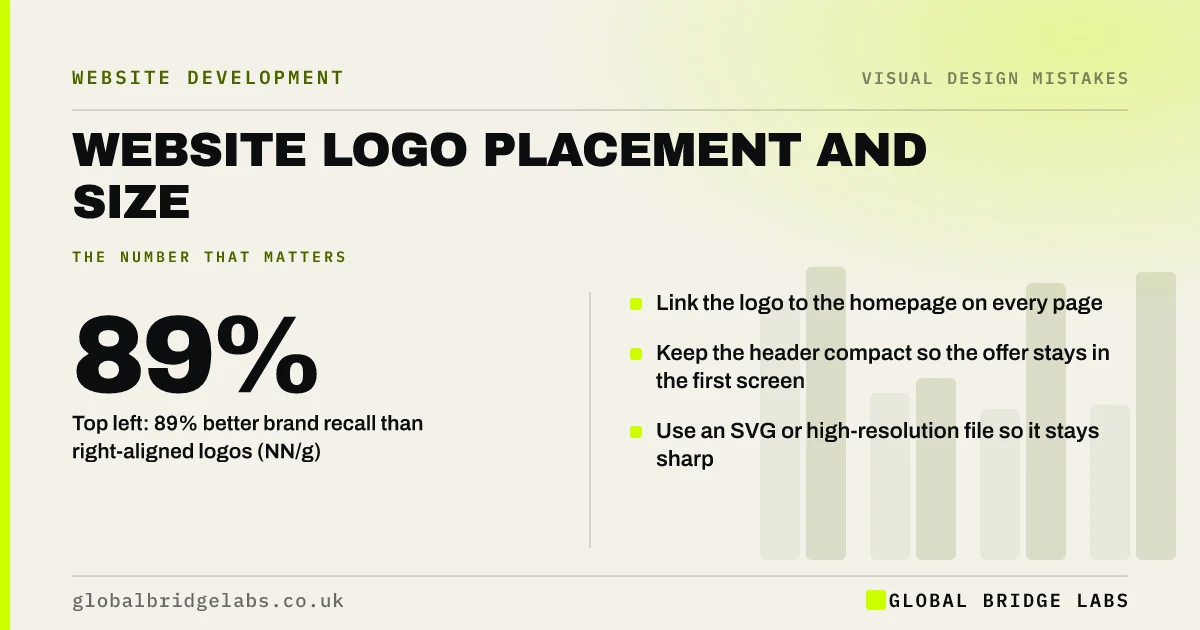
- Top left: 89% better brand recall than right-aligned logos (NN/g).
- Link the logo to the homepage on every page.
- Keep the header compact so the offer stays in the first screen.
- Use an SVG or high-resolution file so it stays sharp.
Want your header checked? Message us on WhatsApp.
Chat on WhatsApp →Where should a logo go on a website?
The top-left corner of the header is the conventional and best-tested position for a logo on left-to-right language sites. Visitors look there to confirm whose site they are on. Nielsen Norman Group's study found 39% recall for left-placed logos against 21% for right-placed ones, an 89% lift.
Centred logos can work for some brands, but they often push the menu into a hamburger or split it awkwardly. Right-placed logos break expectations with little benefit.
Should your logo link to the homepage?
Yes. Clicking the logo to go home is one of the most established web conventions. Visitors who land on an inner page from search use it to find out more about you. Make the link work on every page, and give the logo alt text with your business name so screen readers announce it.
How big should a website logo be?
Big enough to read at a glance, small enough not to dominate. In practice that usually means a logo between about 40px and 80px tall on desktop and smaller on mobile. An oversized logo makes the header tall, which pushes the headline and button down, especially on phones.
What logo file mistakes should you avoid?
Blurry, pixelated or squashed logos undermine trust immediately. Use an SVG file where possible, which stays sharp at any size and is usually small. Otherwise use a PNG at twice the display size for high-resolution screens. Never stretch a logo to fit; keep its proportions.
- A low-resolution JPEG with a white box around it on a coloured header.
- A logo squashed or stretched to fit the header.
- Text in the logo too small to read on a phone.
- A dark logo on a dark header with no light version.
Need a sharp, correctly sized logo set up? Message us on WhatsApp and we will discuss your requirements.
Chat on WhatsApp →What about logos on mobile?
On phones, header space is precious. Use a simplified or horizontal version of the logo if the full one is too tall, keep the header compact and leave room for a phone or WhatsApp button. A sticky header with a large logo can take a big share of the screen as visitors scroll.
When does breaking the convention make sense?
Brands with very strong recognition, or sites for languages that read right to left, may place logos differently. For most small businesses, the convention is a free advantage. Spend creativity on the content, not on moving the logo.
What does this look like in practice?
A pattern we see: a large centred logo makes the header so tall that on a phone the headline starts below the first screen. Moving the logo top left and reducing its height brings the offer and button back into view.
Logo checklist
- Place the logo top left.
- Link it to the homepage on every page.
- Add alt text with your business name.
- Keep the header compact on mobile.
- Use SVG or a high-resolution PNG.
- Have light and dark versions.
Next step
Open your site on a phone and check how much of the first screen the header and logo take up.
Message us on WhatsApp for a header review, or book a 30-minute consultation.
Chat on WhatsApp →Sources and further reading
- Website logo placement for maximum brand recall · Nielsen Norman Group
- Understanding SC 1.1.1: Non-text Content · W3C
- Responsive images · web.dev (Google)
Frequently asked questions
Should the logo be on the left or centre of a website?
Left, for most businesses. Nielsen Norman Group found visitors were 89% more likely to remember logos placed top left than on the right, and top left is where people expect to click to go home. Centred logos can work but often complicate navigation.
What size should a logo be on a website?
Typically about 40px to 80px tall on desktop and smaller on mobile, depending on its shape. It should be easy to read without making the header so tall that it pushes the headline and button below the first screen.
What file format is best for a website logo?
SVG, where possible: it stays sharp at every size and screen resolution and is usually small. If you must use a raster image, use a PNG with a transparent background at twice the display size.
Written by

Global Bridge Labs (GBL) is a UK–Sri Lanka partner for social media, websites and BPO. Everything here comes from client delivery, not theory.


